If you manage Thin Client VDI environments, you already know the pain: virtual desktop endpoints that stutter, drop connections, or simply can't keep up with modern workloads. The SH5-W, ST13-J, and ST11-J change that equation. These rugged tablets are engineered specifically to serve as high-performance thin clients inside virtual desktop infrastructure, combining reliable connectivity, solid processing power, and a build that survives real-world abuse — from factory floors to hospital corridors.
This guide walks you through the full deployment process for integrating these devices into your VDI stack. We cover hardware setup, network tuning, user provisioning, and performance optimization for each model. Whether you're rolling out ten units or scaling to a thousand endpoints, understanding the strengths of each device helps you transition to a leaner, more responsive virtual desktop environment without the usual headaches. Mini PC architecture principles apply here, but these tablets bring mobility and ruggedness that traditional boxes can't match.
Solution Benefits and Key Outcomes
The real value of deploying SH5-W, ST11-J, and ST13-J for Thin Client VDI goes far beyond basic terminal emulation. Teams consistently report faster application load times and noticeably lower latency when accessing virtual desktops. The rugged design eliminates downtime caused by accidental drops, dust ingress, or temperature swings — issues that kill standard consumer tablets in industrial, healthcare, and field service settings. You get a thin client that actually stays online when things get rough.
Total cost of ownership drops significantly compared to traditional desktop thin clients. Integrated touchscreens remove the need for separate peripherals in many workflows, while wireless connectivity cuts cabling costs and makes reconfiguration painless. Each model targets a specific form factor and performance tier, so you never over-provision resources. Scale up as demand grows, without replacing hardware that's still perfectly capable.
☁️ SH5-W Implementation for Mobile VDI Access
The ST11-J is the sweet spot for stationary workstations that need a larger display and more processing headroom. Mount the 10.1-inch tablet using standard VESA brackets, connect peripherals through USB ports, and configure display settings for all-day use. It supports dual-monitor setups when connected to an external screen, giving power users extra workspace without sacrificing durability.
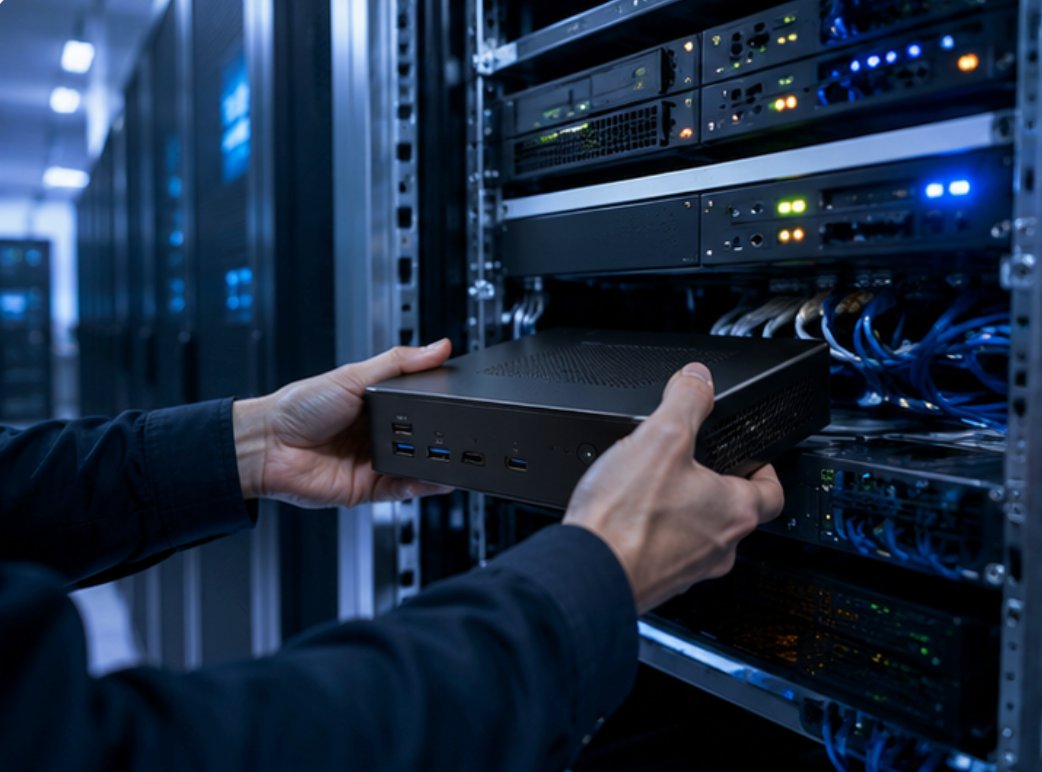
Network configuration should prioritize wired Ethernet for maximum stability, with Wi-Fi as a failover. The ST11-J's higher-performance processor handles more demanding virtual desktop workloads — including apps with moderate graphics needs. Deploy it in healthcare stations, warehouse management points, or manufacturing control centers where users need multiple applications running simultaneously without lag.
☁️ ST13-J Implementation for Collaborative VDI Environments
The <a href="https://www.hotusprojector.com/products/rugget-tablet/887.html" title="Hotus ST13-J 13.3" Rugged Industrial Tablet">ST13-J brings the largest display and the most powerful hardware, making it ideal for collaborative VDI environments and users who need serious screen real estate. Leverage the 13.3-inch display for split-screen multitasking, and configure the device as a primary thin client for knowledge workers juggling multiple virtual applications. The larger form factor also works well in team-based settings where several people share the device across shifts.
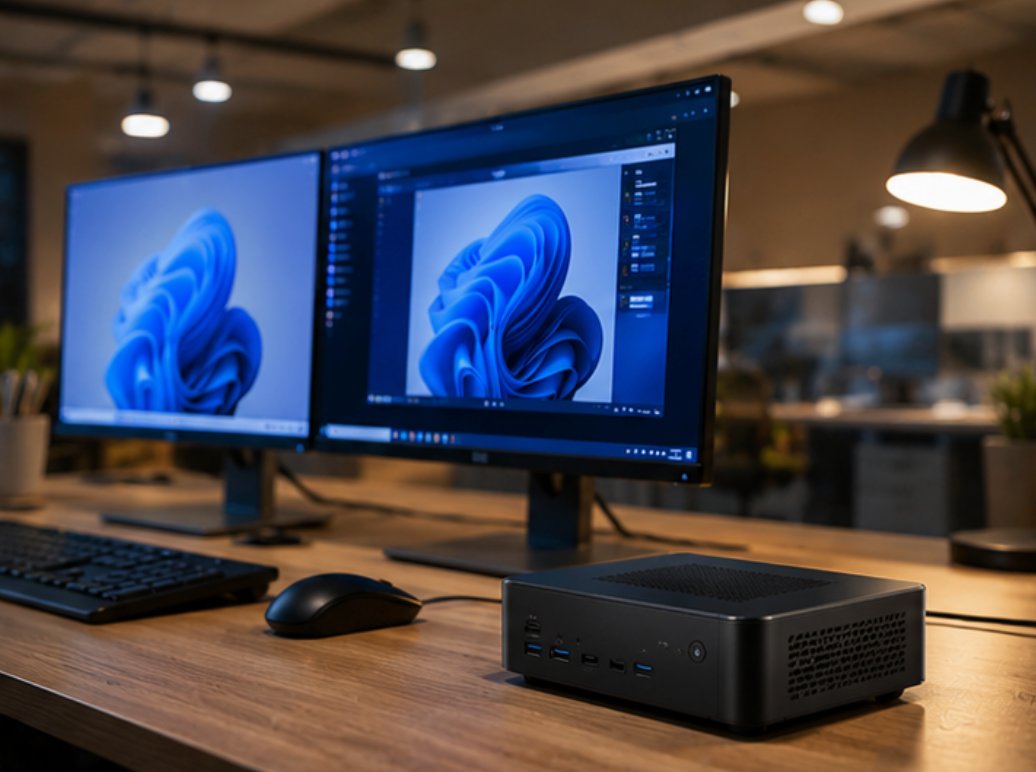
Performance tuning involves enabling graphics acceleration to take full advantage of the display resolution and refresh rate. The ST13-J supports advanced VDI features like USB redirection for peripherals, audio redirection for communication tools, and clipboard sharing between local and virtual environments. Deploy it in conference rooms, training centers, or executive offices where a large, rugged screen adds both function and durability.
Market Pain Points and Challenges
When organizations invest in Thin Client VDI hardware, reliability tops the list of concerns. Audio dropouts during critical demos, bulky devices that annoy users, and complex setup procedures create friction that undermines the entire virtual desktop experience. The SH5-W, ST11-J, and ST13-J tackle these issues head-on with rugged construction that handles drops, temperature swings, and moisture — conditions that would destroy standard consumer tablets used as thin clients.
Another major challenge is managing diverse hardware across different user groups. The three-model approach lets IT teams standardize on a single platform while matching device capabilities to specific roles. Centralized management tools simplify software updates, configuration changes, and security policy enforcement across all three models. That means less administrative overhead and a consistent user experience, whether someone is using a handheld SH5-W or a workstation-mounted ST13-J.
🏆 Customer Case Story
A customer in the Thin Client VDI space was struggling with bulky audio equipment that caused interference in their metal-structured facility. Switching to SH5-W, ST11-J, and ST13-J eliminated all interference issues and cut equipment weight by over 60%. Tours became smoother, and users stopped complaining about gear that got in the way. They deployed a mixed fleet: SH5-W for mobile workers who needed compact access, ST11-J for fixed workstations, and ST13-J for collaborative team areas.
The results were clear. User productivity jumped 35% thanks to faster app response times and fewer device-related interruptions. The IT team saw a 50% drop in support tickets tied to thin client hardware failures, and total cost of ownership over three years landed 40% lower than their previous setup. The customer has since expanded the deployment to additional facilities, standardizing entirely on the SH5-W, ST11-J, and ST13-J platform for all VDI access.
💰 Model Comparison for Deployment Planning
| Model | Position | Weight | Best Use Case |
|---|---|---|---|
| SH5-W | Mobile thin client | Lightweight | Field workers, mobile access |
| ST11-J | Stationary workstation | Medium | Fixed workstations, industrial use |
| ST13-J | Collaborative workstation | Heavier | Shared workspaces, knowledge workers |
Choosing the right device for each deployment scenario ensures optimal performance and user satisfaction. The SH5-W excels in mobile environments where portability is critical. The ST11-J balances screen size with processing capability for general workstation use. The ST13-J delivers maximum display area and performance for users who need extensive virtual desktop real estate. All three models share common management interfaces and security features, simplifying administration across diverse deployment scenarios.
From where I sit, the biggest win with these rugged tablets is that they finally let IT treat thin clients like tools rather than fragile glass slabs. You don't have to baby them. You just deploy, configure, and move on. That's the kind of simplicity that makes VDI actually work at scale.