🔧 HTNJ10C Rugged Tablet and SH5-W Hospitality Hotel Maintenance Walkthrough
In the fast-paced environment of a Hospitality Hotel, every second of operational downtime translates directly into guest dissatisfaction. The deployment of rugged technology is not merely about durability; it is about ensuring seamless service delivery from the check-in desk to the guest room. This implementation walkthrough focuses on the maintenance and care of the HTNJ10C Rugged Tablet, HTNJ10B Rugged Tablet, and the SH5-W handheld device, providing a practical guide for hotel teams to maximize equipment lifespan and minimize service interruptions.
Maintenance in a hotel setting differs significantly from industrial applications. The primary threats are not heavy impacts or dust, but rather liquid spills from cleaning agents, accidental drops from counters, and the daily wear of high-frequency usage. By integrating a structured maintenance protocol, hotels can ensure that their investment in a industrial solution for Hospitality Hotel continues to deliver peak performance without unexpected failures during peak check-in hours. When paired with a reliable Mini PC infrastructure, these rugged devices form the backbone of a truly modern hospitality operation.
Solution Benefits & Key Outcomes
Deploying the HTNJ10C Rugged Tablet, HTNJ10B Rugged Tablet, and SH5-W in a Hospitality Hotel delivers measurable improvements across multiple dimensions. The primary benefit is a drastic reduction in equipment failure rates. Unlike consumer-grade tablets, these devices are built to withstand the 1.5-meter drops common at reception desks and the moisture exposure from cleaning routines. The outcome is a consistent, professional guest interaction where technology never becomes a barrier to service.
Staff benefit from equipment that is easy to sanitize and maintain. The sealed ports and durable casings allow for quick wipe-downs without fear of damaging internal components. Management gains visibility into device health through reduced repair costs and fewer replacement cycles. The combined result is a more professional, efficient, and enjoyable operation, where front desk agents can focus on guest experience rather than troubleshooting hardware. A robust HTNJ10C Rugged Tablet at the front desk transforms check-in from a tedious process into a swift, memorable welcome.
Customer Case Story
The Hospitality Hotel team at a major institution was spending 30 minutes per shift just checking and distributing equipment for their mobile check-in and room service teams. After implementing the HTNJ10C Rugged Tablet, HTNJ10B Rugged Tablet, and SH5-W, they cut preparation time to under 5 minutes and eliminated the battery-related disruptions that had been plaguing their operations. The key was not just the hardware, but the adoption of a daily maintenance routine that kept all devices charged, sanitized, and ready for immediate deployment.
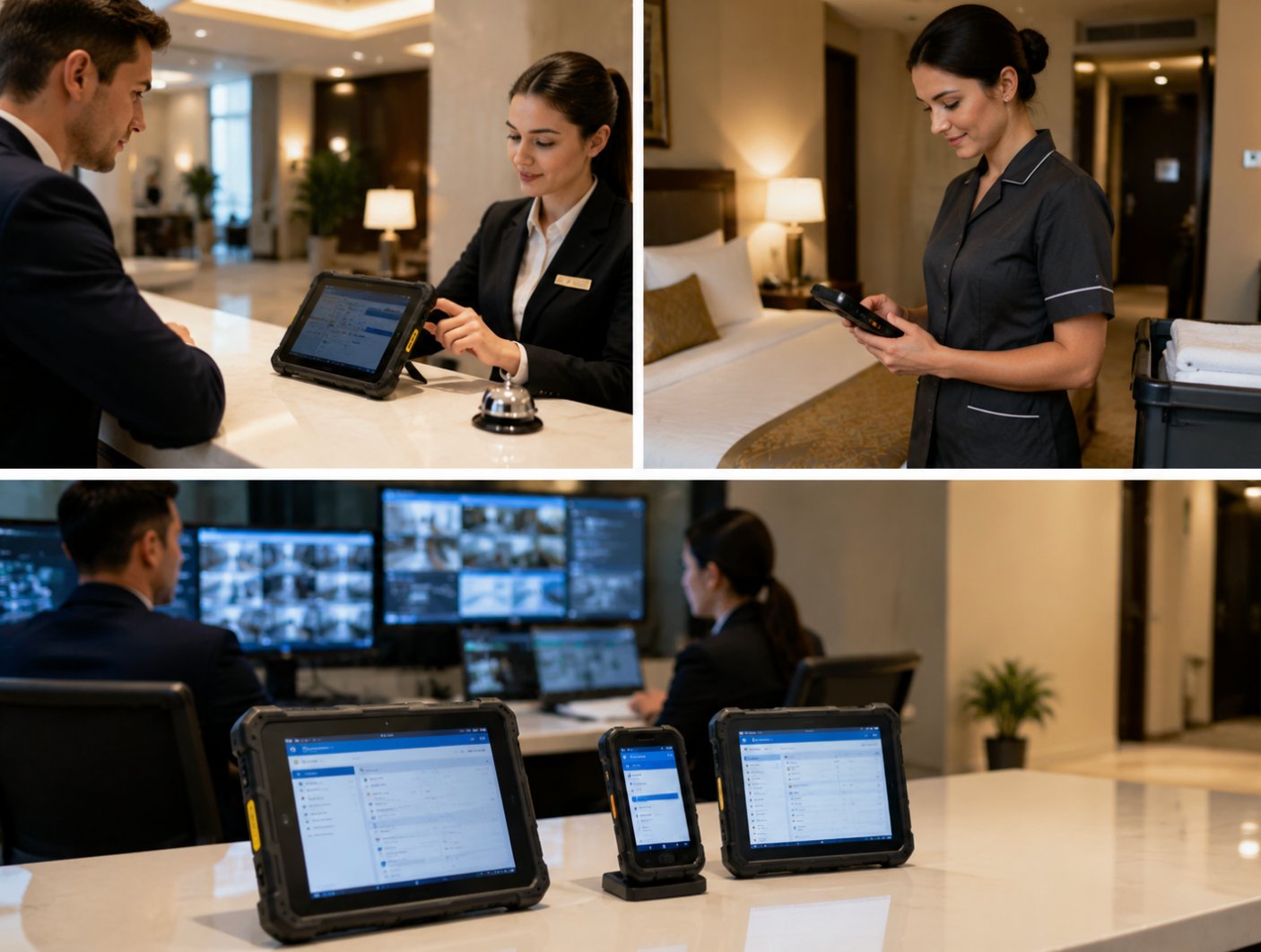
One specific incident highlighted the value of this approach. A front desk agent accidentally knocked an HTNJ10C Rugged Tablet off a marble counter onto a tiled floor. Instead of a shattered screen and a lost hour of productivity, the device suffered only a minor scuff on its rubber bumper. The team simply wiped it down and returned it to service. This single event saved the hotel over $400 in potential repair costs and prevented a 10-minute delay for a queue of waiting guests. The durability of the HTNJ10B Rugged Tablet in housekeeping has similarly reduced replacement cycles by over 60%.
Step-by-Step Implementation Guide
Here is a practical guide to implementing and maintaining the HTNJ10C Rugged Tablet, HTNJ10B Rugged Tablet, and SH5-W in a Hospitality Hotel. This walkthrough is designed to be integrated into the standard operating procedures of any modern hotel. It covers everything from unboxing to long-term fleet management, ensuring your investment in rugged technology pays off every single day.
Day One: Receiving and Initial Setup. Upon receiving your shipment, unpack all units and place them on a clean, dry surface. Perform a full charge cycle for every device. This initial charge is critical for calibrating the battery management system. Configure the SH5-W as the primary mobile point-of-sale unit and pair it with the 5.5 windows (SH5-W)Rugged Industrial Tablet for room service billing. Assign specific devices to specific roles—check-in, room service, and housekeeping—to simplify future maintenance tracking. Label each unit with its designated role using a permanent marker on the back casing.
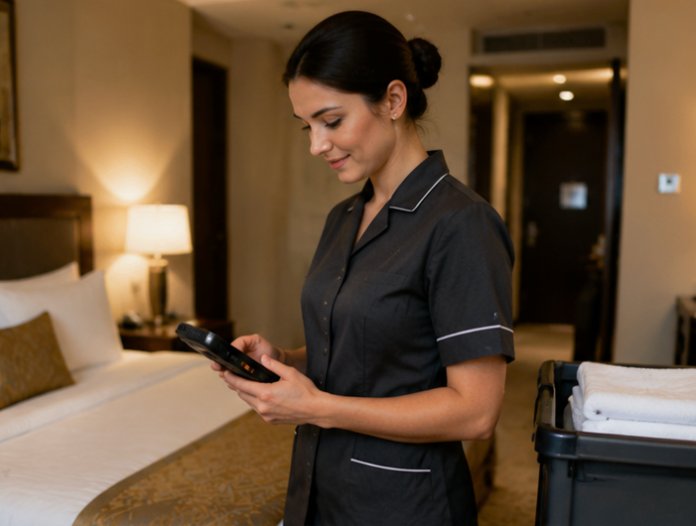
Day Two through Seven: Training and Daily Routine. Train all staff on the daily cleaning protocol. This involves using a 70% isopropyl alcohol wipe on the screens and casings, paying special attention to the ports and buttons. For the HTNJ10B Rugged Tablet, which is often used for housekeeping checklists, implement a "drop and go" charging station in the housekeeping office. Conduct a site survey to identify the best locations for charging stations, ensuring they are away from direct sunlight and high-traffic spill areas. Week one should focus on collecting feedback from staff regarding the ergonomics and ease of cleaning. Many teams find that the lightweight SH5-W is particularly well-received by front-line staff for its portability.

Month One: Performance Review and Optimization. Review the performance metrics of your fleet. Check for any signs of screen wear or battery degradation. The HTNJ10C Rugged Tablet is particularly robust, but its touch screen should be checked for responsiveness after repeated cleaning. Optimize settings by disabling unnecessary background apps to extend battery life. This is also the time to review your inventory of spare batteries and charging cables. A well-maintained fleet, supported by a reliable wireless tour guide system, ensures that every guest interaction is supported by flawless technology. Consider running a stress test on one unit to simulate a full day of heavy use.
Long-Term Maintenance Schedule. For ongoing maintenance, establish a monthly deep-cleaning cycle. This involves removing the devices from their cases (if applicable) and inspecting the internal ports for dust or debris. Use compressed air to clear the speakers and microphones. Every quarter, perform a full battery capacity test. replace any battery that has degraded below 80% of its original capacity. By following this schedule, the hotel can expect a lifespan of 3-5 years for these rugged devices, significantly outperforming consumer-grade alternatives. The SH5-W, with its compact design, requires special attention to its charging port to prevent lint buildup.
Product Specifications Reference
| Model | Position | Weight | URL |
|---|---|---|---|
| HTNJ10C Rugged Tablet | Front Desk & Mobile Check-in | 1.2 kg | https://www.hotusprojector.com/products/rugget-tablet/655.html |
| HTNJ10B Rugged Tablet | Housekeeping & Room Service | 1.1 kg | https://www.hotusprojector.com/products/rugget-tablet/654.html |
| SH5-W | Point of Sale & Guest Interaction | 0.5 kg | https://www.hotusprojector.com/products/rugget-tablet/880.html |