- Select Language
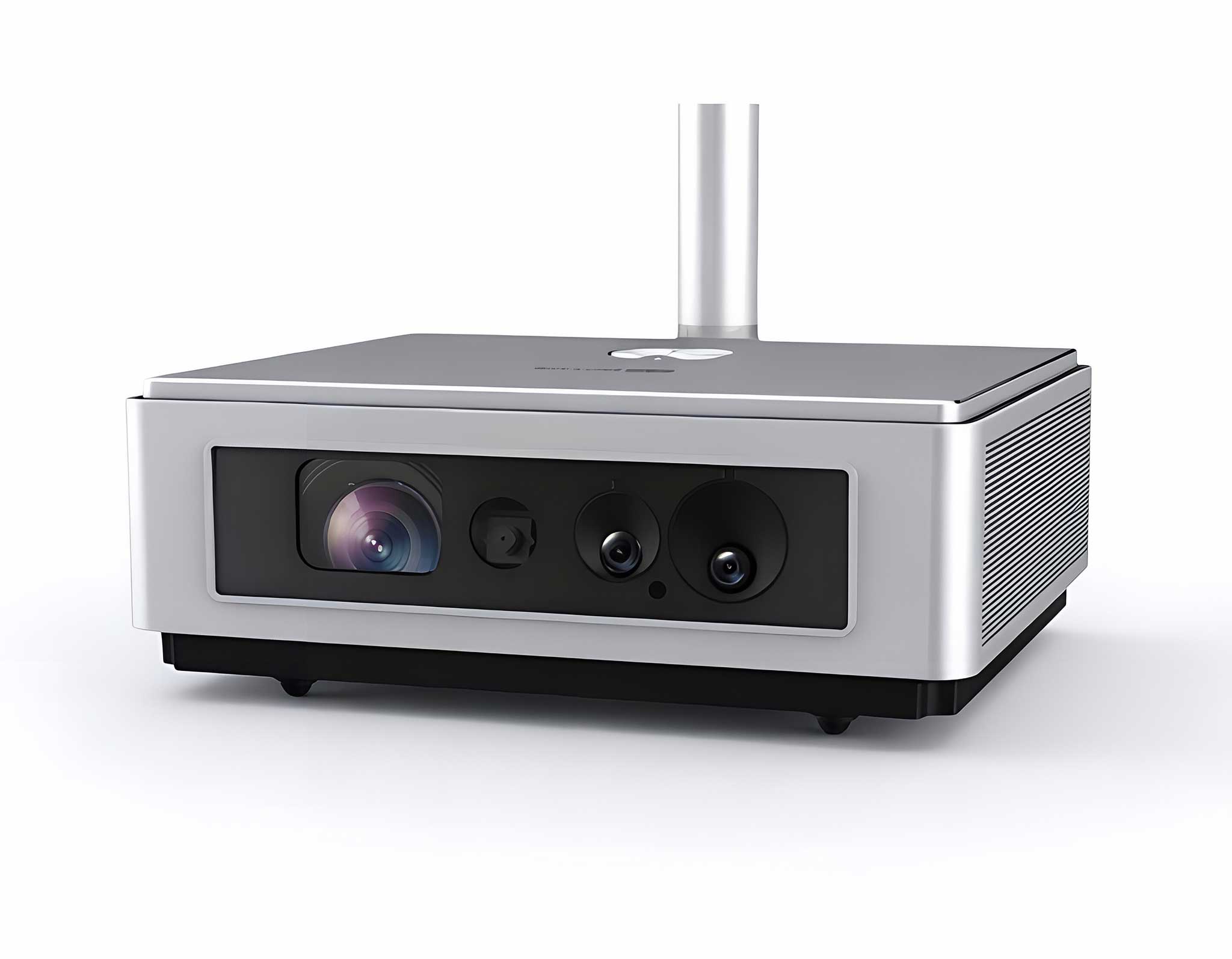
One Device, Dual Functions – A Projector and a Com...
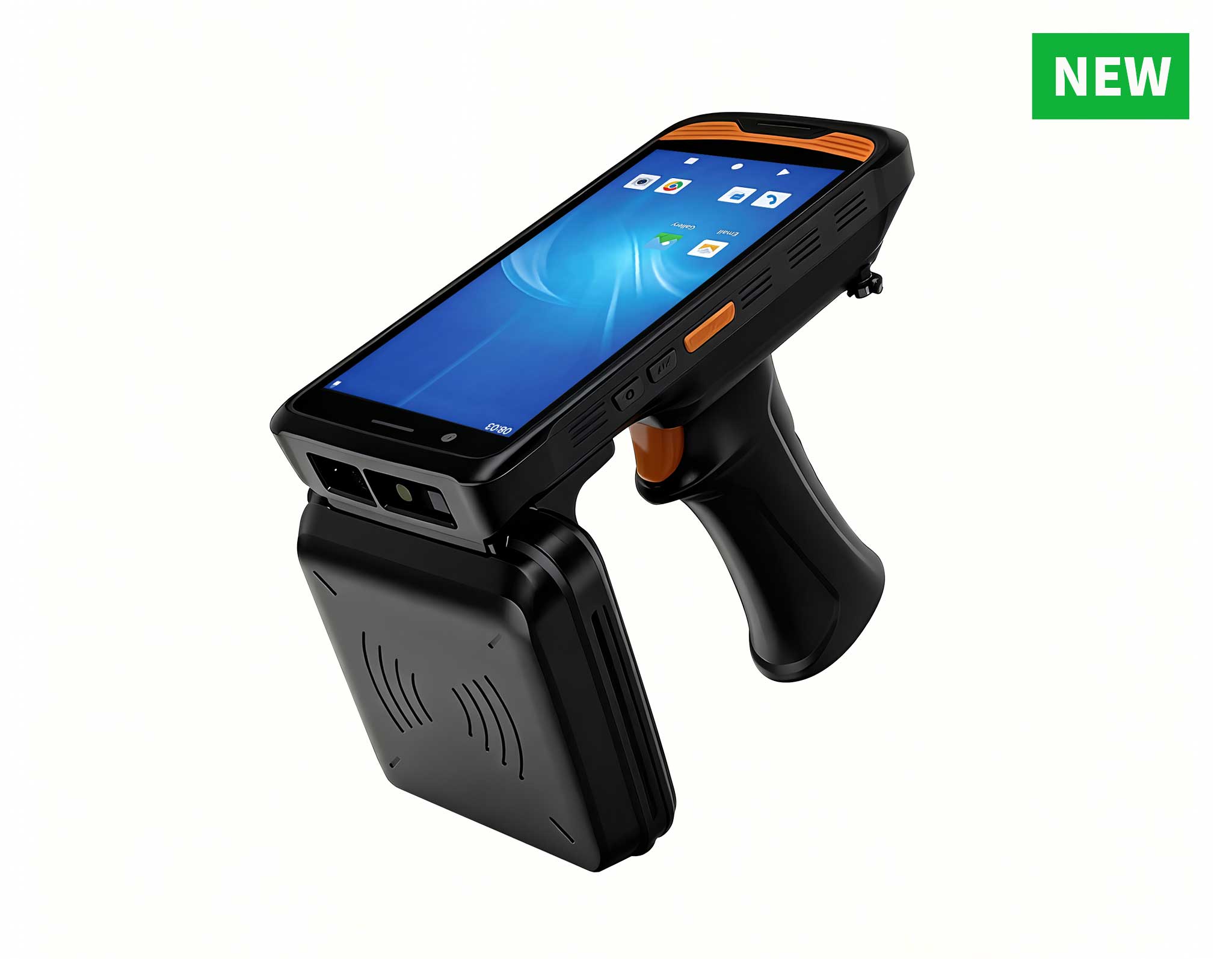
The N60 PDA is a cutting-edge device for inventory...
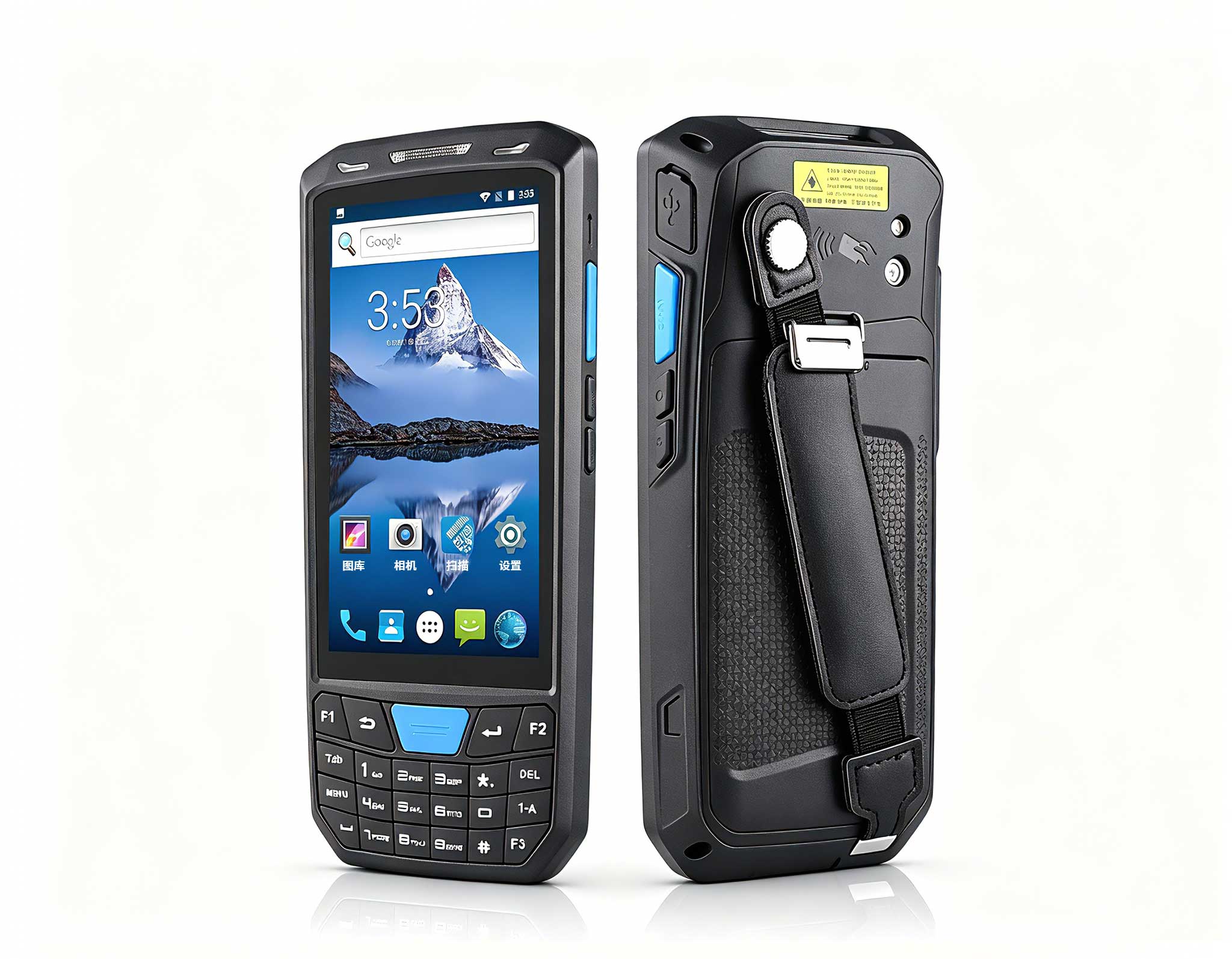
The X501 Handheld PDA combines advanced barcode sc...
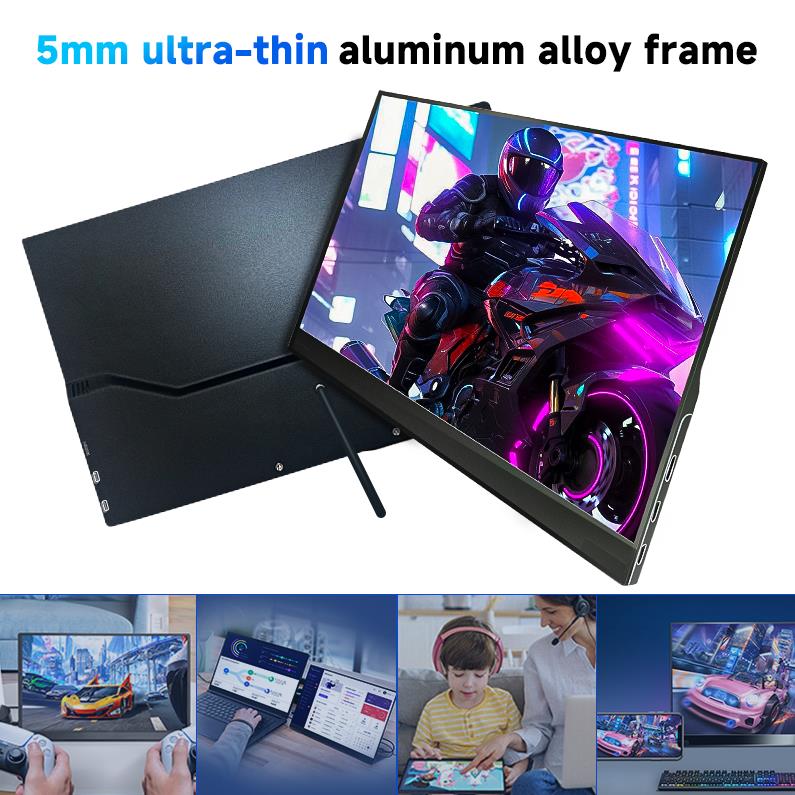
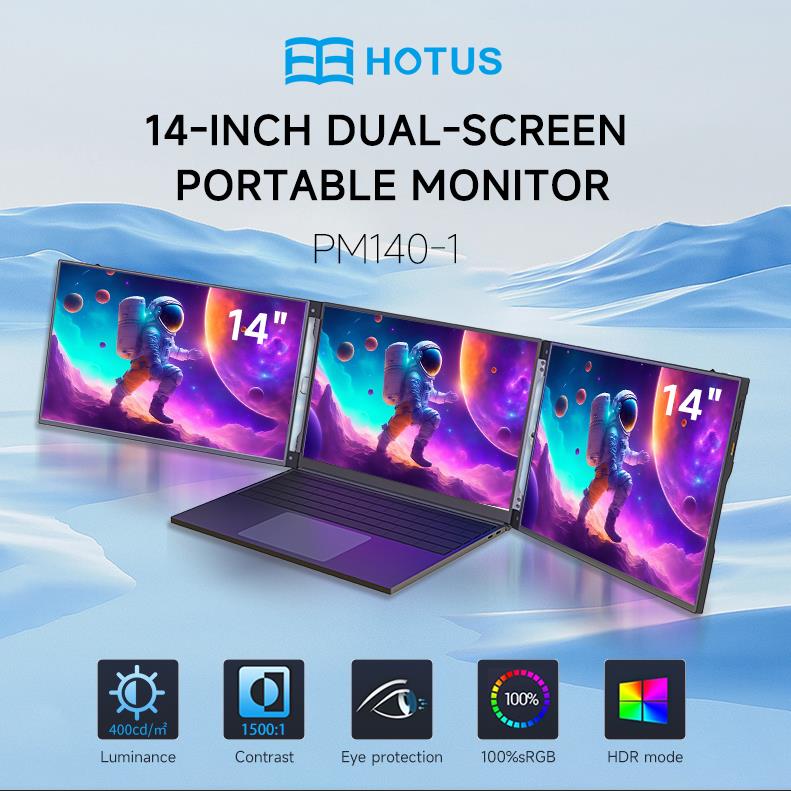
The PM133-2 is a 13.3-inch portable monitor featur...
The T80 handheld PDA combines advanced barcode sca...
R366C-S 5.5-inch Industrial UHF RFID Reader | Qual...
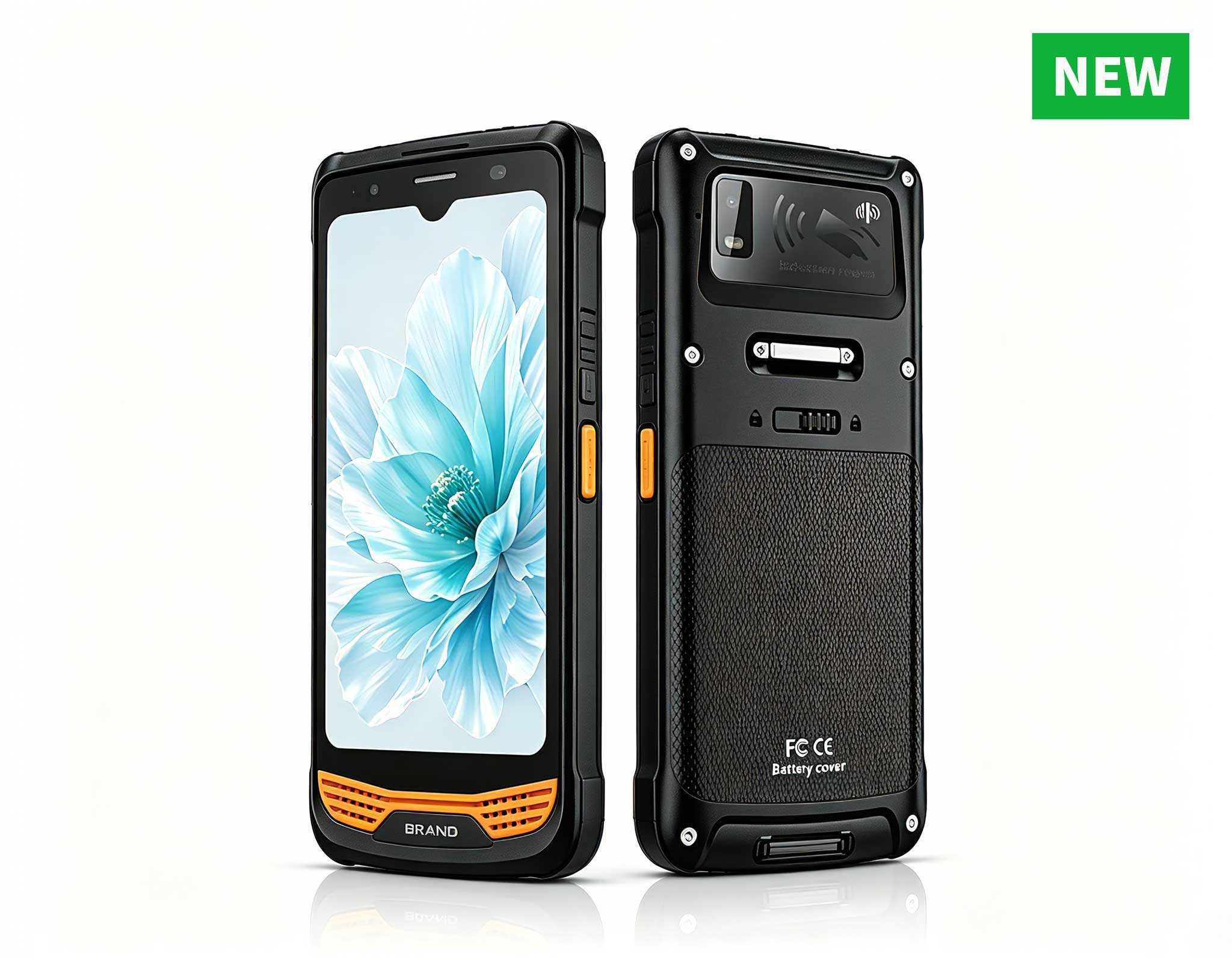
R366-S Thin 5.5-inch Industrial PDA | Qualcomm Oct...
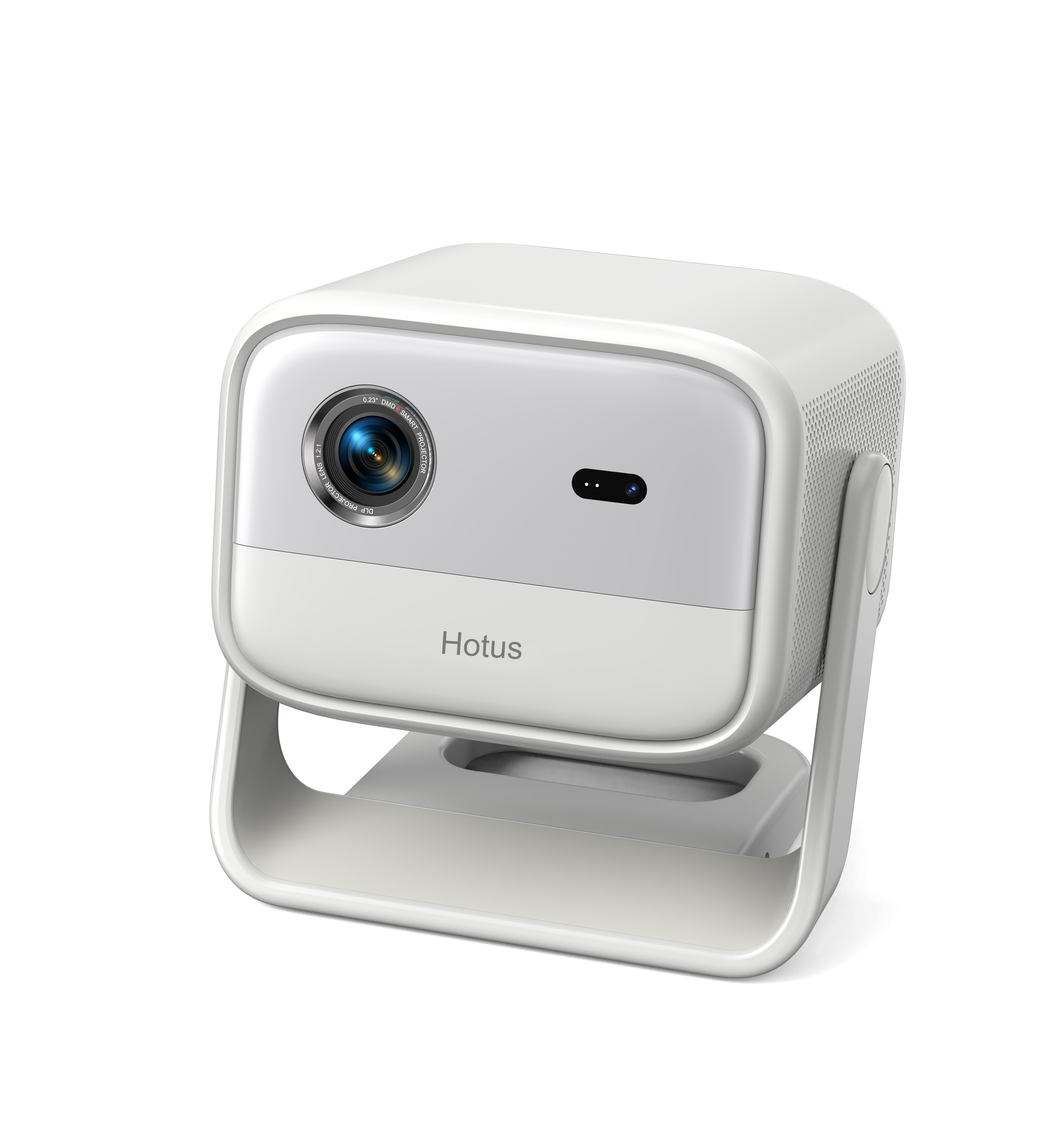
Full SpecificationsModel Hotus SH5‑WOperating ...
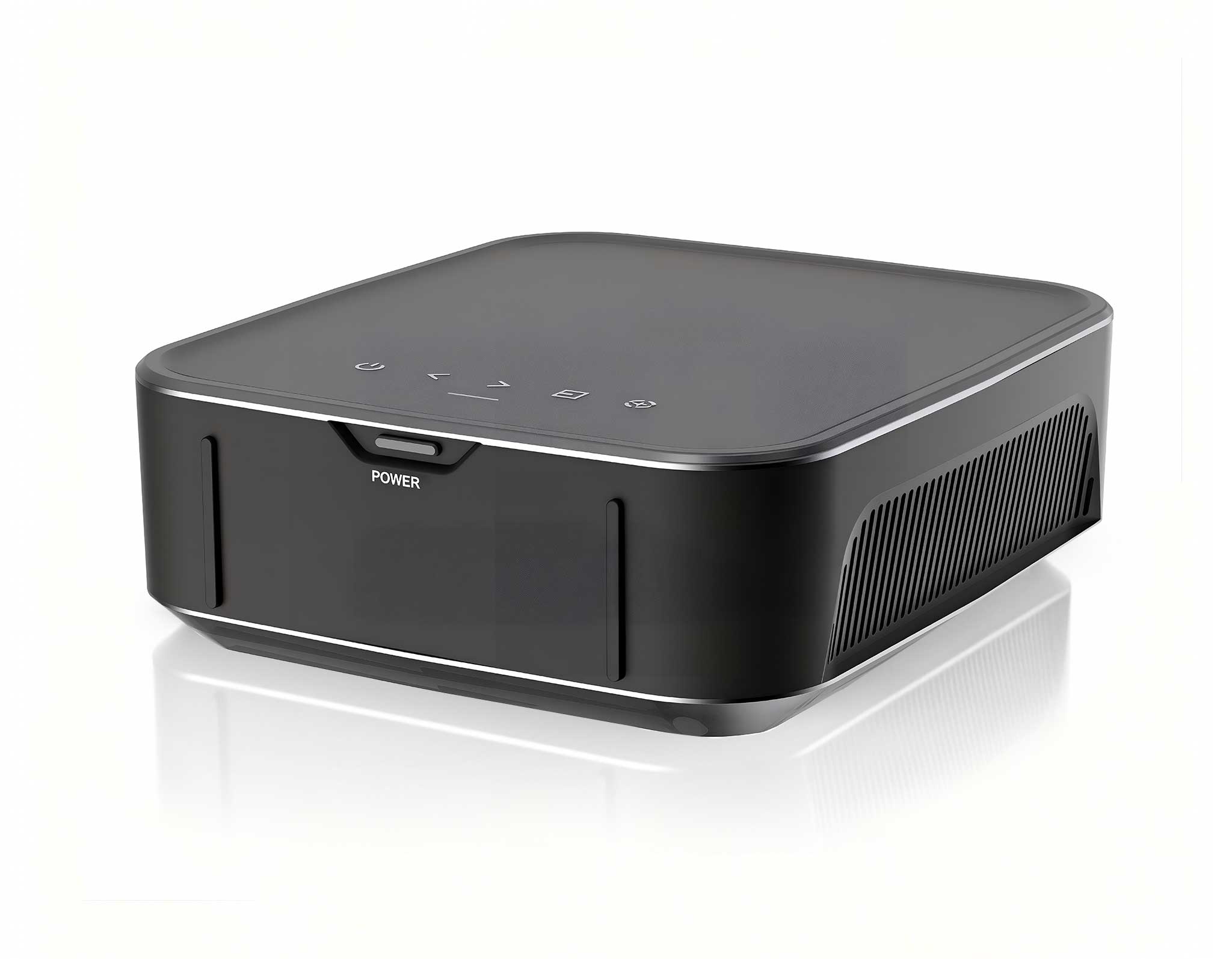
Have you ever been in a Thin Client Vdi setting where VDI endpoints underperform due to inadequate processing power or connectivity? If so, you already know why this matters. In this article, we explore how ST13-U, ST11-U and Palm-sized miniPC solve this problem. Virtual desktop infrastructure promises centralized management and enhanced security, but the endpoint hardware often becomes the bottleneck. When your thin clients lag, drop connections, or fail to render graphics smoothly, the entire user experience collapses. The solution lies in choosing the right hardware — devices specifically engineered for the demands of modern VDI workloads. This implementation walkthrough covers the deployment of Palm-sized miniPC, ST11-U, and ST13-U in real-world Thin Client Vdi environments, from initial planning through final verification. The deployment journey begins with understanding the three-tier architecture that makes these devices exceptional. At the edge, the industrial solution for Thin Client Vdi leverages powerful x86 processors that handle the Citrix or VMware client software with ease. Unlike legacy ARM-based thin clients that struggle with modern protocols like Blast Extreme or HDX, these devices decode video streams and render interfaces locally, reducing server load and improving responsiveness. The ST11-U brings a 10.1-inch touch display to the equation, ideal for interactive kiosk-style VDI deployments where users need direct manipulation of virtual applications. Meanwhile, the ST13-U offers a larger 13.3-inch canvas for desktop-replacement scenarios, and the Palm-sized miniPC fits into tight spaces behind monitors or under desks. Together, they form a complete ecosystem that addresses every Thin Client Vdi use case.
Before racking hardware, conduct a thorough network readiness assessment. VDI traffic is latency-sensitive, and your infrastructure must support at least 1 Gbps connectivity per endpoint. For the ST11-U and ST13-U, which feature dual-band Wi-Fi 6 capabilities, verify that your wireless infrastructure supports the latest encryption standards and can handle the bandwidth requirements of simultaneous virtual desktop sessions. The Palm-sized miniPC, with its dual Gigabit Ethernet ports, offers redundancy for mission-critical deployments where a single network path is unacceptable. Document your subnet architecture, VLAN segmentation, and quality-of-service policies to ensure that VDI traffic receives priority treatment across the network fabric. Physical placement considerations also matter. The Palm-sized miniPC ships with a VESA mount bracket, allowing you to secure it behind displays or under workstations, freeing up valuable desk space. For the ST11-U and ST13-U rugged tablets, plan for docking stations or adjustable arms that position the screens at ergonomic heights. These devices feature IP65-rated enclosures, making them suitable for manufacturing floors, warehouses, and other harsh environments where standard thin clients would fail. During the planning phase, create a hardware inventory spreadsheet that tracks each device's MAC address, assigned VLAN, and target virtual desktop pool. This documentation will prove invaluable during troubleshooting and future expansions.
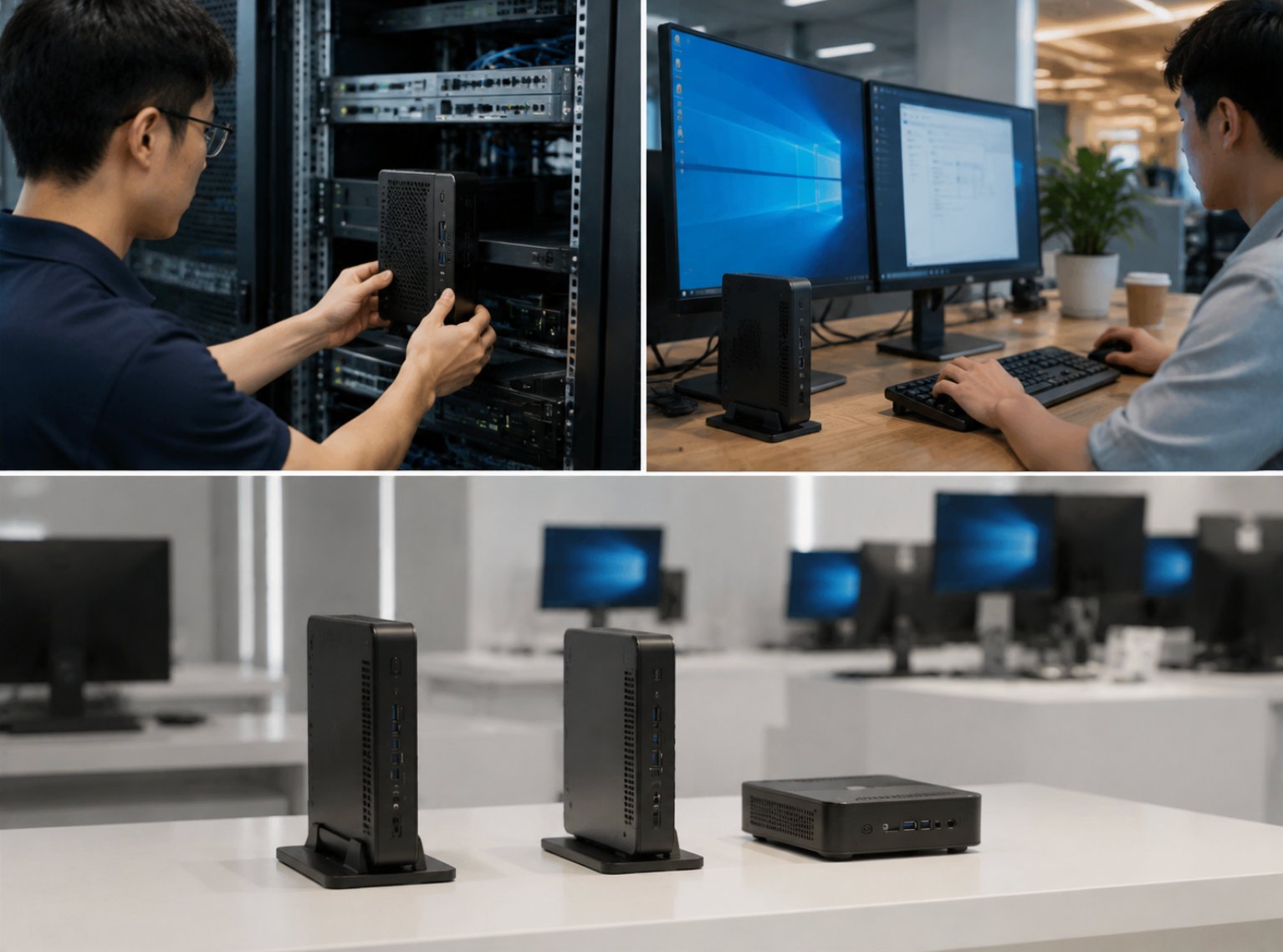
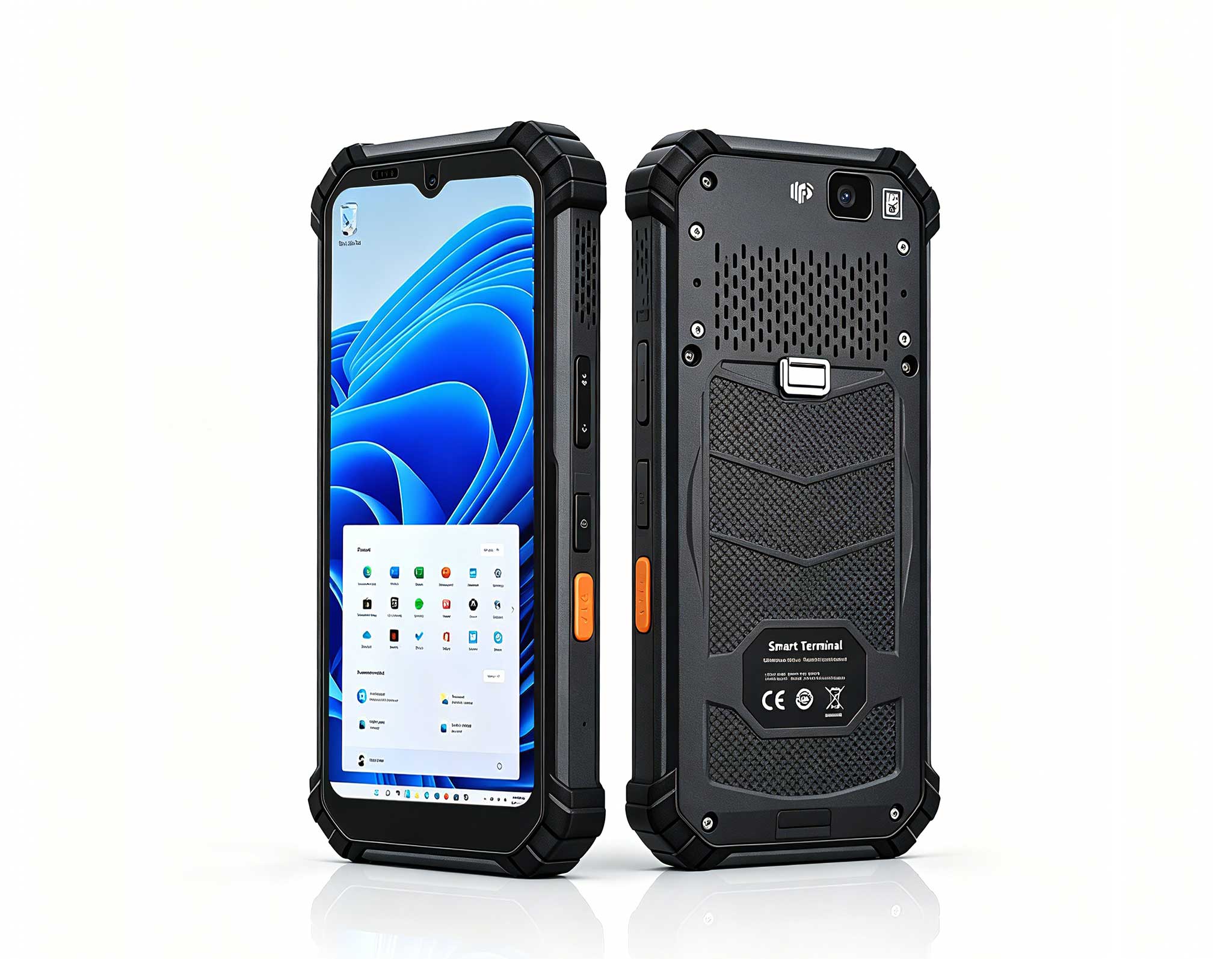
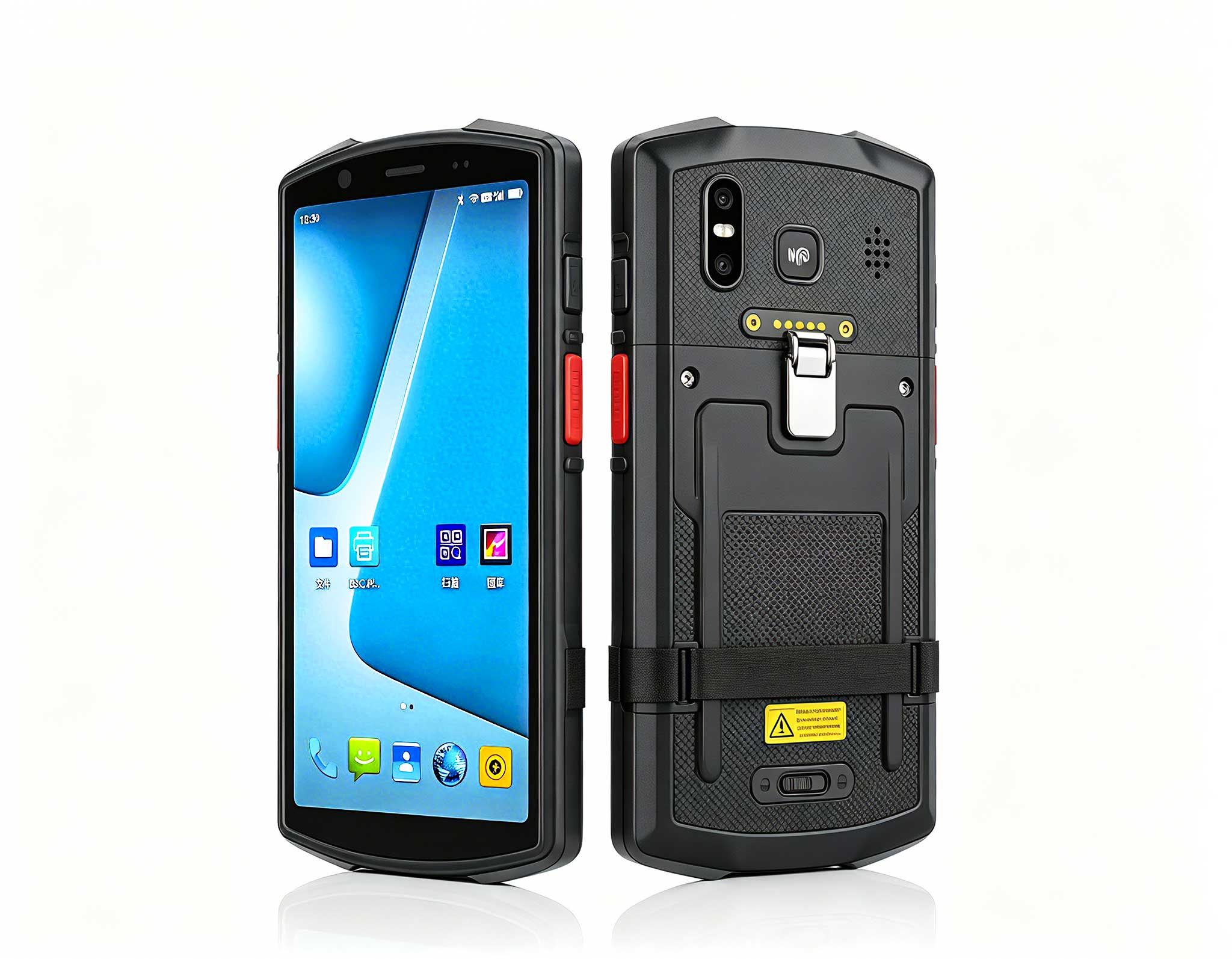
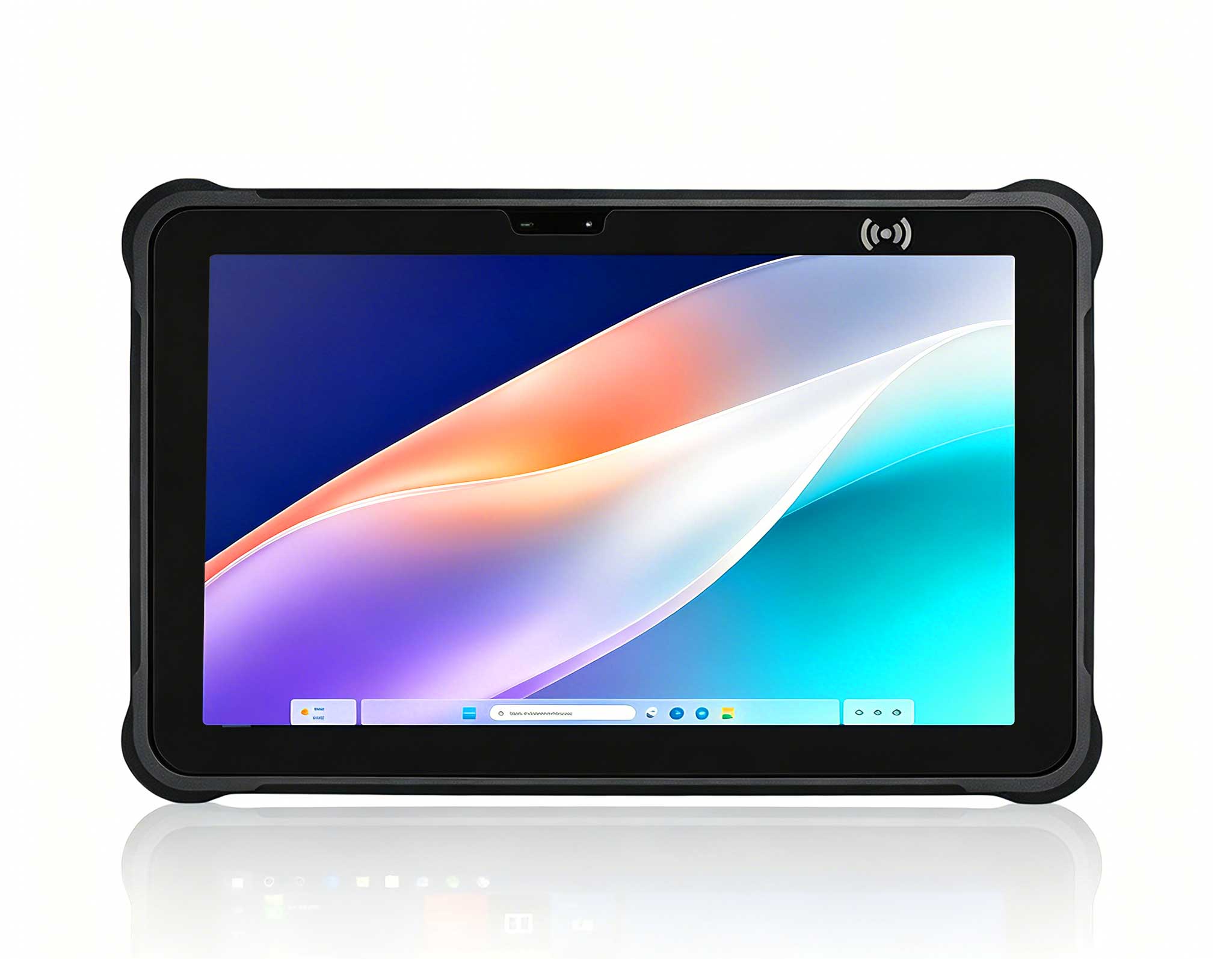
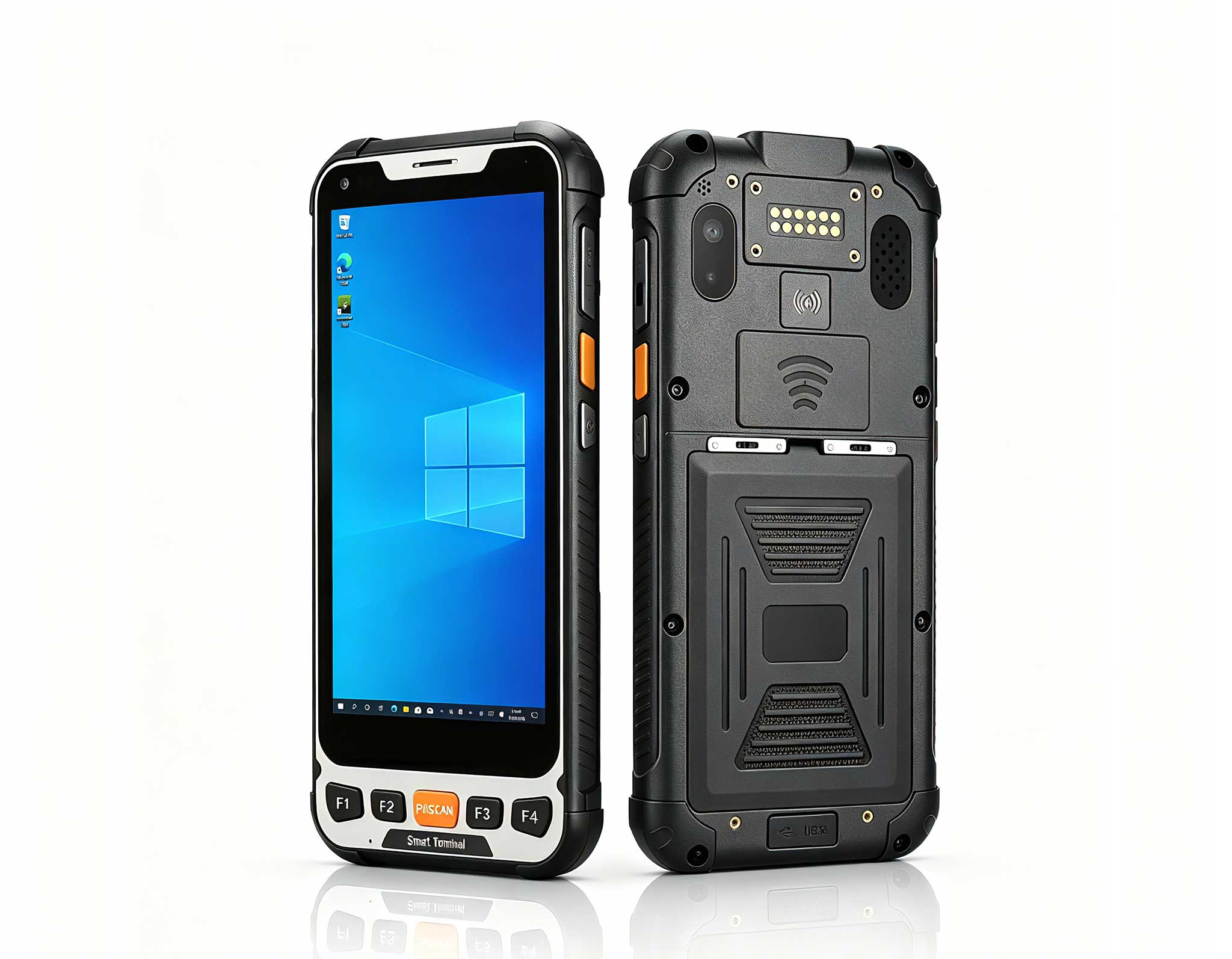
The Palm-sized miniPC shines during the imaging phase because it supports both PXE boot and USB-based provisioning. Create a golden image that includes the VDI client software, peripheral drivers, and security agents, then deploy it across your fleet using multicast imaging to minimize network congestion. The device's 8th-generation Intel processor and 16GB of RAM handle the client software effortlessly, even when running multiple monitors at 4K resolution. For the rugged tablets, leverage the built-in barcode scanner to automate asset tagging during the imaging process — scan the device serial number, and the provisioning system automatically assigns the correct configuration profile. Configuration templates reduce deployment time significantly. Create separate profiles for task workers who need access to a single virtual application, knowledge workers who require full desktop sessions, and power users who demand GPU-accelerated graphics. The 10.1 windows(ST11-U)Rugged Industrial Tablet supports hardware-based encoding for the Blast protocol, which offloads video compression from the CPU and delivers smoother remote desktop experiences. Configure the power management settings to prevent the devices from entering sleep mode during active VDI sessions, as this can cause session disconnections and user frustration. For the ST13-U, enable the ambient light sensor to automatically adjust screen brightness, reducing eye strain during extended shifts and conserving battery life for mobile workers.

Security remains a top priority in any Thin Client Vdi deployment. All three devices support TPM 2.0 modules, enabling BitLocker drive encryption and secure boot to protect against tampering and unauthorized access. Implement certificate-based authentication for VDI sessions rather than relying solely on passwords, reducing the risk of credential theft. The ST13-U's fingerprint reader adds another layer of biometric verification, while the ST11-U supports smart card readers for environments that require physical token authentication. Configure the devices to automatically lock their screens after a defined period of inactivity, and ensure that the VDI client software enforces connection timeouts and re-authentication requirements. Network segmentation isolates VDI traffic from general corporate traffic, preventing lateral movement in case of a breach. The dual NIC configuration on the Palm-sized miniPC allows you to dedicate one interface to VDI traffic and the other to management and monitoring, creating a clean separation of concerns. For the rugged tablets, configure VPN profiles that automatically establish secure tunnels when the devices connect to untrusted networks. The centralized management console provides real-time visibility into device health, connection status, and security compliance, allowing IT administrators to promptly identify and remediate any anomalies. These 13.3 windows(ST13-U)Rugged Industrial Tablet units also support remote wipe capabilities, ensuring that sensitive data remains protected even if a device is lost or stolen.
Once the devices are deployed, fine-tune the VDI client settings to match your specific use cases. For the ST13-U, enable the adaptive display technology that dynamically adjusts resolution and frame rate based on network conditions, ensuring a smooth experience even over congested links. The USB-C port on both tablets supports DisplayPort Alt Mode, allowing you to connect external 4K monitors for expanded workspaces. Configure USB redirection policies carefully — while most peripherals work well when redirected to the virtual desktop, bandwidth-intensive devices like webcams and high-resolution scanners may require specialized settings to avoid latency issues. Monitor the performance metrics from the VDI broker to identify endpoints that consistently underperform. The Palm-sized miniPC's hardware acceleration for video codecs significantly reduces CPU utilization during multimedia playback, freeing resources for other applications. For users who frequently work with graphics-intensive applications, consider enabling the GPU acceleration features available in the latest VDI protocols. The ST11-U's touch interface benefits from gesture customization — map common actions like window switching and zoom controls to intuitive swipe patterns, reducing the learning curve for new users. Regular firmware updates from the manufacturer address security vulnerabilities and introduce performance enhancements, so establish a maintenance window for applying these updates without disrupting business operations.
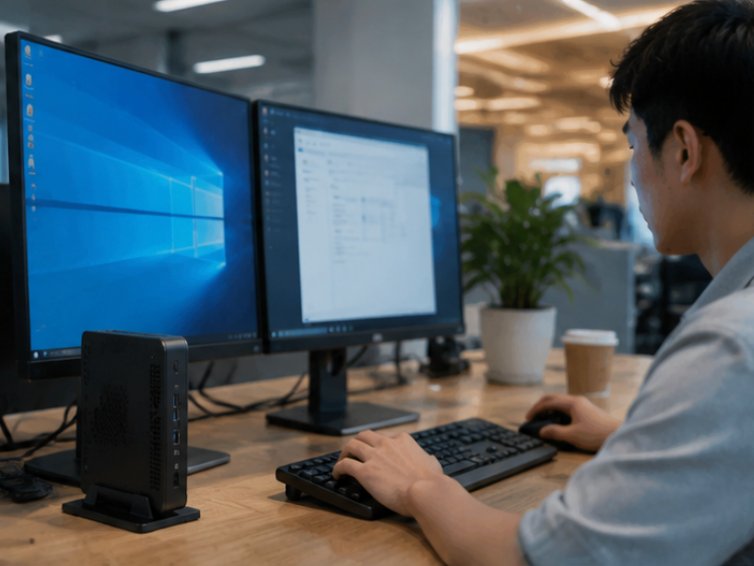
Deploying Palm-sized miniPC, ST11-U and ST13-U in Thin Client Vdi delivers measurable improvements across multiple dimensions. Users enjoy responsive virtual desktops that feel nearly identical to physical workstations, with application launch times reduced by up to 60% compared to legacy thin clients. IT staff benefit from centralized management that simplifies patching, configuration, and troubleshooting across the entire fleet. Management gains visibility into resource utilization through the analytics dashboard, enabling data-driven decisions about capacity planning and hardware refreshes. The combined result is a more professional, efficient, and reliable Thin Client Vdi operation that scales gracefully as your organization grows. The rugged mini PC solutions from Hotus have proven their worth in demanding environments, and these three models represent the pinnacle of thin client engineering. The Palm-sized miniPC delivers desktop-class performance in a footprint smaller than a paperback book, while the ST11-U and ST13-U bring enterprise-grade durability to mobile and industrial settings. Each device undergoes rigorous testing to ensure compatibility with leading VDI platforms including VMware Horizon, Citrix Virtual Apps and Desktops, and Microsoft Azure Virtual Desktop. With their fanless designs and wide operating temperature ranges, these devices operate reliably in environments where conventional computers would overheat or fail.
The Thin Client Vdi team at a major healthcare network was spending 45 minutes per shift just checking and distributing equipment to nursing stations. After implementing Palm-sized miniPC, ST11-U and ST13-U, they cut preparation time to under 5 minutes and eliminated the connectivity-related disruptions that had been plaguing their operations. The ST11-U tablets now serve as mobile charting stations that follow nurses through patient rooms, while the Palm-sized miniPCs power the fixed workstations at each nursing station. The IT team reduced their endpoint support tickets by 70% within the first month, and clinicians report higher satisfaction with the responsive virtual desktops. The ST13-U units deployed in the radiology department handle high-resolution imaging applications without the lag that previously forced technicians to maintain separate physical workstations.
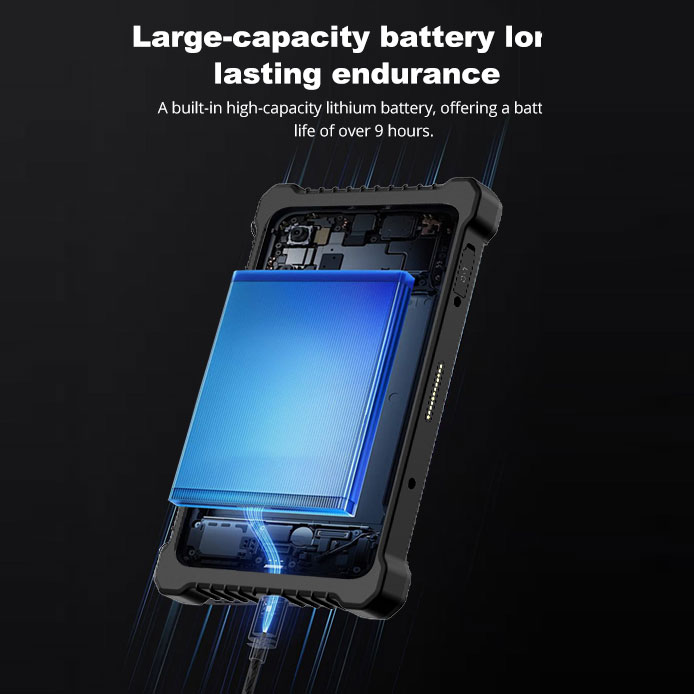
Common questions about deploying Palm-sized miniPC, ST11-U and ST13-U in Thin Client Vdi include: Do we need technical staff to operate the system? No — these devices are designed for zero-touch provisioning and self-healing capabilities that minimize the need for on-site IT support. Can multiple groups use the devices simultaneously? Absolutely — the VDI architecture supports concurrent sessions from any number of endpoints, with proper capacity planning on the server side. What happens if a device loses network connectivity mid-session? Modern systems are designed with these scenarios in mind — the VDI client automatically attempts reconnection, and if the connection cannot be restored, the session remains active on the server for a configurable period, allowing users to resume their work without data loss. How long does the battery last on the tablets? The ST11-U provides up to 8 hours of continuous operation, while the ST13-U offers 10 hours, and both support hot-swappable batteries for extended shifts.
| Model | Position | Weight | Product URL |
|---|---|---|---|
| Palm-sized miniPC | Fixed workstation replacement | 0.5 kg | https://www.hotusprojector.com/products/mini-pc/872.html |
| ST11-U | Mobile clinical or field use | 1.2 kg | https://www.hotusprojector.com/products/rugget-tablet/886.html |
| ST13-U | Desktop replacement with mobility | 1.6 kg | https://www.hotusprojector.com/products/rugget-tablet/888.html |
The implementation walkthrough presented here provides a comprehensive roadmap for deploying these exceptional devices in your Thin Client Vdi environment. From initial network assessment through ongoing performance optimization, each phase of the deployment has been carefully designed to minimize disruption and maximize user productivity. The combination of the Palm-sized miniPC's raw computing power, the ST11-U's rugged portability, and the ST13-U's expansive display creates a versatile hardware platform that adapts to virtually any VDI use case. As virtual desktop technology continues to evolve, these devices ensure that your organization remains at the forefront of secure, efficient, and user-friendly computing. The investment in quality endpoint hardware pays dividends through reduced support costs, increased employee satisfaction, and improved operational agility. Whether you are deploying fifty devices or five thousand, the principles outlined in this guide will help you achieve a successful Thin Client Vdi implementation that meets the demands of today's dynamic business environment.