- Select Language
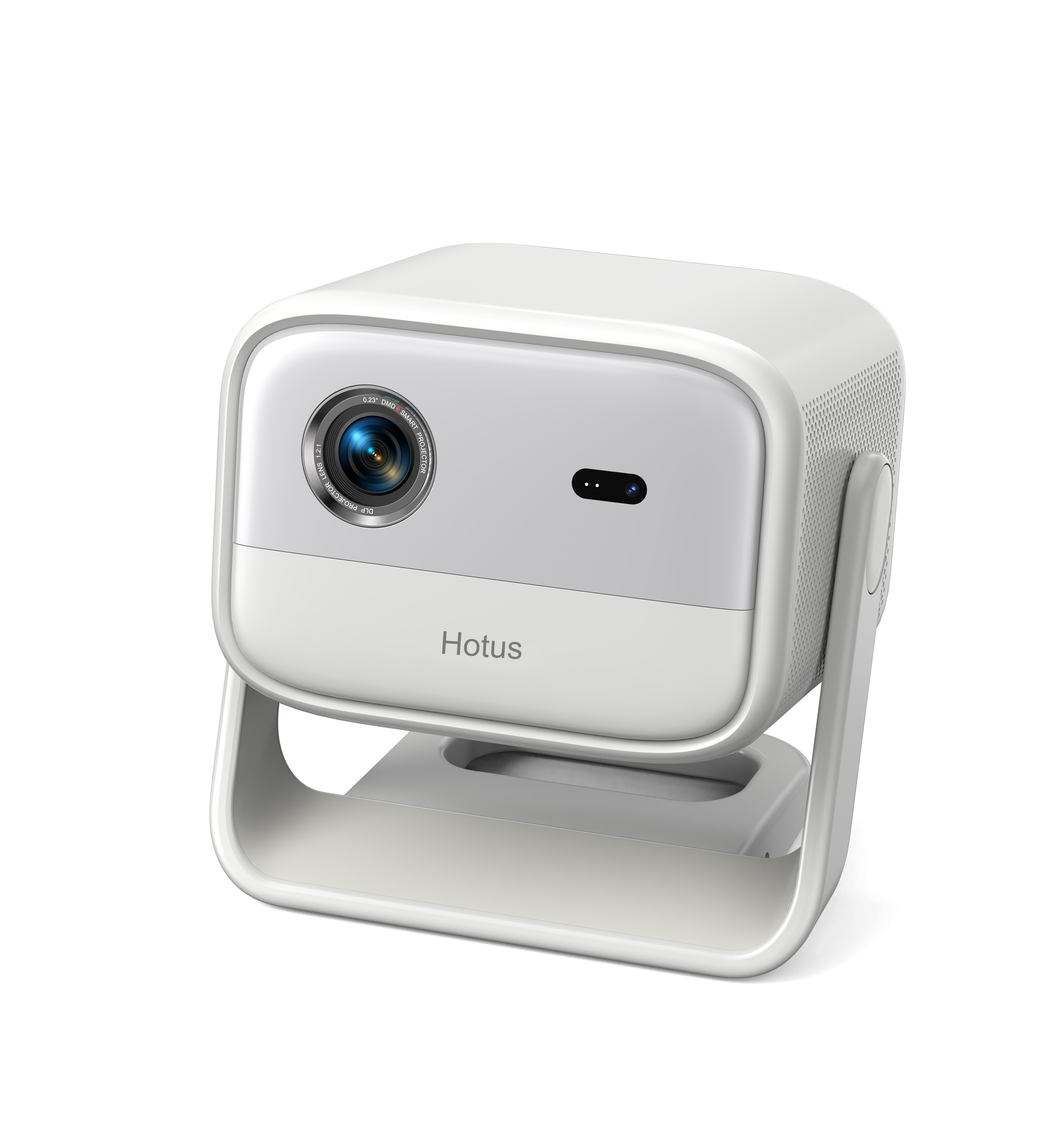
One Device, Dual Functions – A Projector and a Com...
The R501 PDA combines a powerful MT6762 Octa-Core ...
R366-S 5.5-inch Industrial PDA | Qualcomm Octa-cor...
️ X8 Series Handheld Label & Thermal Printing ...
The R501 PDA combines a powerful MT6762 Octa-Core ...
Enterprise Flagship SeriesEngineered for mission-c...
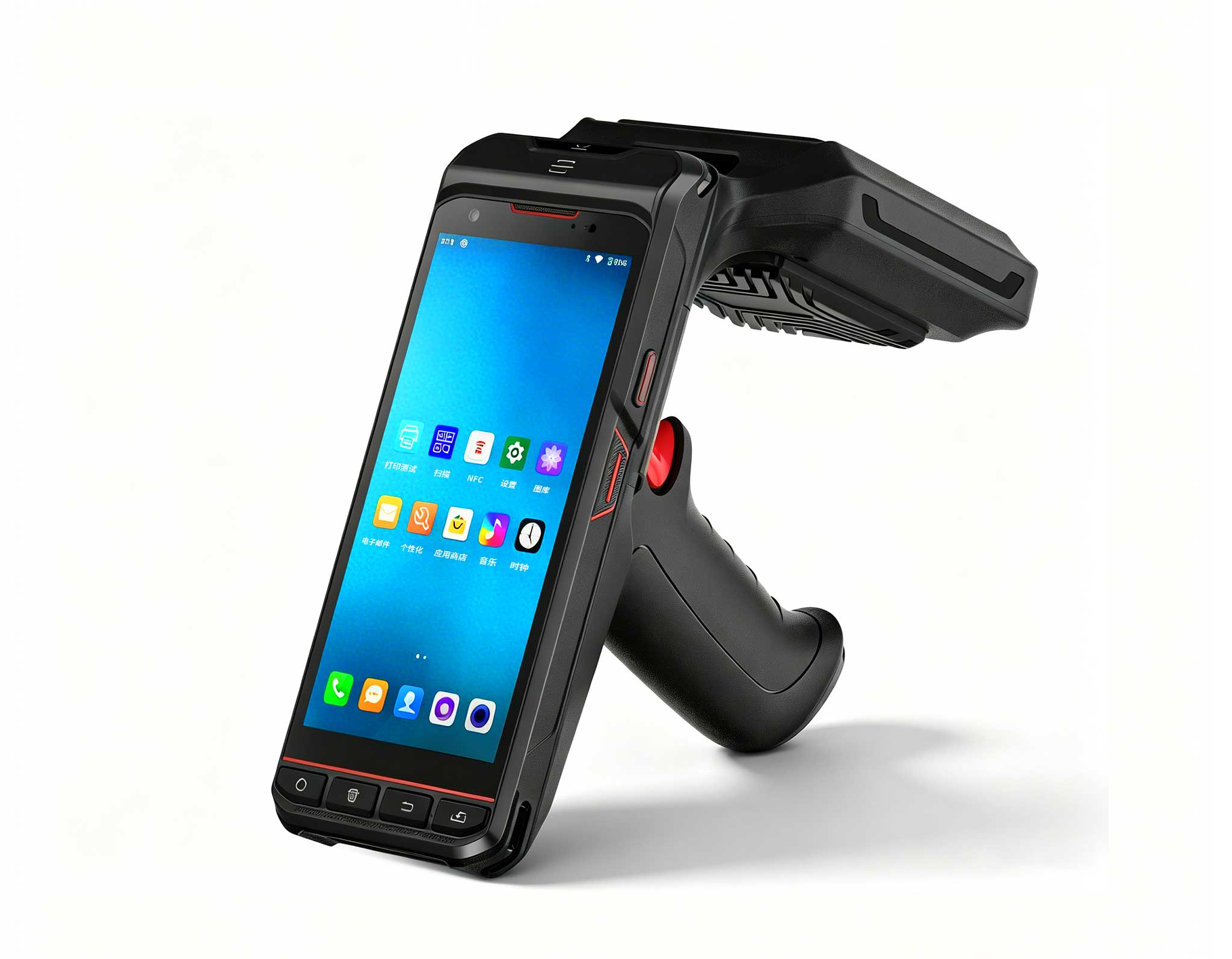
The U9000 handheld PDA combines advanced barcode s...
This dual touchscreen gaming laptop combines cutti...
The EGPU Graphics Card Expansion Dock is a high-pe...
If you are responsible for Video Conferencing, you know the challenge all too well: common pain points that reduce efficiency and user satisfaction. The good news is that SH6, Palm-sized miniPC and HCAR5000 MI provide a proven path forward. This guide walks through a complete deployment, from assessing your environment to validating system performance, ensuring your meeting rooms operate at peak reliability.
Video conferencing environments demand equipment that can handle continuous operation, diverse connectivity requirements, and physical space constraints. Traditional desktop towers occupy valuable room real estate, generate noticeable fan noise, and often lack the industrial-grade reliability required for mission-critical communication. The industrial solution for Video Conferencing from Hotus addresses these issues through a three-device architecture that separates processing, connectivity, and control functions.
The HCAR5000 MI serves as the central processing unit, delivering robust computing power for video encoding, screen sharing, and meeting platform management. Its compact form factor allows installation inside equipment racks or behind wall-mounted displays, keeping the meeting space clean and professional. The Palm-sized miniPC acts as a secondary processing node, ideal for handling peripheral integrations such as camera control, audio DSP configuration, and room scheduling displays. Meanwhile, the SH6 rugged tablet functions as the user-facing control interface, providing touch-based management for meeting start, device diagnostics, and quick access to frequently used settings.
Organizations implementing these three devices in Video Conferencing achieve three critical outcomes: first, consistently high-quality audio and video that eliminates participant complaints about dropped connections or garbled transmissions. Second, streamlined operations that free IT staff to focus on strategic initiatives rather than managing room equipment. Third, a professional impression that reflects positively on the entire organization, as every meeting room operates with the same predictable, high-performance standard.
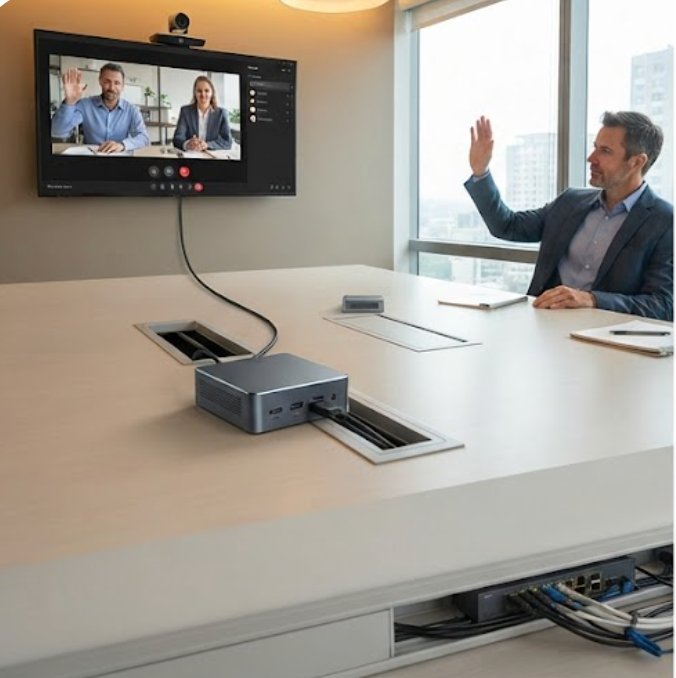
The operational pain points in Video Conferencing typically fall into distinct categories — equipment that fails under sustained load, connectivity issues that disrupt presentations, and management complexity that overwhelms non-technical staff. Meeting rooms present unique challenges: multiple participants connecting with different device types, varying network conditions, and the need for instant-on reliability when meetings are scheduled back-to-back.
Frequent hardware failures often trace back to consumer-grade components not designed for 8-10 hour daily operation. Thermal throttling in compact PCs leads to performance degradation during critical presentations. Battery-dependent peripherals fail at the worst moments, leaving presenters scrambling for replacements. Signal interference from other wireless devices creates dead zones where screen sharing becomes unreliable, disconnecting remote participants from the discussion.
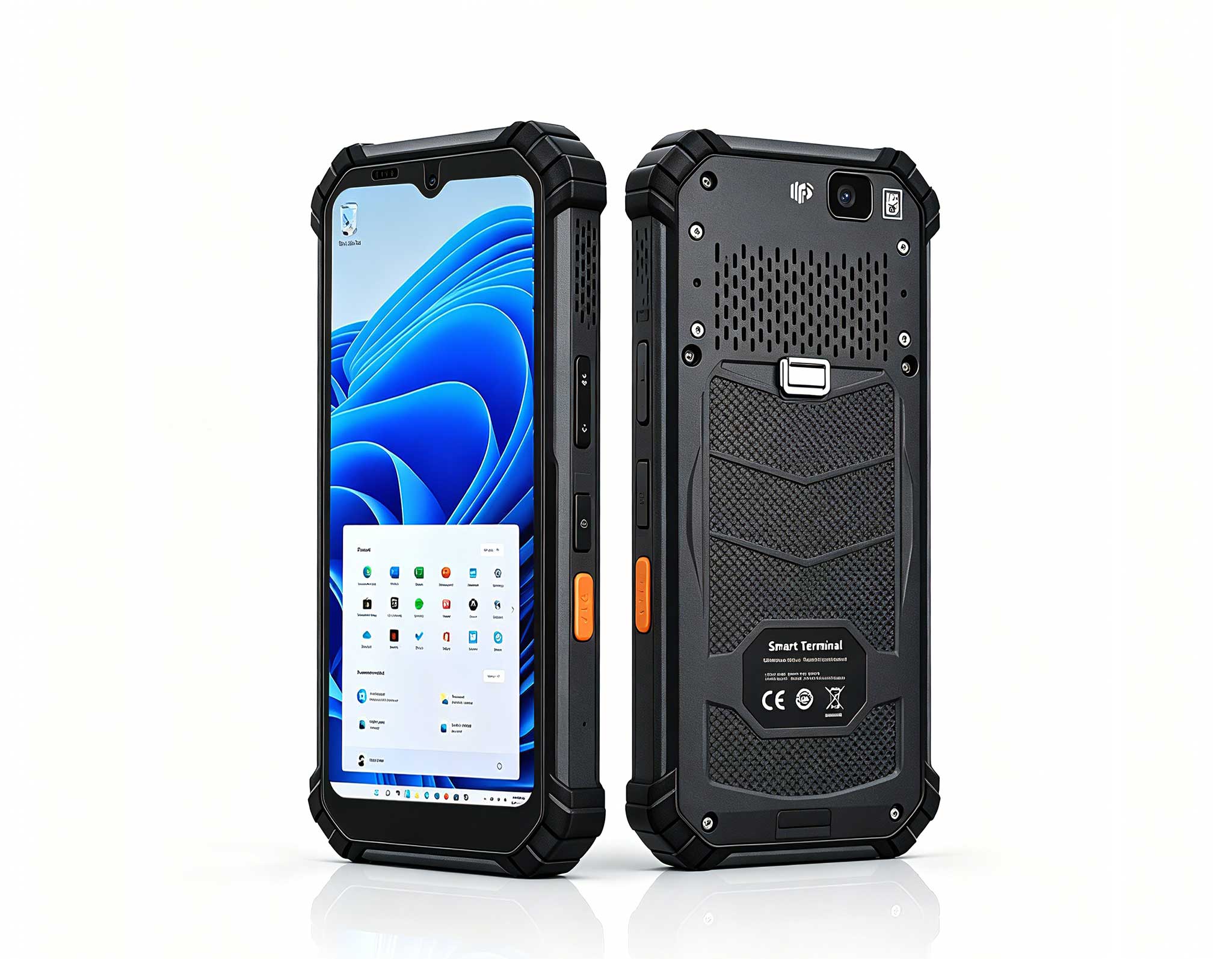
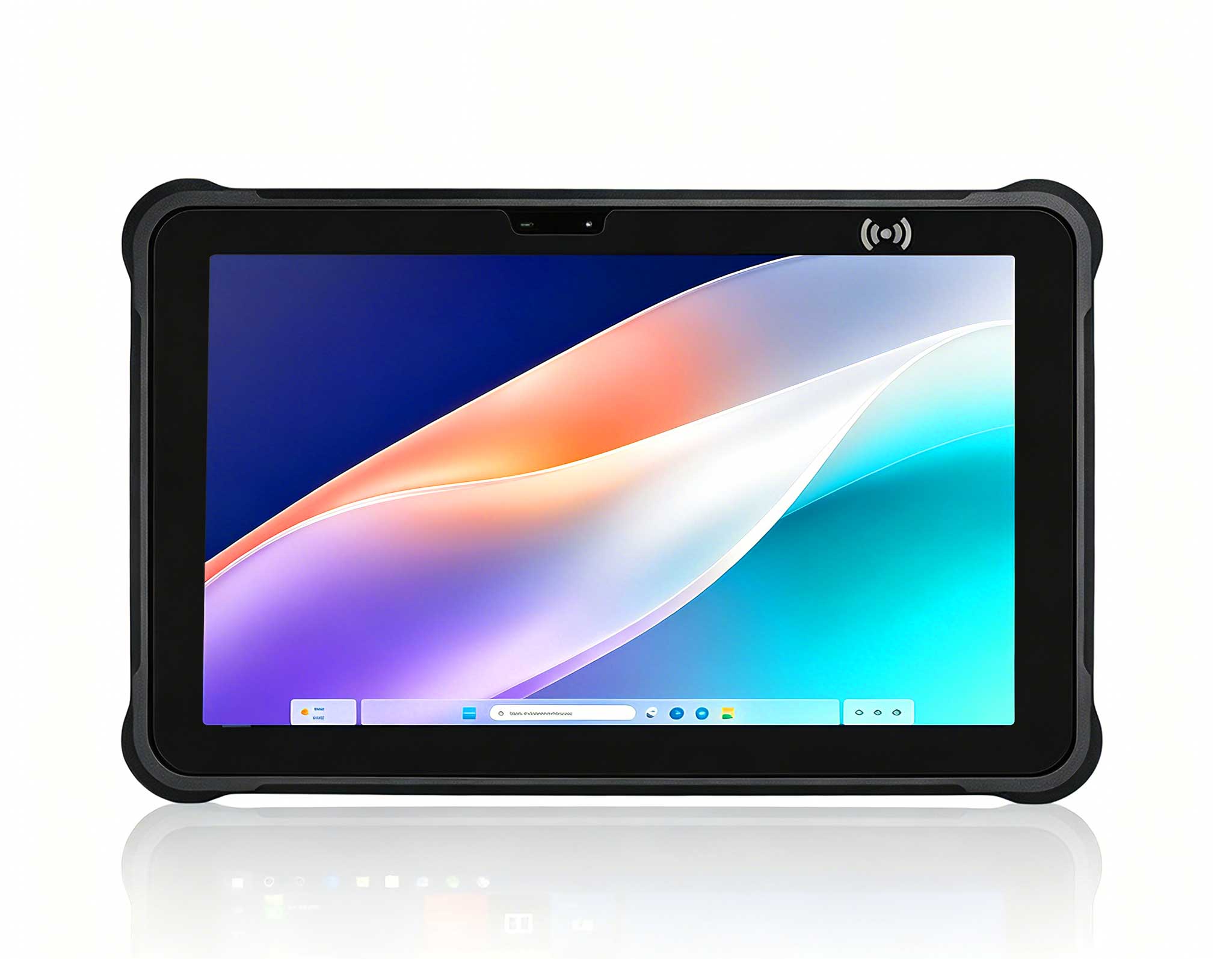
The 6.5 windowsSH6)Rugged Industrial Tablet addresses the control and reliability gap with its industrial-grade construction, wide operating temperature range, and glove-friendly touchscreen. Unlike consumer tablets that overheat or drain batteries quickly, the SH6 maintains consistent performance throughout long meeting days. Its Windows operating system provides full compatibility with enterprise meeting platforms, while the rugged housing protects against accidental drops or impacts common in busy conference rooms.
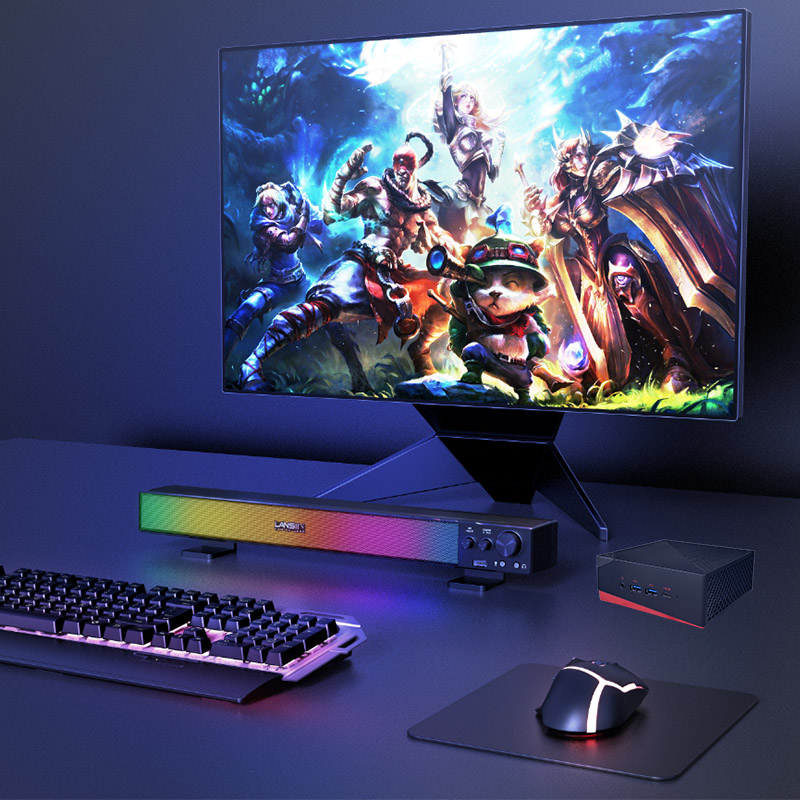
For the processing backbone, the Palm-sized miniPC offers a compelling middle ground between power and space efficiency. Its compact dimensions allow installation in spaces where traditional mini PCs cannot fit, while still delivering sufficient processing capability for video conferencing workloads. The fanless design eliminates noise pollution that can interfere with microphone pickup, and the industrial-grade components ensure reliable operation across extended periods without maintenance intervention.
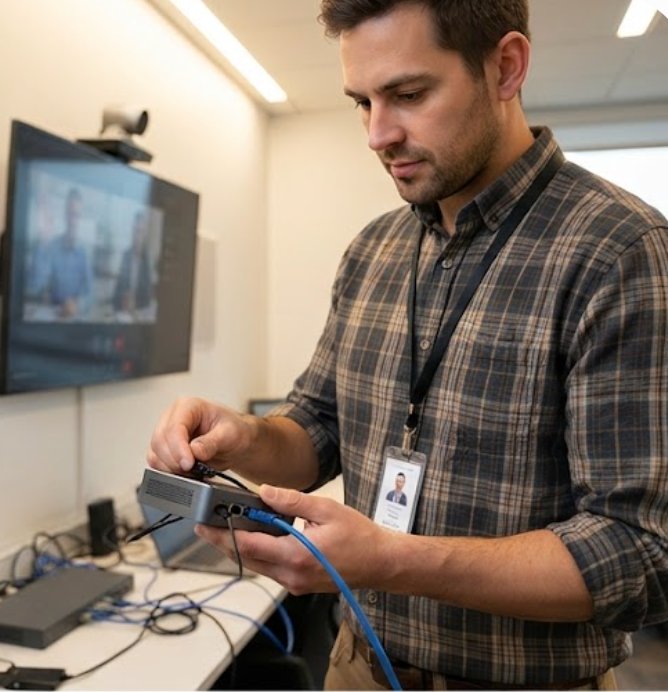
Deploying HCAR5000 MI, Palm-sized miniPC and SH6 in Video Conferencing follows a straightforward process. Start by assessing your coverage area and identifying potential interference sources. Walk through each meeting room and note the placement of existing network equipment, wireless access points, and potential sources of electromagnetic interference such as fluorescent lighting or large metal objects. This assessment determines optimal device placement for both wireless connectivity and physical accessibility.
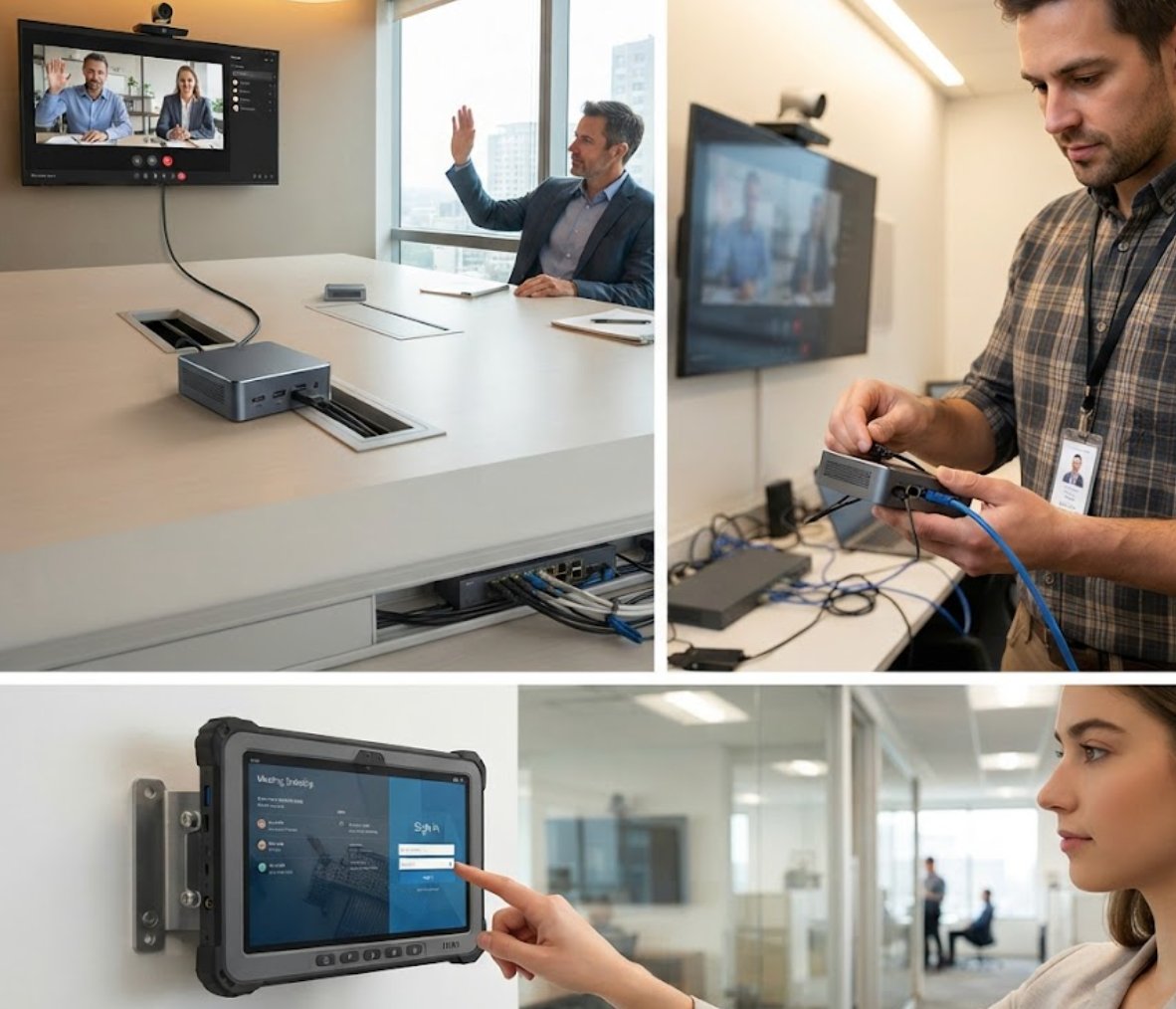
Next, configure your transmitter and test signal strength across your route. For the HCAR5000 MI, connect to your corporate network via Ethernet for maximum stability, then configure the video conferencing platform software according to your organization's security and compliance requirements. The Palm-sized miniPC should be positioned near the display or camera system, connected via HDMI or USB-C for video output and control signals. Install the SH6 tablet at the room entrance or podium area, where the meeting host can easily access controls without disrupting the meeting flow.
Then distribute receivers and conduct a brief orientation with your guiding team. For video conferencing, this means configuring the SH6 with your organization's meeting room calendar integration, setting up one-touch meeting start functionality, and programming diagnostic tools that alert IT staff to potential issues before they impact users. Provide training to administrative staff who frequently book and manage meeting rooms, ensuring they understand basic troubleshooting procedures and know how to escalate issues effectively.
Finally, run a full walkthrough to validate performance before the first scheduled tour. Test every component of the system: initiate a test meeting with remote participants, verify audio quality from multiple positions in the room, confirm screen sharing works from both wired and wireless connections, and validate that the SH6 control interface responds correctly to all programmed functions. Document any adjustments needed and update your configuration accordingly. Schedule periodic maintenance checks to ensure firmware updates are applied and system performance remains optimal over time.
Selecting the right hardware configuration depends on your specific meeting room requirements, existing infrastructure, and budget constraints. The table below outlines the key specifications and positioning for each device in the Hotus video conferencing solution:
| Model | Position | Weight | URL |
|---|---|---|---|
| HCAR5000 MI | Central processing unit for video encoding, meeting platform hosting, and multi-display output | Compact industrial chassis, suitable for rack mount or behind-display installation | HCAR5000 MI Product Page |
| Palm-sized miniPC | Secondary processing node for camera control, audio DSP, and peripheral management | Ultra-compact form factor, easily concealed within existing equipment installations | Palm-sized miniPC Product Page |
| SH6 | User-facing control interface with touchscreen operation and rugged construction | Handheld tablet weight, designed for podium or wall-mounted installation | SH6 Product Page |
For smaller meeting rooms or huddle spaces, the Palm-sized miniPC alone may provide sufficient processing capability when paired with a simple USB camera and microphone array. Mid-sized conference rooms benefit from the HCAR5000 MI as the primary processor, with the Palm-sized miniPC handling dedicated tasks such as digital signage or room scheduling displays. Large boardrooms and executive meeting spaces require the full three-device configuration to support multiple displays, advanced audio processing, and seamless integration with enterprise video conferencing platforms.
The rugged mini PC solutions from Hotus share a common design philosophy: industrial-grade components, wide operating temperature ranges, and extended lifecycle support. This approach ensures that your video conferencing investment remains functional and supportable for years, avoiding the frequent replacement cycles associated with consumer electronics.
Once your video conferencing system is deployed, establishing routine maintenance procedures ensures long-term reliability. Schedule monthly firmware updates for all three devices, applying them during off-hours to avoid disrupting scheduled meetings. Monitor system logs through the SH6 diagnostic interface, which provides real-time status information about CPU temperature, network connectivity, and peripheral health. Set up automated alerts that notify IT staff when performance metrics exceed normal thresholds.
For organizations managing multiple meeting rooms, centralizing configuration management through the HCAR5000 MI simplifies administration. Create standardized configuration templates that can be deployed across all rooms, ensuring consistent user experience and reducing the time required to provision new spaces. The SH6 tablet supports remote management, allowing IT staff to push updates or troubleshoot issues without physically visiting each room.
Training is equally important as technical configuration. Provide meeting room users with a quick reference guide covering common tasks: starting a scheduled meeting, connecting a laptop for screen sharing, adjusting audio levels, and accessing technical support. Schedule quarterly refresher sessions to introduce new features and address any recurring issues. Collect feedback from frequent users to identify improvement opportunities and ensure the system continues to meet evolving meeting requirements.
After implementing the HCAR5000 MI, Palm-sized miniPC and SH6 solution, track key performance indicators to validate the investment. Monitor meeting start success rates, average time to establish connections, and user satisfaction scores. Compare these metrics against pre-deployment baselines to quantify improvements. Track IT support tickets related to video conferencing issues, expecting a significant reduction in troubleshooting requests.
As your organization grows or meeting patterns evolve, the modular architecture of this solution supports easy scaling. Add additional Palm-sized miniPC units to support new meeting rooms without requiring complete system overhauls. Upgrade the HCAR5000 MI processing capabilities when video conferencing platforms introduce more demanding requirements. The SH6 tablets can be repositioned or repurposed as your control interface needs change.
For organizations ready to enhance their video conferencing infrastructure, explore our mini PC solutions to find the right configuration for your meeting room portfolio. The combination of industrial reliability, space-efficient design, and comprehensive control capabilities makes this three-device approach the practical choice for organizations that depend on video conferencing for daily operations. Whether upgrading existing rooms or building new collaboration spaces, this implementation walkthrough provides the framework for successful deployment and sustained performance.