I still remember the first time a clinic manager told me their off-the-shelf laptops kept dying at the nursing station. Screens froze during rounds, fans screamed under the cart, and a single spilled cup of coffee took a whole shift offline. That conversation is exactly why I keep coming back to purpose-built hardware when we talk about point-of-care computing. A medical workstation is not a quiet desk in an office; it is a moving target with carts, gloves, disinfectants, and twenty people touching the same surface in a day. The gear has to absorb all of that without flinching. Over the last two years I have watched a regional outpatient network replace brittle consumer devices with a small, deliberate set of Hotus units, and the difference in uptime was immediate. If you are scoping a similar rollout, dedicated medical workstation solutions are worth a serious look before you sign any procurement order.
A Clinic Deployment That Earned Our Trust
The case I want to break down started with a twelve-room dermatology and minor-procedure clinic. Their old setup relied on consumer mini towers bolted under each cart, paired with thin client tablets that lagged the moment a high-resolution image opened. Nurses lost roughly six minutes per patient just waiting on the system, and the IT lead was resetting a frozen device almost every shift. We proposed a three-part configuration: one fanless mini PC to anchor each mobile cart, plus two rugged tablets that split the intake and the procedure-room duties. Within three weeks the clinic reported near-zero boot failures and a measurable drop in charting delays. What follows is how each device earned its place, and why the combination mattered more than any single spec.
The Compact Computer Behind the Cart
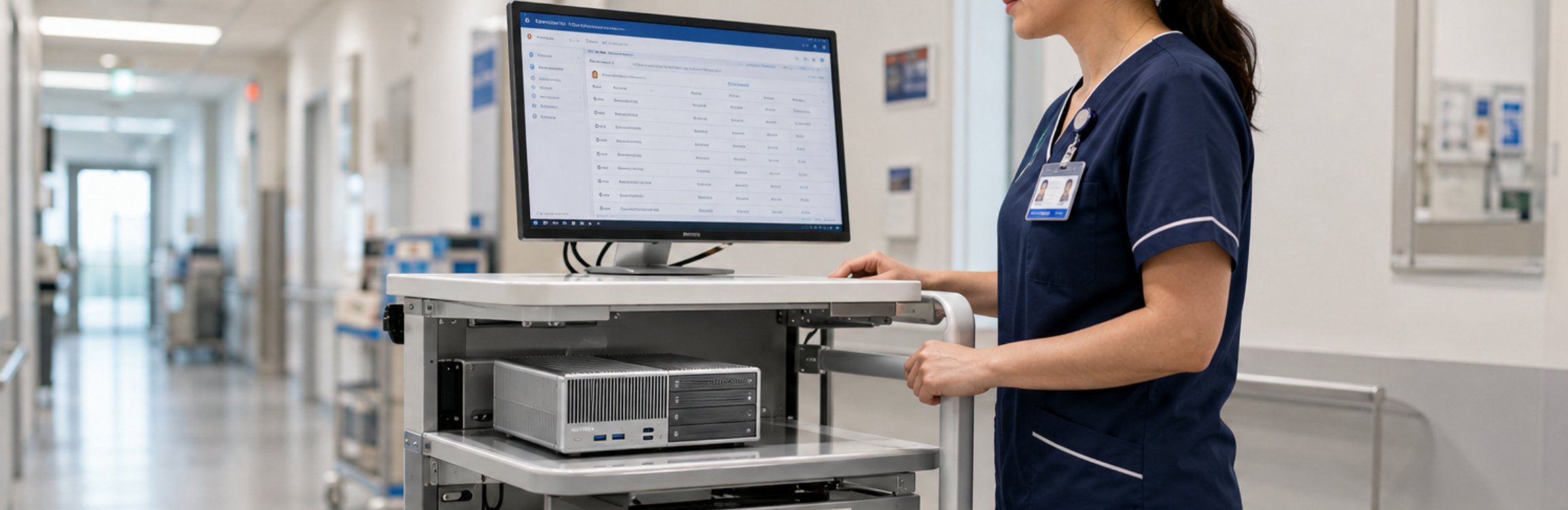
The WTR PRO AMD became the quiet workhorse of every cart. Its AMD-based board delivers enough headroom for the clinic's imaging viewer and electronic records client to run side by side, while the small footprint disappears under the counter. Because it runs without a loud spinning fan, the only sound at the nursing station is the conversation, not the cooling. For a facility that values calm, that alone justified the swap. The four drive bays also gave the IT lead a simple local backup plan without adding a separate server, which trimmed both cost and complexity from the rollout.
In practice the WTR PRO AMD stayed cool through back-to-back procedures and never asked for a reboot during a shift. That reliability is the part clinic staff notice first, even if they cannot name the component responsible for it. When a device simply works, the technology stops being the story, and the care goes back to being the story.
Two Handhelds for Two Tasks
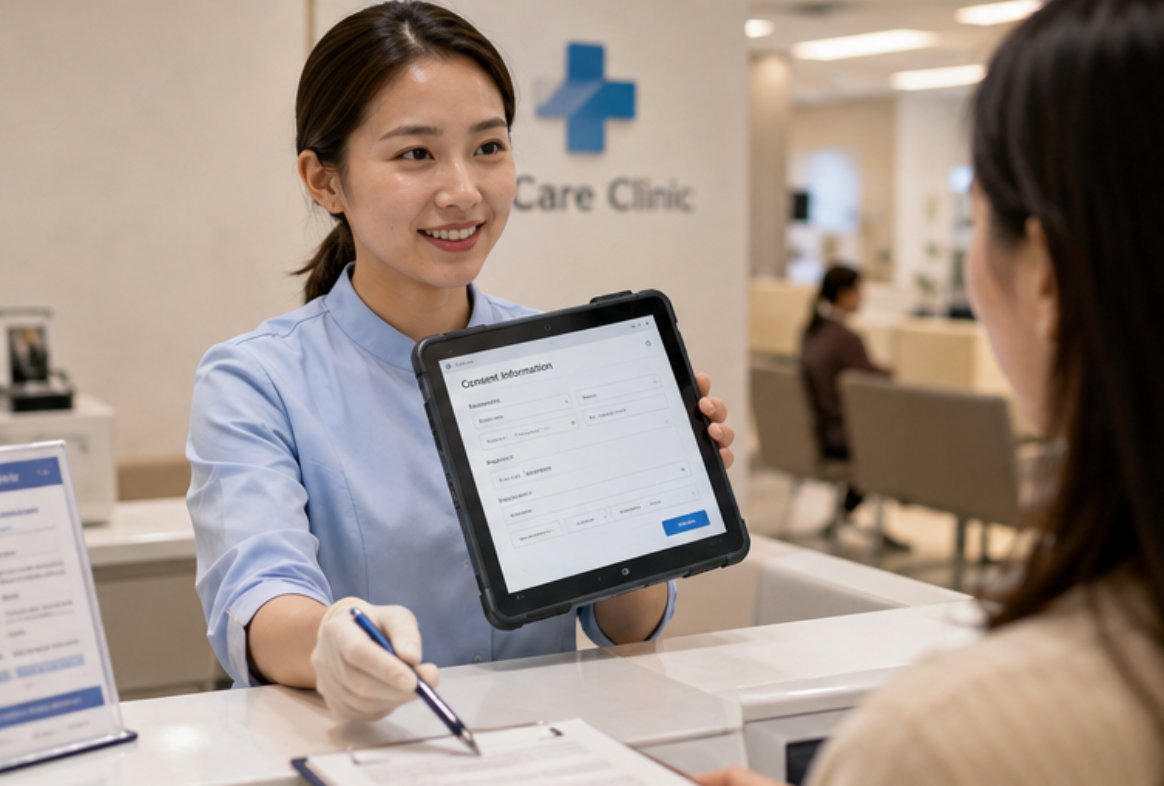
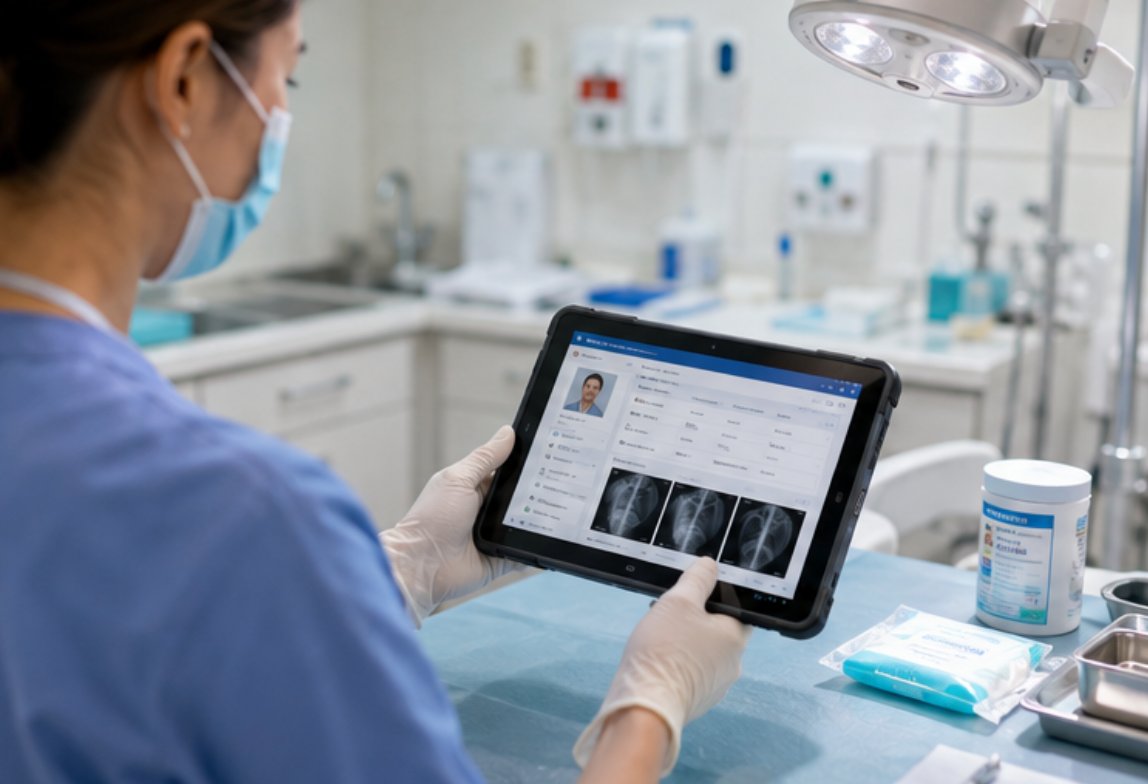
Not every task belongs on a cart. Intake nurses needed something they could carry room to room, and procedure staff needed a device that could survive being dropped on a tile floor. We split those jobs between two rugged tablets. The ST11-J handled patient intake and consent forms at the front desk and in waiting areas, where its bright panel and glove-friendly touch kept things moving. The ST11-U took the rougher role inside procedure rooms, where constant wiping and the occasional bump are part of the day. Neither unit flinched when a tray slid or a disinfectant wiped across the bezel.
Both tablets share the same industrial build language, so training was a single session rather than two. The clinic appreciated that they did not have to teach staff a different muscle memory for each device, and the savings in onboarding time showed up in the first month. When hardware feels familiar across roles, adoption stops being a project and becomes routine.
Side by Side Specification Check
| Model | Form | Role | Key Strength |
|---|---|---|---|
| WTR PRO AMD | Fanless mini PC | Cart anchor | Silent, multi-app headroom |
| ST11-J | 10.1" rugged tablet | Intake and front desk | Bright glove-touch panel |
| ST11-U | 10.1" rugged tablet | Procedure room | Wipe-down durable build |
When teams ask me which unit matters most, I push back on the premise. The value is in the combination: a stable cart computer plus two purpose-split tablets removes the single points of failure that consumer gear introduces. A clinic that leans on only one device type tends to rediscover the exact bottleneck it tried to leave behind.
Matching Devices to Daily Routines
Choosing the right setup starts with mapping the day, not the spec sheet. If your bottleneck is charting delays at a fixed station, prioritize the fanless mini PC category anchored to a cart. If staff walk between rooms with patient data, rugged tablets earn their keep fast. Most clinics we support end up with both, and the few that tried tablets alone came back for a cart computer within a quarter once they felt the pinch during imaging reviews.
Next Step for Your Facility
If this clinic story sounds like your own backlog of frozen screens and lost minutes, the fix is smaller than it looks. Start with one cart and two tablets, measure the downtime you recover, then scale. To see how the lineup fits together, explore our mini PC solutions and plan a pilot that proves itself in a single busy week. The hardware pays for itself in reclaimed minutes long before the invoice feels heavy.