Most digital signage ROI articles start with the screens. I want to start with something less glamorous: the cost of getting content onto those screens in the first place. In the signage projects I have worked on over the years, the hardware is rarely the budget problem. The problem is the running cost of keeping twenty screens at ten locations playing the right files, updated on schedule, without a technician driving between sites with a USB stick. That running cost is where the real ROI of a signage deployment is won or lost.
💰 The Hidden Cost of Keeping Every Screen Updated
Run the numbers for a mid-size retail operator and the pattern repeats. A dozen screens, a few content updates a week, and someone has to physically touch each player to load new material. Every update is a labour hour, every missed update is a stale promotion in a store window, and every failed file is a blank screen that customers notice more than any advertisement on it. The conventional answer has been to buy a cloud subscription for each player, which trades the labour cost for an annual licence fee that grows with every added screen.
There is a middle path that most operators do not consider, and it is the one that changes the payback maths: keep a local content server on the network and treat the screens as thin clients of it. That is the architecture behind the deployment I describe below, and it is the reason our dedicated digital signage kiosk solutions page gets as many requests about the backend as about the screens themselves.
🔧 SH6: The Maintenance Companion for a Multi-Site Signage Network
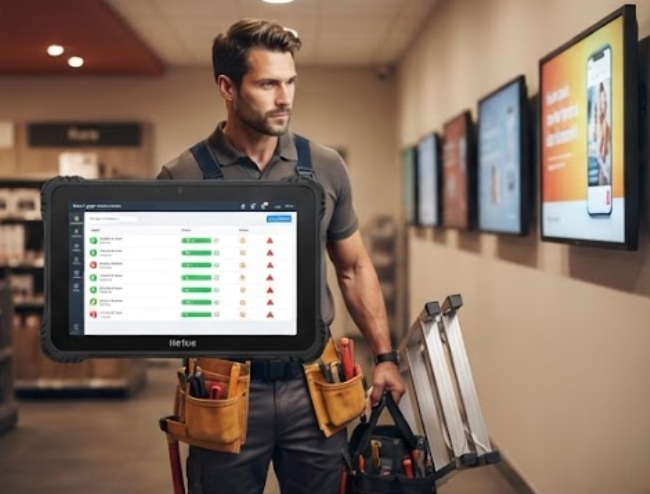
The first device in the system is not a screen at all. The SH6 rugged handheld tablet goes to the technician who maintains the network. It runs the same Windows tools the rest of the fleet uses, so the technician can open the signage CMS, check player status, and pull logs on site without carrying a laptop. The 6.5-inch size fits in one hand while the other hand is holding a ladder or a door.
The SH6 earns its place on the ROI sheet through recovery speed. When a player at one store drops offline, the technician sees it on the SH6 before a customer reports it, drives to the store with the right spare in hand, and is back in the van inside half an hour. In the twelve-screen model below, that recovery speed alone covers the tablet's cost inside the first year of operation.
🖥️ HTQ10A: The Interactive Kiosk Screen That Survives Public Use
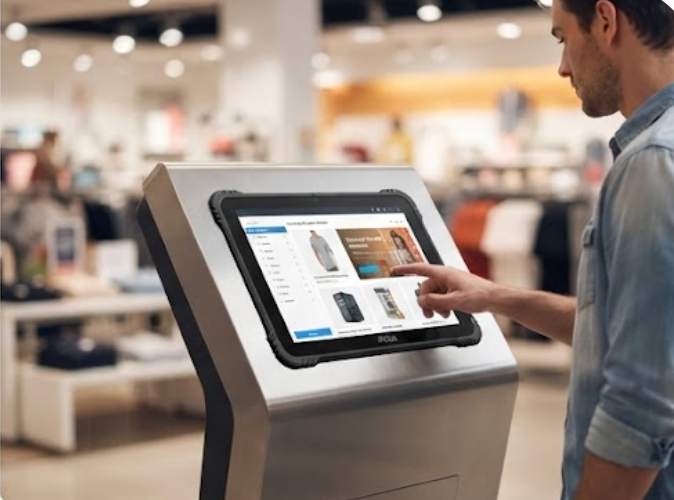
The customer-facing part of the system is the HTQ10A Android rugged tablet, mounted as an interactive kiosk at the store entrance. A signage screen in a retail lobby takes a beating that an office monitor never sees: dust, temperature swings, and the occasional bump from a trolley. The HTQ10A is built for that environment, with a sealed enclosure and a display that stays readable even when the screen is not cleaned for a week.
Because it runs Android, the HTQ10A pairs naturally with the signage CMS used by most retail chains, and its rugged construction means the kiosk does not need a protective acrylic cover bolted over it. Removing that cover removes a weekly cleaning task and a source of reflections that made the content harder to read. In the ROI model, the HTQ10A is the device whose reliability keeps the front-of-store content running, which is exactly the part of the system customers see.
💾 The Four-Bay NAS That Runs the Media Server
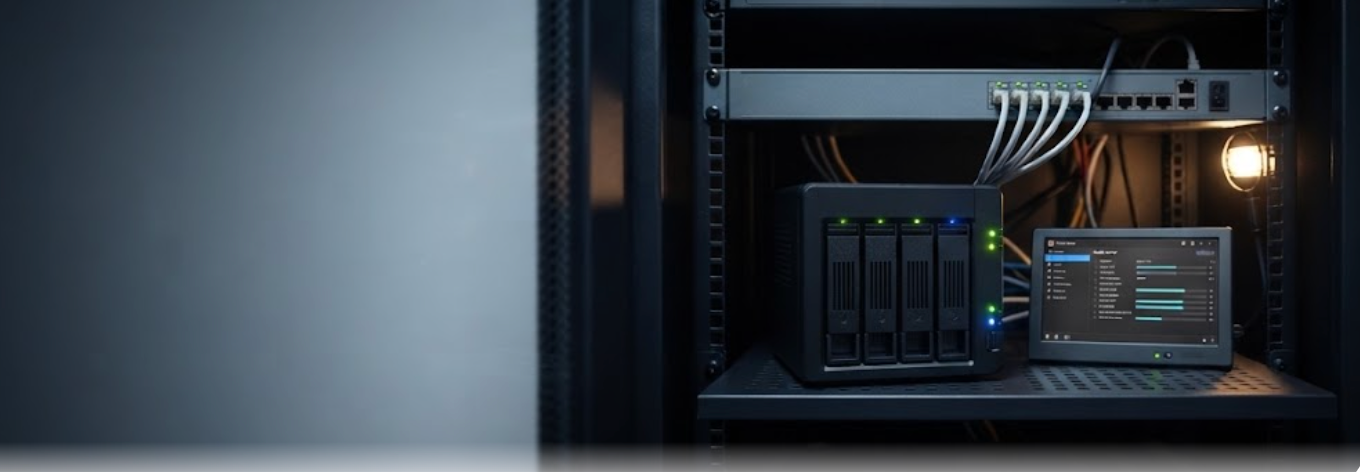
The piece that changes the payback period is the WTR PRO AMD 4-bay NAS mini PC. Instead of paying a per-screen cloud licence every year, the operator runs a local media server on the WTR PRO AMD. Content is uploaded once to the NAS, the four drive bays hold the full campaign library plus the last three years of archive, and every screen on the local network pulls its files from it.
This is the part of the architecture most operators miss. The WTR PRO AMD is a Windows machine, so it runs the same signage server software the cloud providers use, without the subscription. The four bays give it the redundancy a signage server needs — if one drive fails, the campaign keeps playing from the others. And because it lives on the store's own network, the screens update instantly instead of waiting on a cloud sync, which makes the morning content refresh a matter of minutes, not overnight.
💰 Building the ROI Model: A Twelve-Screen Example
| Cost Item | Cloud-Only Approach | Hotus Approach |
|---|---|---|
| Screen hardware (12 screens) | Player boxes bundled or leased | HTQ10A kiosk units purchased once |
| Per-screen cloud licence | ~$10-15 per screen per month | $0, local WTR PRO AMD server |
| Content updates | Cloud push, subject to sync delay | Instant local network push |
| Field maintenance | Technician with laptop and USB | Technician with SH6 handheld |
| Outage recovery | Detected on next scheduled check | Detected live on the SH6 |
| Storage redundancy | Cloud provider handles | 4-bay NAS with mirrored drives |
In this model, the cloud-only route costs roughly the same as buying the SH6, HTQ10A units, and the WTR PRO AMD outright over a three-year horizon, but the Hotus route keeps the hardware as a capital asset. After year three, the cloud subscription is still being paid while the local system has already covered its own cost. The exact numbers vary with screen count and update frequency, but the shape of the curve does not.
Where the Payback Actually Comes From
The payback comes from three places, in this order. First, the licence fee that disappears: a local media server replaces a per-screen subscription that never stops. Second, the maintenance efficiency: the SH6 turns a four-hour site visit into a thirty-minute one, because the technician arrives knowing exactly which player is down. Third, the uptime improvement: a screen that recovers in hours instead of days keeps the store's own content — and the operator's ad revenue — working.
None of the three devices is exotic. The SH6 is a rugged Windows tablet, the HTQ10A is an Android kiosk screen, and the WTR PRO AMD is a four-bay mini PC running standard signage server software. What makes the combination work is the architecture: local content, local control, and hardware the operator owns. For operators who prefer to keep their content on their own network for security reasons, this layout also avoids sending campaign files through third-party clouds at all.
Getting Started
If you are planning a signage or kiosk rollout, start by counting your screens and your update frequency, not your hardware budget. Those two numbers decide whether the cloud subscription is cheaper or whether a local backend like the WTR PRO AMD pays for itself. Our rugged mini PC solutions page covers the backend options, and the product pages for the SH6, the HTQ10A, and the WTR PRO AMD have the full specifications. We are happy to walk through the twelve-screen model with your actual numbers before you commit.