Over the past few years I have helped a number of schools in Europe and Southeast Asia move their computer labs from fixed desktop rows to portable devices, and almost every conversation comes back to the same question: is one tablet model enough for the whole school? The honest answer is no. A device that works well for a thirty-minute English lesson is not the right tool for a chemistry experiment, and neither of those is ideal for a full-classroom exam session. This article compares three Hotus 8-inch Windows tablets across the three jobs a school lab actually has to do.
💡 Why a Fixed Lab Layout No Longer Fits Modern Lessons
The old model of a computer lab assumed every lesson uses the same software, in the same room, for the same duration. That assumption stopped holding years ago. Schools now run one-to-one device schemes where students take a device to their desk, science lessons that move between the lab bench and the outdoor field, and exam sessions that need every unit performing identically under a strict time limit. A single device specification cannot serve all three well, and schools that try usually end up paying for capability they do not need or missing the protection they do.
Our dedicated education solutions page describes the wider range, but the practical starting point for most schools is the 8-inch Windows format: light enough for a student to carry between rooms, big enough to read a worksheet without squinting, and compatible with the Windows software that most school platforms already run.
ST9-J: The Budget-Friendly Unit for Everyday Lessons
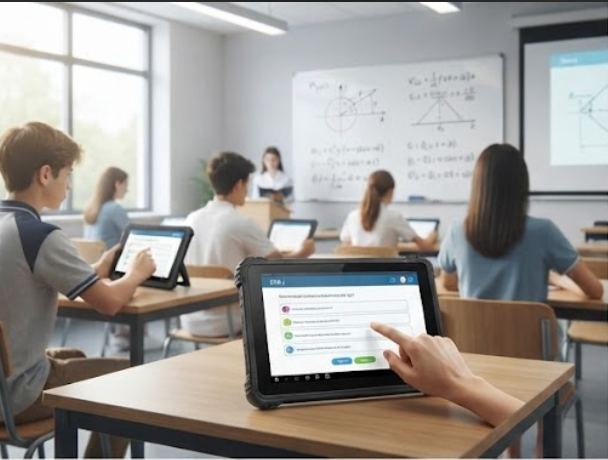
The ST9-J is the workhorse for the daily timetable. For the standard classroom workload — a learning-management system in the browser, an e-book reader, a quiz app, an occasional video — it provides a balanced Windows platform at a price that lets a school buy one per student instead of one per bench. It is rugged enough for daily handling by students who are not careful with equipment, and its 8-inch screen keeps the total weight low enough that carrying it between lessons is not a chore.
In the deployments I have seen, the ST9-J is the unit that gets the highest number of operating hours, simply because it is the device used most. That is exactly the role it should play: high volume, low drama, and no feature a student will never use. If a school can only buy one model, the ST9-J is the one to start with.
HTNJ08C: Built for the Messy Experiments
The HTNJ08C is the one that survives the science department. Chemistry and biology lessons involve water, reagents, and the occasional spill, and an IP67-sealed body is the difference between a tablet that wipes clean and a tablet that goes to the repair bench. The HTNJ08C runs an Intel N100 processor, which is more than enough for data-logging apps, worksheet tools, and the measurement software used with classroom sensors.
The same sealing that protects the HTNJ08C in the lab makes it the natural choice for outdoor lessons. Schools that take measurements in the school garden, on field trips, or at sports events can hand the HTNJ08C to students without a case, because the unit itself is the protection. In practice, schools keep a small set of HTNJ08C units for the science and outdoor departments rather than equipping every classroom with them.

🚀 ST9-M: The Higher-Performance Pick for Media and Exams
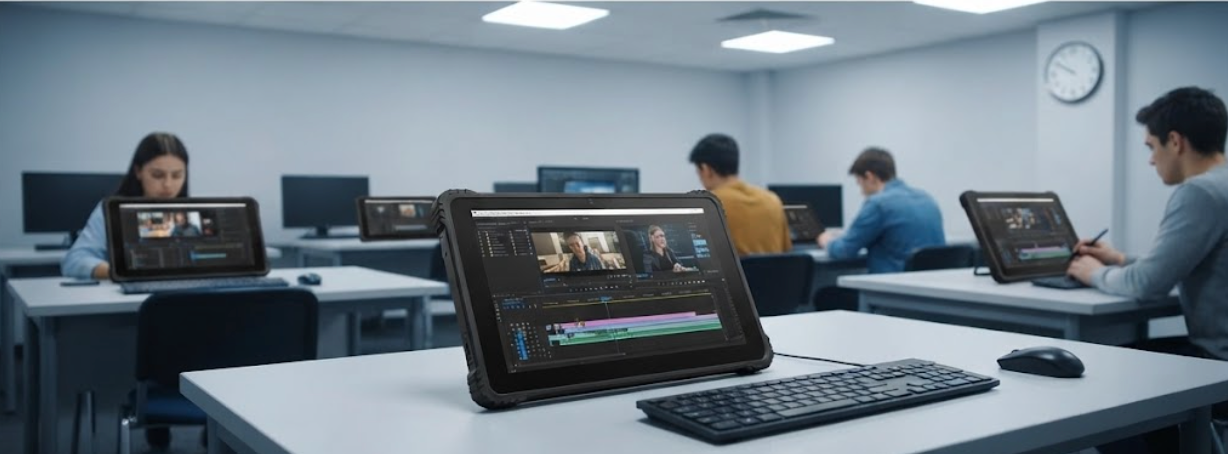
The third job is the one that needs the most headroom. Media lessons edit short video clips, programming classes run IDEs, and end-of-term exams run the same software on every unit with a timer running. For those rooms, the ST9-M offers a higher-tier Windows platform than the ST9-J, which is what makes the difference between a lesson that waits for the device and a lesson that flows.
The ST9-M is the same 8-inch format as the ST9-J, so a school can standardise on one charger, one screen size, and one set of accessories while giving the media lab and the exam hall a faster unit. This is the configuration I recommend most often: a large fleet of ST9-J for daily lessons, a small set of HTNJ08C for science and outdoor work, and the ST9-M reserved for the rooms where performance is part of the lesson plan.
Side-by-Side: How the Three Fit Different Rooms
| Feature | ST9-J | HTNJ08C | ST9-M |
|---|---|---|---|
| Screen | 8-inch | 8-inch | 8-inch |
| Protection | Rugged casing | IP67 sealed | Rugged casing |
| Processor tier | Balanced | Intel N100 | Higher tier |
| Best-fit rooms | General lessons, daily 1:1 | Science labs, outdoor field work | Media, programming, exams |
| Fleet role | Large volume | Small set | Selected rooms |
The three units share the same 8-inch footprint and the same Windows software base, so a school does not need three separate management stacks. The differentiation is in the body and the processor: one is the high-volume daily unit, one is the sealed specialist, and one is the performance pick. That is a fleet design, not three unrelated purchases.
Matching Hardware to Your Curriculum
Start with the curriculum, not the catalogue. Count the lessons that happen at a desk with standard software, the lessons that happen in the lab or outside, and the lessons that push the hardware. The first number tells you how many ST9-J units to budget for, the second tells you whether you need the IP67 of the HTNJ08C, and the third tells you where to place the ST9-M. Most schools land on a split close to seventy percent ST9-J, fifteen percent HTNJ08C, and fifteen percent ST9-M, but the ratio follows the timetable.
Battery and charging matter more than the specification sheet suggests. All three units run on the same charger, so a school can put one charging cart per floor rather than one per device type, and spare units from the ST9-J fleet can cover an ST9-M room for a lesson without anyone noticing the swap. Keeping the whole fleet on one 8-inch format is what makes that flexibility possible.
Getting Started
If your school is planning a computer lab refresh or a one-to-one rollout, start with the industrial hardware solutions overview, then ask us for the full specifications of the ST9-J, the HTNJ08C, and the ST9-M. We help schools size the fleet, set up the charging carts, and plan the spare ratio, so the devices arrive ready for the first lesson of the term.