I have sat in enough commissioning meetings to recognise the pattern. The compute numbers are always right and the architecture is always wrong. Someone presents a node with a respectable processor, a sensible memory ceiling, and a price that clears procurement, and everyone agrees it is adequate. Then the plant network hiccups for a quarter of an hour, the cloud dashboard goes grey, and the people on the floor discover that nothing in the design ever answered a simple question: what is this system supposed to do while it cannot reach anything? That question, not the benchmark, is what separates an edge deployment from a small computer sitting in a cabinet. If you are scoping one now, begin with industrial mini PC solutions that treat the outage as a design input rather than an exception.
🔍 Where Edge Projects Actually Fail
Post-mortems on stalled edge rollouts almost never blame raw performance. The processor was fast enough. What sank the project was an unstated assumption that connectivity would hold. Sensors kept generating readings, operators kept walking the line, and every layer above them had been priced on the belief that a round trip to a data centre would always complete. A plant does not stop because a switch rebooted. Conveyors keep moving, batches keep curing, and inspectors keep walking. The moment the uplink fails, two things happen at once: fresh data has nowhere to land, and the person holding the device loses the only interface they had. Neither problem is solved by a faster chip. Both are solved by deciding, before purchase, where data accumulates offline and what a technician can still read on a screen full of oil and dust.
Fifteen Minutes of Darkness
The exercise I now run with every customer is deliberately short. Assume the link drops for fifteen minutes during a busy shift and walk through three failure domains in order. The first is the link domain: while the uplink is gone, is there local storage accepting writes, and how much of it exists? The second is the endpoint domain: can the technician continue the round from a device that still renders the work order without calling home? The third is the data domain: when connectivity returns, does history reconcile cleanly, or does the timeline carry a gap nobody can reconstruct? Fifteen minutes is long enough to expose all three and short enough that nobody dismisses it as hypothetical. Score a candidate architecture against that quarter of an hour and most spec sheets reorganise themselves.
💾 Local Storage Buys Time
The link domain is answered by capacity, and the WTR PRO AMD 4-bay NAS mini PC is built around that answer. Four SATA bays plus two M.2 NVMe 2280 slots mean the node keeps absorbing telemetry long after the uplink stops cooperating, and a DDR4 pair of slots keeps the ingest queue moving rather than throttling at the drive. Its two 2.5G Ethernet ports are the other half of the story: with dual paths available, a single failed run no longer equals a partitioned node. Running AMD R7 5825U or Intel N100 silicon on Windows 11, driving three 4K outputs from a chassis of 22.8 by 15 by 18.5 centimetres, it weighs five kilograms for a reason. That mass is four spinning disks and the power supply to keep them honest through a shift and a half of buffering.
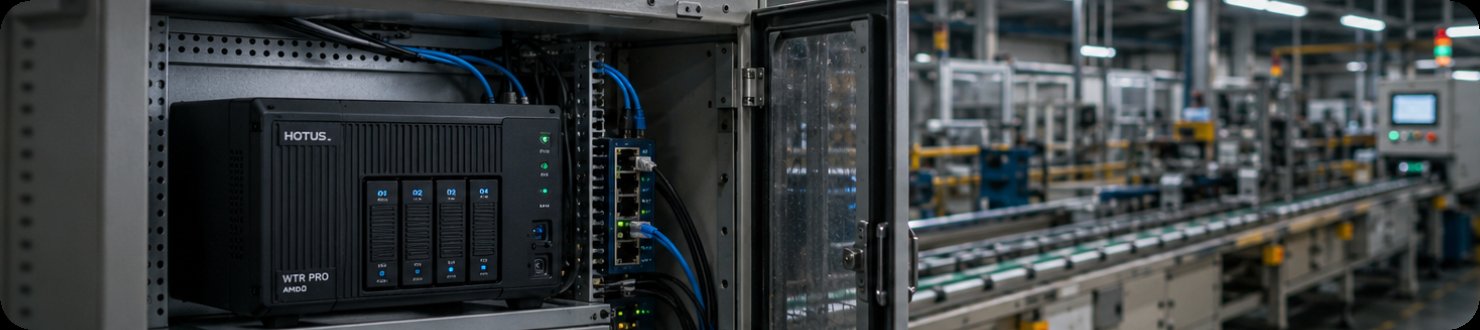
A four-bay edge node mounted beside the line it serves, buffering every reading locally so a lost uplink costs nothing but a delayed sync.
🖥️ A Screen a Technician Can Read
The endpoint domain is answered by legibility and endurance, and the ST13-U is the panel I specify when someone has to read a schematic rather than glance at a status light. Its 13.3-inch IPS panel runs 1920 by 1080 at up to 450 nits, and the touch layer takes ten points along with a stylus and wet-hand input, which matters more than it sounds once gloves and coolant are involved. Intel i5-1235U or i7-1255U silicon with up to 64 GB of memory means the device carries the working set locally instead of streaming it. An 8000 mAh pack covers a full shift. At 1450 grams in a 331.7 by 203.2 by 19.5 millimetre body, this is a unit for a fixed station, a cart, or a vehicle mount, and TPM 2.0 gives it an identity the network can trust when it reconnects.
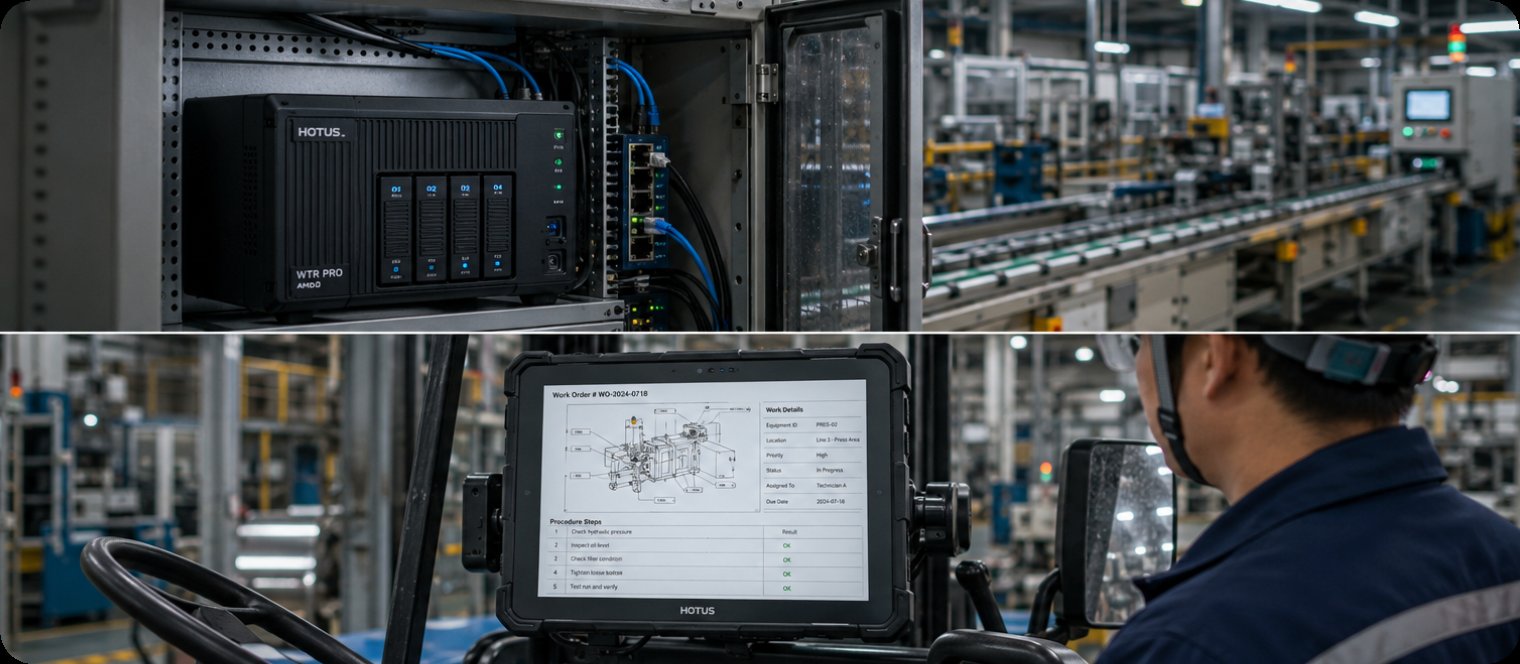
A 13.3-inch panel on a vehicle mount at a plant station, large enough for a technician to read a full work order without zooming or scrolling.
💰 Portability Carries a Battery Cost
Every gram you remove from a rugged panel is paid for somewhere, and on the ST11-U the currency is the cell. At 1190 grams in a 268.9 by 176.8 by 18 millimetre shell it is genuinely a one-hand device, with a 10.1-inch 1200 by 1920 IPS panel at 450 nits and the same i5-1235U or i7-1255U choice in 8 GB, 16 GB, or 64 GB configurations. The battery is 6000 mAh against the larger unit's 8000. That is not a defect, it is arithmetic, and the correct response is to measure the round: if an inspection loop is ninety minutes and the device returns to a dock, the smaller pack is irrelevant. If the loop is a full shift across a site with no charging point, it is the deciding number. Optional UHF RFID, fingerprint, and scan engines let one unit replace a separate reader.
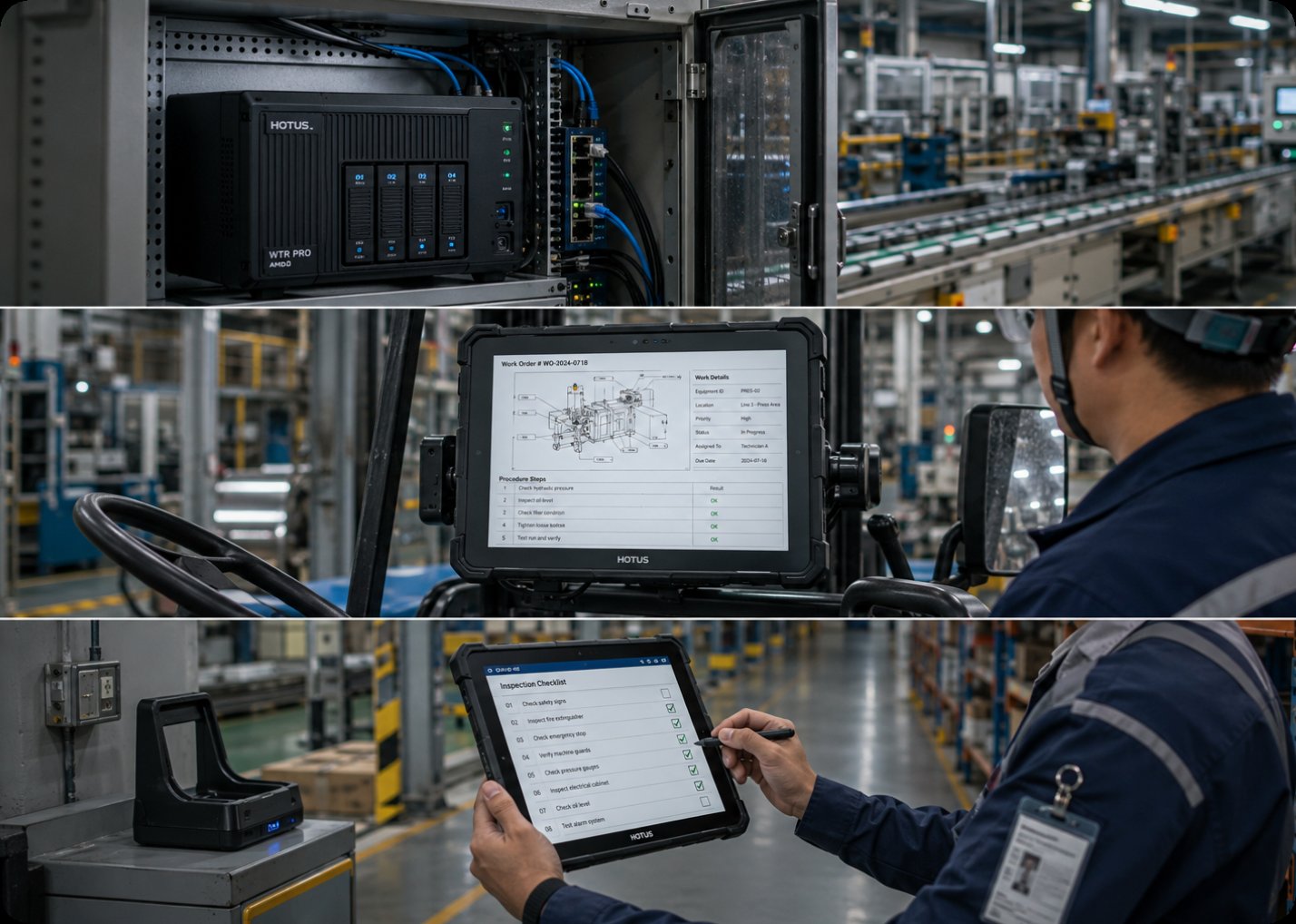
The complete stack in a single frame: a four-bay edge node upstream buffering every reading, a 13.3-inch panel mid-line reading work orders on the plant floor, and a 10.1-inch handheld closing the inspection round at a charging dock.
Sealing Ratings Map to Real Grime
Ingress numbers get compared like scores, which misses the point entirely. A rating describes where a device may live. The ST13-U carries IP65 with 1.2 metre drop resistance, which means it tolerates washdown bays, outdoor yards, and the kind of airborne particulate that settles on everything by mid-morning. The ST11-U is IP54, built for splash rather than jets, which suits indoor production floors and vehicle cabins without pretending to survive a hose. Both hold a 1.2 metre drop rating, and the smaller unit is specified for operation from minus 20 to 55 degrees Celsius, a range that covers unheated warehouses and summer cabins alike. Choose by location first. The rest of the specification only matters once the device is rated to survive the room you are putting it in, and the full rugged handheld tablets line is organised around exactly that distinction.
Side-by-Side Specifications
The table below is the one I hand over before an order goes in. It is deliberately organised by failure domain rather than by price, because that is the order in which the questions arrive on site.
| Model | Role in the architecture | Offline capability | Sealing | Battery | Weight |
|---|---|---|---|---|---|
| WTR PRO AMD | Edge node, local ingest and buffering | 4 SATA bays + 2 M.2 NVMe, dual 2.5G Ethernet | Indoor cabinet installation | Mains powered, 120 W adapter | 5 kg |
| ST13-U | Station, cart, or vehicle panel | Up to 64 GB memory, full local work order | IP65, 1.2 m drop | 8000 mAh, 7.6 V | 1450 g |
| ST11-U | Handheld inspection route | 8 to 64 GB, optional RFID and scan engine | IP54, 1.2 m drop, -20 to 55 C | 6000 mAh, 7.6 V | 1190 g |
Sizing a Rollout by Failure Domain
The practical method is to stop writing one specification for a whole site and write three, one per domain. For the link domain, count the sensors, estimate bytes per minute, and multiply by the longest outage you are willing to absorb; that arithmetic lands on storage, and it usually lands on four bays. For the endpoint domain, walk the actual route with a stopwatch and decide whether the panel lives on a cart or in a hand, because that single observation picks between 1450 grams and 1190. For the data domain, confirm that the node holds a clock source and a reconciliation path before you order anything. Sites that skip this step buy capable hardware and then discover during the first real outage that nobody specified where the missing quarter of an hour went. For the commercial side of that same decision, our earlier breakdown of what one hour of downtime actually costs puts a number on the outage this architecture is designed to absorb.