Almost every custom hardware conversation starts the same way. A customer asks whether we can change one thing, and the honest answer is that it depends on how deep the change runs. Depth is not something you can decide halfway through a project, because each platform loads a different amount of the work onto the buyer. Over the past two years the enquiries reaching us have moved steadily inward. A decade ago nearly all of them stopped at printing a different mark on an existing shell. Today the same buyers arrive with connector maps, firmware requirements and thermal targets attached to the first email. The three platforms in this article sit at three genuinely different points on that scale.
Where a Logo-Only Order Still Makes Sense
A logo-only order is not a low-value order, and treating it as one is a mistake we see on both sides of the table. What the buyer is really purchasing is speed. Nothing is retooled, nothing is retested, and the documentation trail stays intact because the hardware underneath has not moved. The changes available at this level are real but narrow: silkscreen on the shell, a boot animation, a preloaded application set, warranty cards and carton artwork carrying the buyer's own identity.
The catch is that this level only pays off when volume is modest or the schedule is brutal. If you are planning to sell into a regulated field, the labelling has to match the compliance file, which means the compliance file becomes the first thing to settle rather than the last. Buyers who need this kind of arrangement tend to be channel partners who want their own shelf presence without owning a design. For that group our oem odm solutions page explains how the handover is scoped before a single unit is built.
Configuration Choices That Buy Time, Not Just Capacity
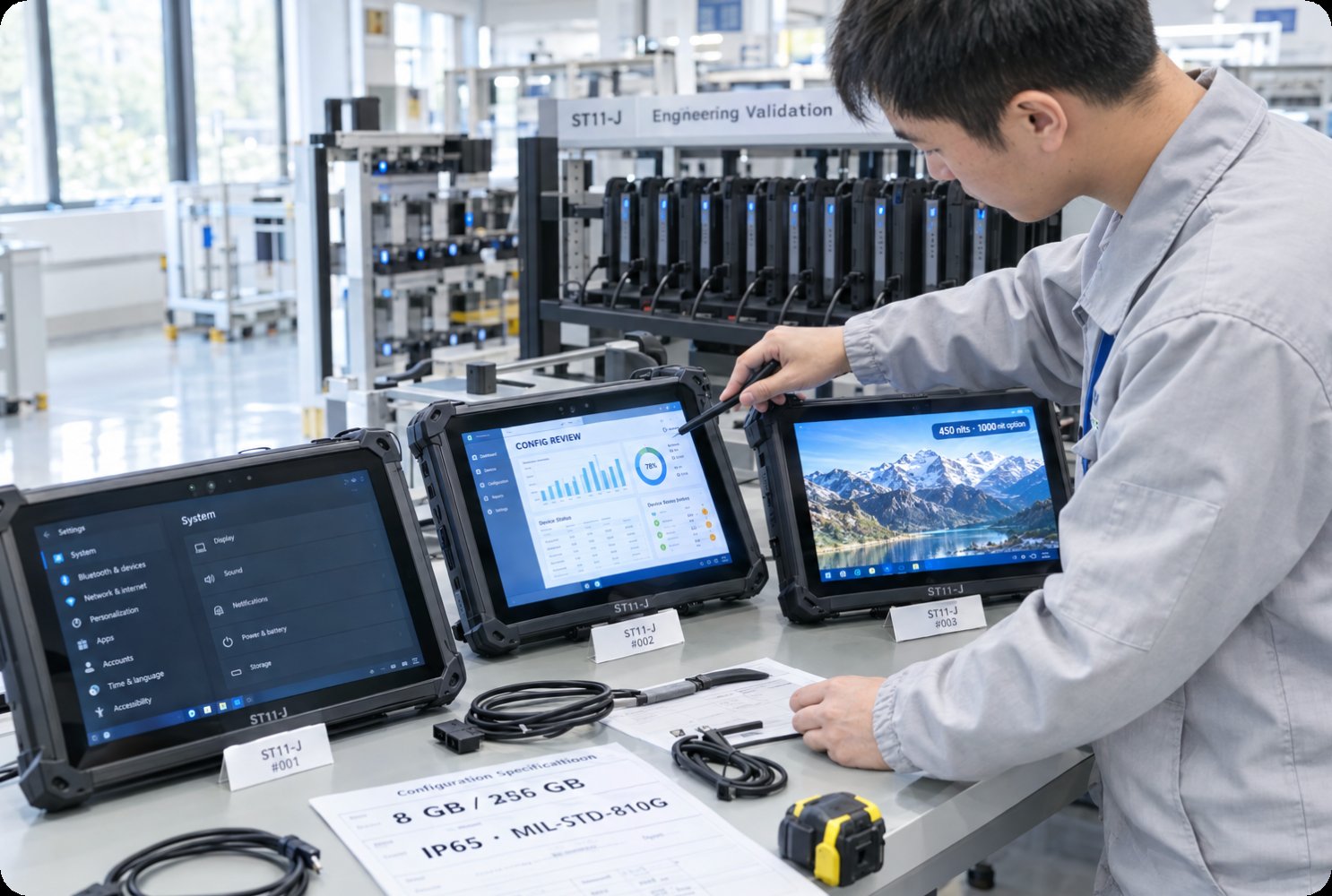
The next step inward is configuration, and it is where most projects actually begin. Memory, storage and display brightness can usually be varied without touching a board layout, because the platform was designed with those forks in place. This is the cheapest way to serve three different customers from one production line, and it is the level where a buyer should resist over-specifying. A brighter panel costs money on every unit forever, while a larger drive costs money once.
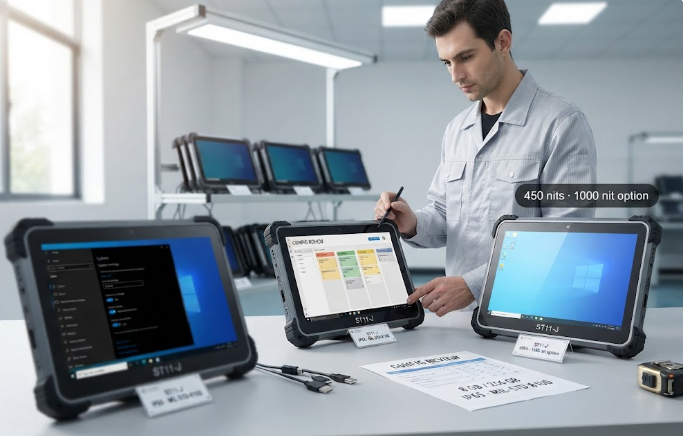
Consider ST11-J, a 10.1-inch industrial tablet running Windows 10 or 11 Pro. The standard build pairs a quad-core industrial processor with 8 GB of memory and 256 GB of storage, and both can be stepped down or up on request. Its screen is listed at 420 nits typical and 450 nits maximum, with a 1000-nit option for direct sunlight. The chassis carries an IP65 rating and MIL-STD-810G shock testing, and power comes from a 6000 mAh battery at 7.6 V. For fixed-station and vehicle-mounted work, this is the point where configuration alone usually satisfies the brief.
The Connector Block Nobody Wants to Redesign
Connectors are where a project slows down. Adding a serial port, a GPIO header or an extra docking contact sounds trivial until the sealing, the strain relief and the certification paperwork are taken into account. Every opening in a rugged shell is a place water will eventually find, so each one has to be justified by a real job rather than a wish list. The practical rule is to negotiate the connector block before the enclosure drawing is frozen, not after.
RT82 shows how much capability can be packed in when the connectors are settled early. It is a 10.1-inch IPS FHD slate at 1200 by 1920 with 400 nits and ten-point capacitive touch, running Android 13 on a Qualcomm octa-core 5G IoT platform with 8 GB of memory and 128 GB of storage, expandable by microSD. Wireless covers 5G, Wi-Fi 6E across 2.4, 5 and 6 GHz, Bluetooth 5.2 and 4x4 MIMO, with optional NFC at 13.56 MHz. It is sealed to IP67 and survives a 1.2 m drop, works from minus 10 to 50 degrees Celsius, and carries GPS on both L1 and L5.
Firmware Is Where Most Projects Actually Stall
Firmware is the layer that decides whether a custom program is remembered fondly. A buyer can order the right hardware and still lose months because the operating system image, the driver set or the update path was never clearly owned by anyone. Android deployments usually need a signed image and a defined over-the-air route. Windows deployments need driver signing and a documented recovery position. Neither is difficult on its own, but both reward being agreed in writing long before mass production.
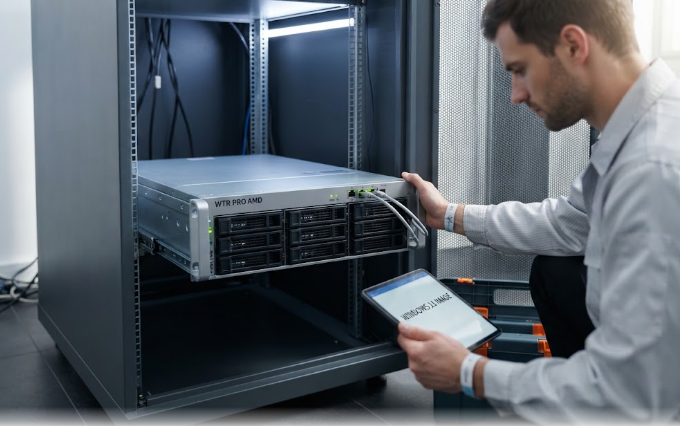
The machine we point most buyers toward for this kind of work is WTR PRO AMD, a metal-bodied mini computer offered with either an AMD R7 5825U or an Intel N100, fitted with dual or single DDR4 slots depending on the version. It carries two 2.5G network ports plus Wi-Fi 6, drives up to three 4K displays over HDMI, DisplayPort and USB Type-C, and can hold four SATA drives in the storage-focused build. Running Windows 11, it suits cabinets, local NAS duty and small on-site server roles where the software stack needs to be controlled end to end.
Three Devices That Stop at Different Points
It helps to see the three platforms side by side, because their limits do not line up. The differences below are the ones that most often decide a project, and they are all drawn from published specifications rather than laboratory estimates.
| Model | Operating System | Display | Sealing and Drop | Networking | Where It Fits |
|---|---|---|---|---|---|
| ST11-J | Windows 10 or 11 Pro | 10.1-inch, 450 nits, 1000-nit option | IP65, MIL-STD-810G | Wi-Fi, Bluetooth, NFC | Fixed-station and vehicle work |
| RT82 | Android 13 | 10.1-inch IPS FHD, 400 nits | IP67, 1.2 m drop | 5G, Wi-Fi 6E, 4x4 MIMO | Field capture and live reporting |
| WTR PRO AMD | Windows 11 | Three 4K outputs | Not rated for outdoor use | Dual 2.5G Ethernet, Wi-Fi 6 | Cabinets, NAS and local server roles |
What Each Stage of a Build Lets You Change
The table below maps the same three platforms against the layers discussed above. Read it as a permission list rather than a ranking, since a shallow stage is not a worse stage. A buyer who only needs the first two rows should not be paying for the last two.
| Stage | ST11-J | RT82 | WTR PRO AMD |
|---|---|---|---|
| Badge, packaging and labelling | Standard, no tooling | Standard, no tooling | Standard, no tooling |
| Memory and storage mix | 4 or 8 GB, 128 to 512 GB | 8 GB with 128 GB, microSD to 256 GB | Dual or single DDR4 slots |
| Connectors and capture | Limited to the base block | Scanner, NFC and docking | Dual 2.5G ports, three display paths |
| Firmware and system image | Windows image and drivers | Android image and updates | Windows image and drivers |
| Enclosure and platform | New tooling required | New tooling required | Chassis and board revision |
Thermal and Power Budgets Decide the Rest
Once a project crosses into the enclosure and board layers, thermal and power budgets become the real constraint. Every added radio, brighter panel or faster processor has to be paid for somewhere, and in a sealed shell the payment is usually heat. A fanless tablet dissipates through its case, so a 5G module that runs continuously will raise the whole chassis temperature rather than just its own. A mini computer has more room to work with, which is precisely why storage-heavy and always-on workloads tend to land there. Before committing to a deeper stage, ask what the device will be doing at hour eight of an eight-hour shift, not at minute five. Buyers who want to compare shapes before narrowing the field can review our rugged tablet range to see how the trade-offs repeat across sizes.
Deciding Which Depth You Actually Need
Three questions settle most of these projects. First, what volume do you expect over the life of the product? Tooling and certification are fixed costs, so they only make sense above a certain build count. Second, how does the device fail in the field today? If the answer is a cracked screen or a dead battery, configuration will fix it. If the answer is a connector filling with dust, only a mechanical change will. Third, who owns the software after handover? A buyer without an engineering team should stay in the shallower stages and let the platform provider carry the update burden. Programs aimed at punishing environments often start with the mechanical questions first, and the notes on industrial three-proof hardware are a reasonable place to frame that discussion.
If you can answer those three questions before the first meeting, the conversation stops being about what is possible and starts being about what is worth paying for. That is the point at which a custom program becomes a schedule instead of a risk.