- Select Language
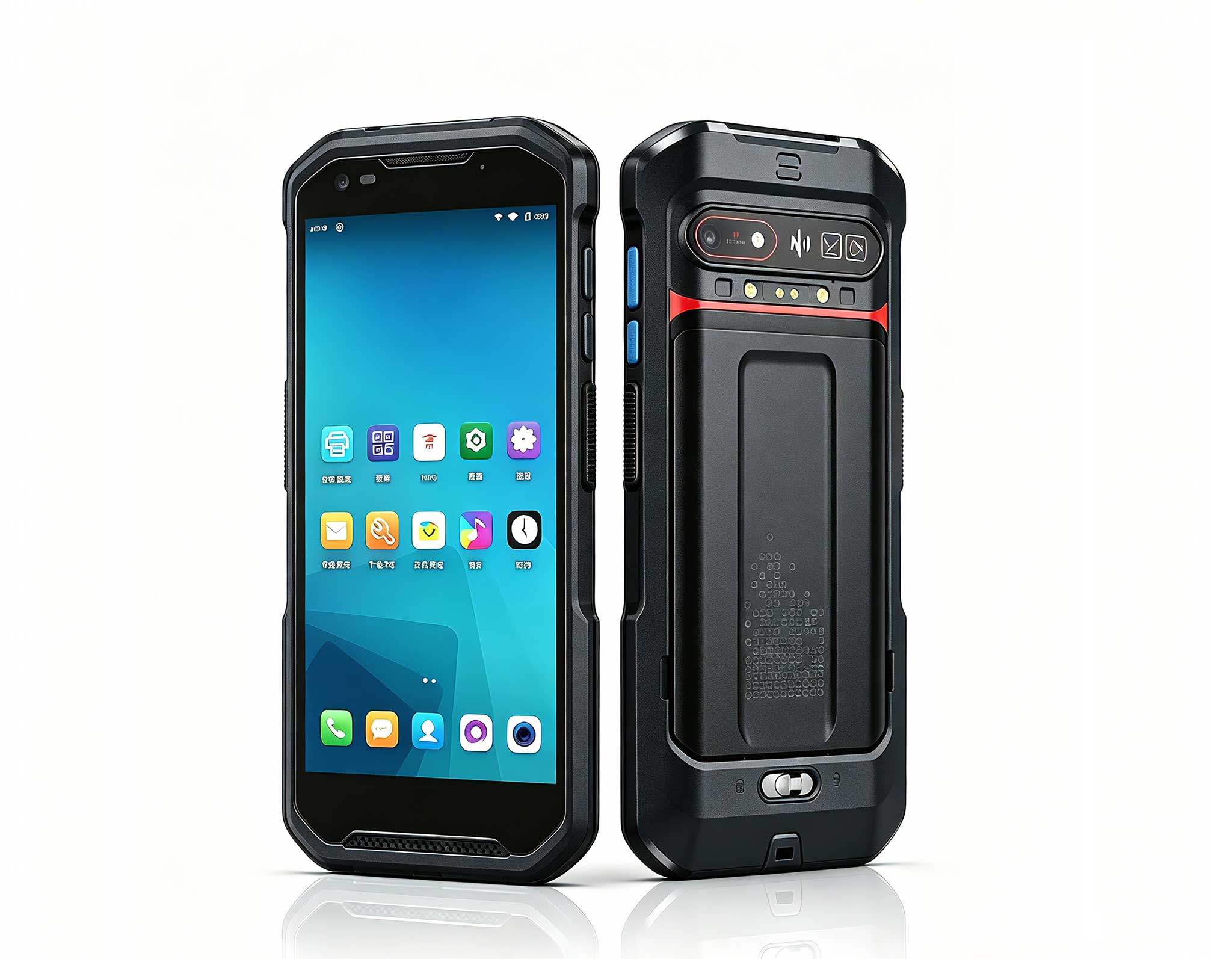
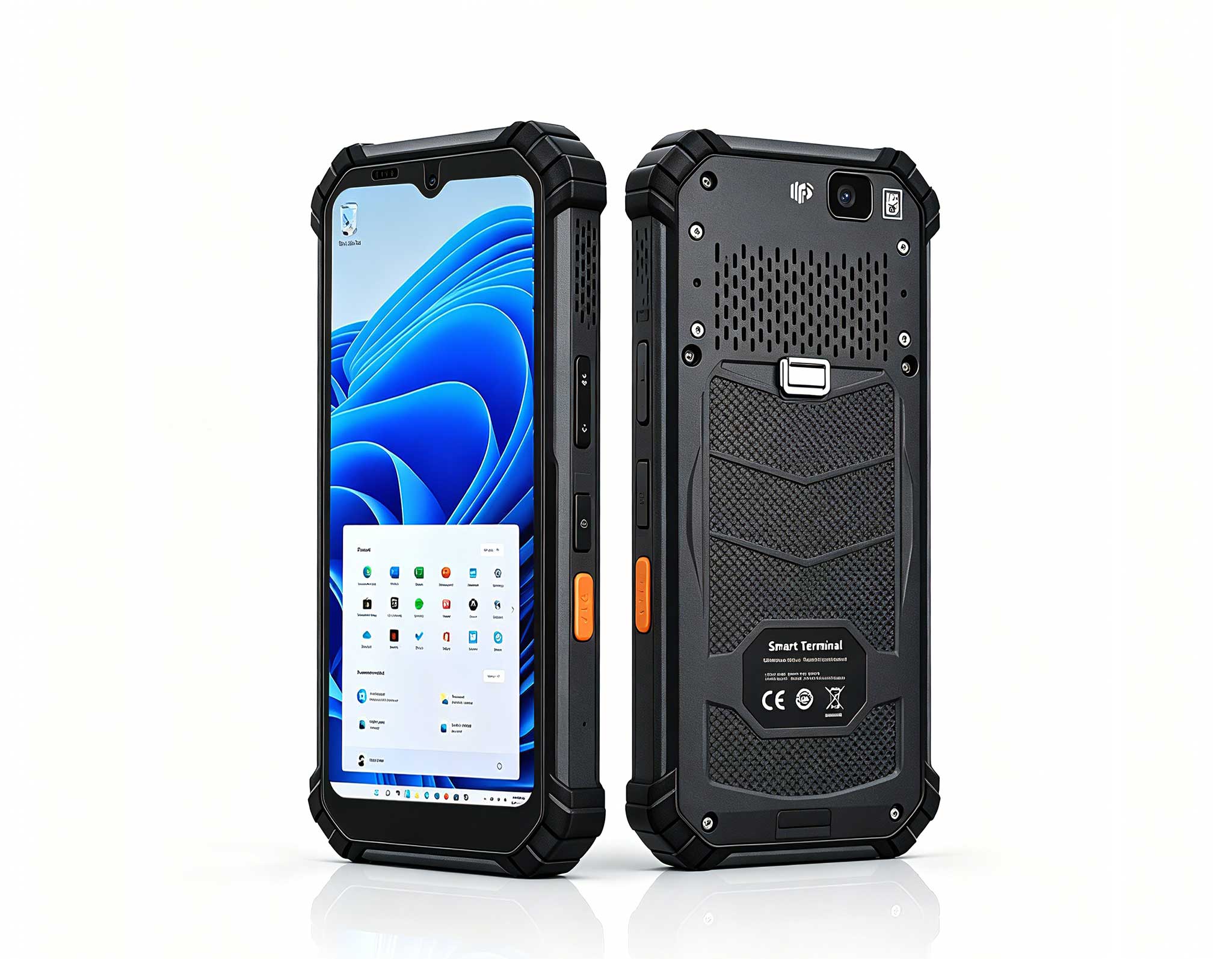
R366-S Thin 5.5-inch Industrial PDA | Qualcomm Oct...
R366-S 5.5-inch Industrial PDA | Qualcomm Octa-cor...
The N40 Android smart PDA features a Cortex-A53 qu...
This 10-inch Android rugged tablet is designed for...
Full SpecificationsModel Hotus SH5‑WOperating ...
The U9000 handheld PDA combines advanced barcode s...
Full SpecificationsModelHotus ST11‑MOSWindows 10/1...
The R501 PDA combines a powerful MT6762 Octa-Core ...
The F505 Handheld PDA is a compact, high-performan...
Most schools do not buy slates one classroom at a time; they buy a cart of thirty, roll it down the corridor, and expect it to survive whatever period it lands in. The trouble is that a single cart serves very different lessons. A year-four reading app needs a light, cheap, managed Android device. The computer lab needs real Windows, a keyboard-friendly screen and the horsepower for exam software and CAD starters. And the loaner pool that fills the gaps needs a chassis that shrugs off drops between periods. This comparison runs three Hotus rugged slates against two very different challengers — the Gutab MC10, an endurance-focused industrial build, and the Purism Librem 11, a privacy-first Linux device — to show how the three lessons can be covered by three deliberate choices instead of one compromise.
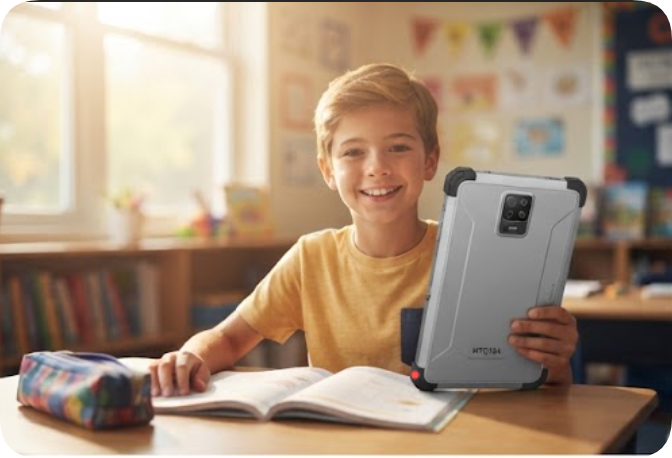
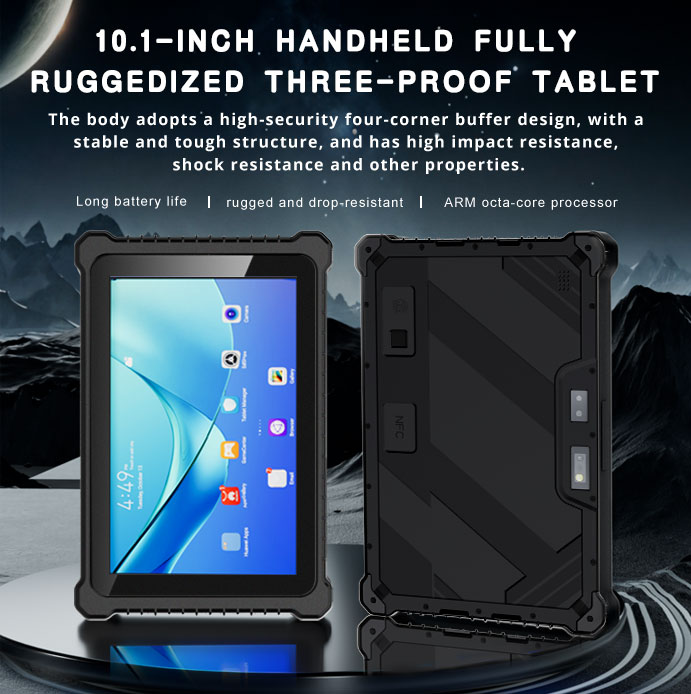
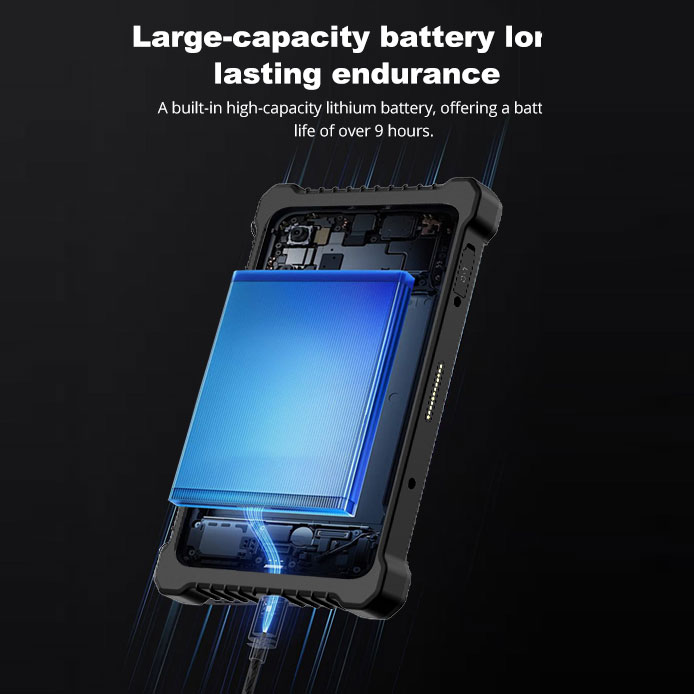
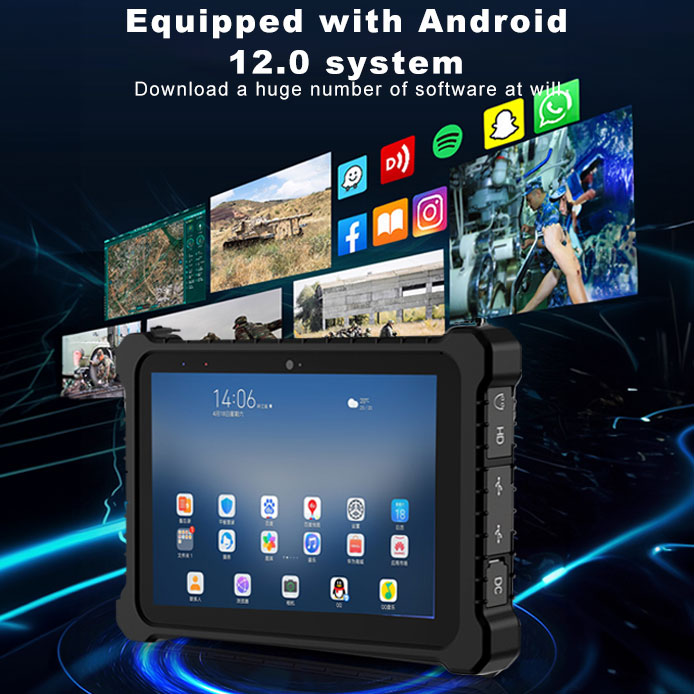
The HTQ10A is the device you hand to a ten-year-old without a second thought. It runs Android 12 on an MTK 8788 octa-core at 2.0 GHz, with 8 GB of RAM (4 GB optional) and 128 GB of storage (64-256 GB optional) — comfortable headroom for the reading, maths and language apps that dominate early-years curricula, and the format that mobile device management suites for schools handle natively. The 10-inch LCD runs 1920×1200 at 560 nits, bright enough for a window-side reading circle, behind a 10-point capacitive touch panel with 7H hardness glass that resists the scratches a pencil case inflicts. An IP67 rating seals out spills, and at its class weight it is the easiest of the three to carry between home and school. The rear camera is a genuine 16 MP autofocus unit with LED, useful for scavenger-hunt worksheets; the 7000 mAh polymer cell is non-removable, which simplifies procurement and removes the temptation to lose batteries.
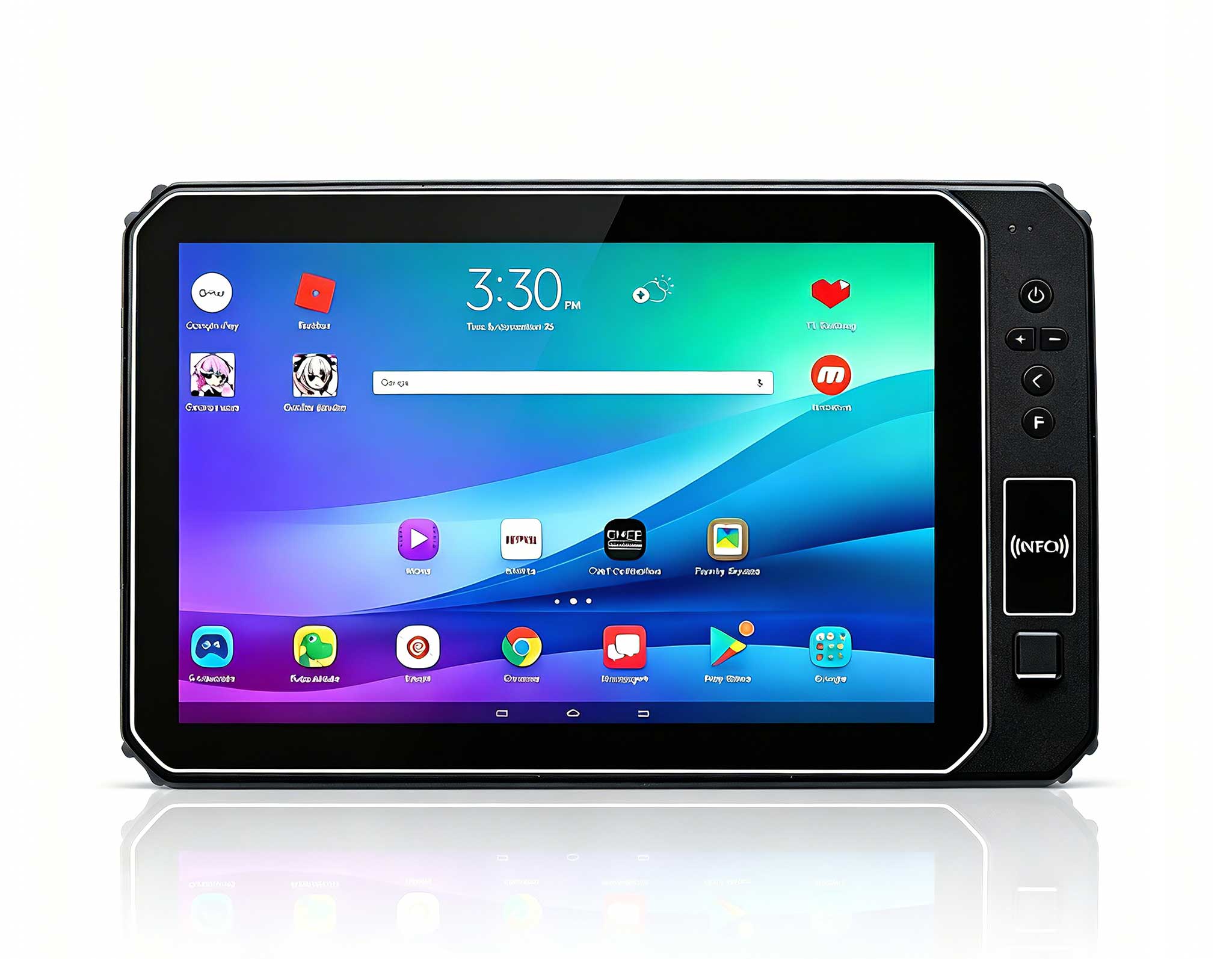
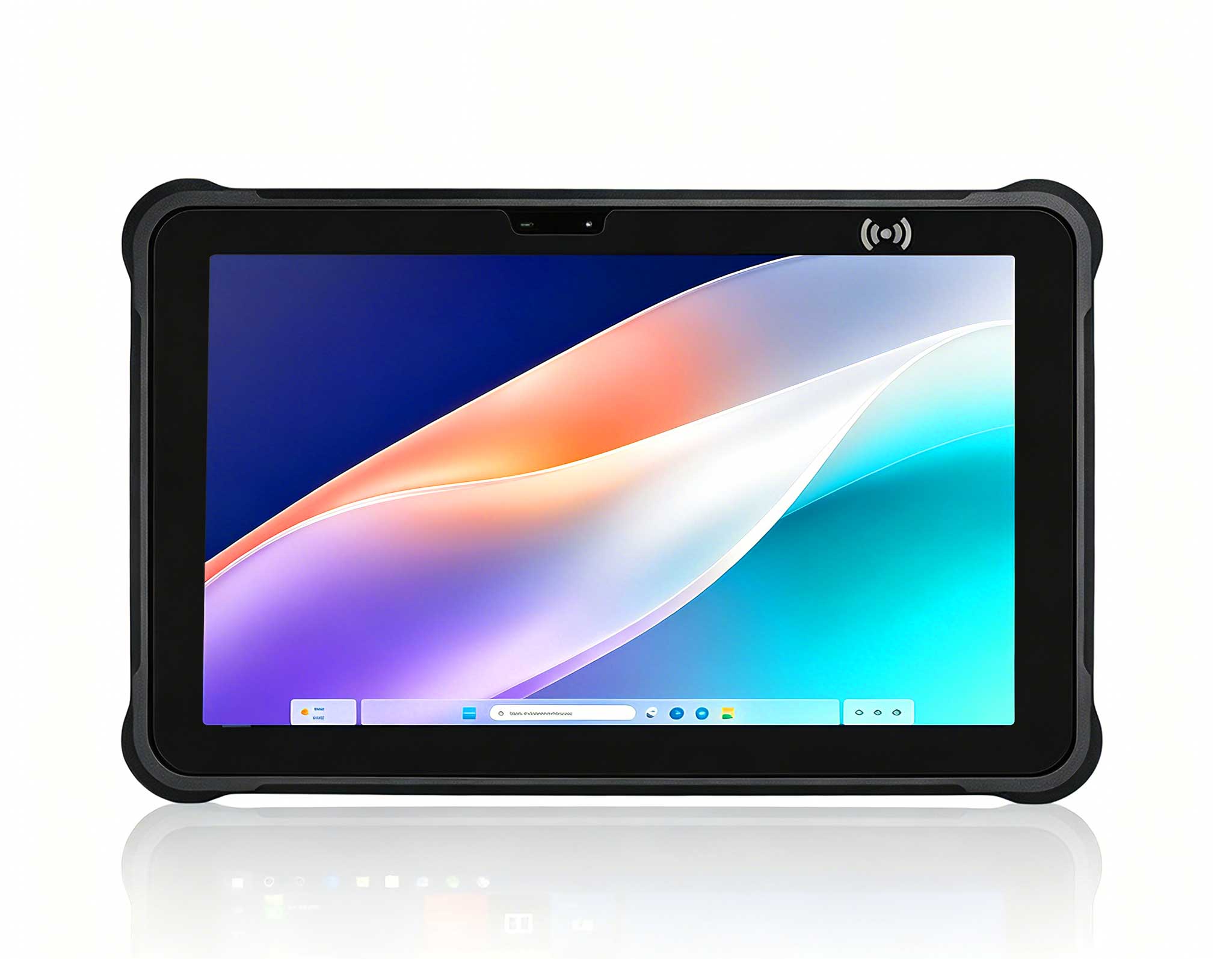
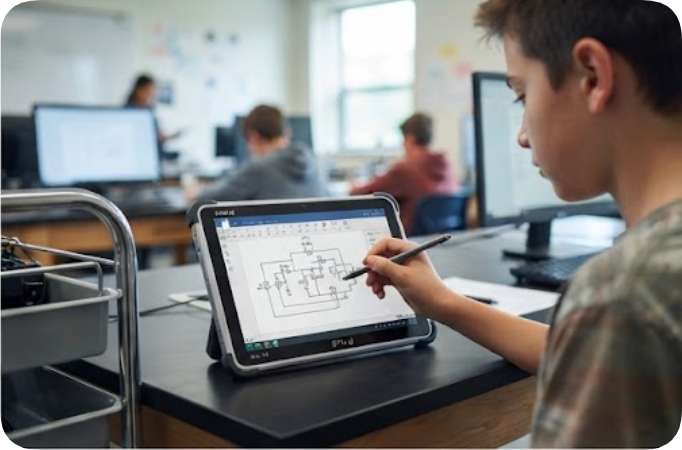
When the timetable says computer lab, the ST11-U takes over. It is a full Windows 11 Pro machine on Intel's 12th-generation i5-1235U or i7-1255U — the same platform line pupils will meet on desktop PCs — with configurations up to 64 GB of RAM and 512 GB of storage, so exam clients, office suites and entry CAD all run natively rather than through a browser shim. The 10.1-inch IPS panel runs 1200×1920 at 450 nits with stylus and wet-hand touch, which matters for diagram annotation in science class. Connectivity is the most complete in the trio: Wi-Fi ac, Bluetooth 5.2 and 4G LTE, so a field trip keeps working past the school's Wi-Fi edge. The IP65 fully rugged chassis carries a 1.2 m drop rating and a 6000 mAh/7.6 V battery; at 1190 g it is the heaviest of the three, which is the honest price of the x86 engine.
The third slot belongs to the HTNJ10B, the budget-conscious Windows option. Its Intel Pentium N600 runs four efficient cores at up to 3.3 GHz — ample for browsers, office documents and classroom management software — on Windows 10/11, with the same 10-inch 1200×1920 560-nit panel and 7H glass as the Android sibling. It carries the same IP67 sealing and 1.22 m drop rating, and the front 5 MP and rear 8 MP cameras cover video lessons and homework capture. The 7.6 V/3500 mAh battery is the smallest figure here, so the honest deployment pattern is a cart that returns to charge at lunch — which a scheduled classroom already does. RAM is not published on the product page and should be confirmed with the factory before specifying exam software.
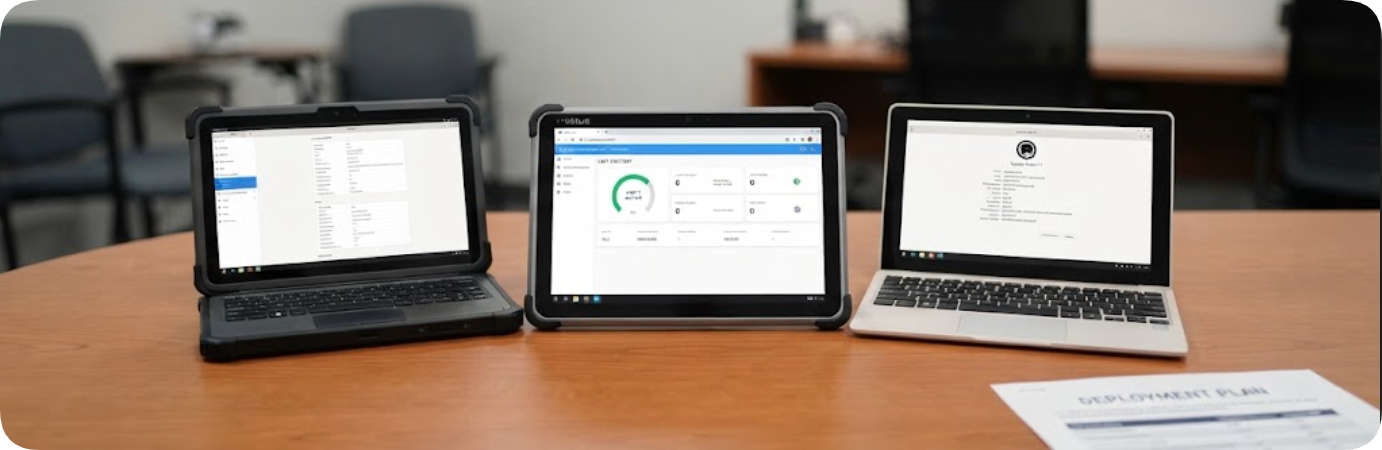
The Gutab MC10 approaches from industrial vehicle duty. Its 10.1-inch panel runs 1920×1200 at 800 nits — brighter than anything in the Hotus trio — on a 12th-generation Core i5 with 16 GB of LPDDR5 and up to 1 TB of SSD. The IP66 chassis meets MIL-STD-810H, tolerates -25°C to 60°C, and its signature trick is a hot-swappable 66 Wh battery: a cart never waits for a charge cycle, it just swaps packs. Modular bays accept RJ45, RS232, fingerprint and RFID. At ¥5,000-8,000 per unit it prices like industrial tooling, because that is what it is. The Purism Librem 11 attacks from the opposite direction: student-data privacy. It runs PureOS, a Debian-based Linux, with PureBoot verified boot, Intel ME disabled and hardware kill switches for camera, microphone and radios. The 11.5-inch AMOLED at 2560×1600 is the finest display here, a 4096-level stylus and detachable keyboard folio ship in the box, and the whole unit weighs 560 g — but the N5100 is the slowest silicon in this comparison, and at $999 it costs more than either Windows Hotus slate.
| Item | HTQ10A | ST11-U | HTNJ10B | Gutab MC10 | Librem 11 |
|---|---|---|---|---|---|
| OS | Android 12 | Windows 11 Pro | Windows 10/11 | Windows (industry build) | PureOS (Debian) |
| CPU | MTK 8788 ×8 @2.0 GHz | i5-1235U / i7-1255U | Pentium N600 ×4 @3.3 GHz | 12th-gen Core i5 | N5100 ×4 |
| Display | 10" 1920×1200 560 nit | 10.1" 1200×1920 450 nit | 10" 1200×1920 560 nit | 10.1" 1920×1200 800 nit | 11.5" AMOLED 2560×1600 |
| Battery | 7000 mAh fixed | 6000 mAh @7.6 V | 3500 mAh @7.6 V | 66 Wh hot-swap | n.p. |
| Protection | IP67 | IP65, 1.2 m drop | IP67, 1.22 m drop | IP66, MIL-STD-810H | none cited |
| Weight | light class | 1190 g | n.p. | industrial class | 560 g |
Three gaps deserve candour. The MC10's 800-nit screen, hot-swap battery and MIL-STD-810H record have no answer among the three Hotus slates — if the deployment lives outdoors, Gutab is the stronger chassis, and the Librem 11's kill switches and verified boot remain unique for a school that must document data handling. Against that, the Hotus trio covers the operating-system spread — managed Android, full Windows, light Windows — that neither challenger addresses, publishes its protection ratings per model where the Librem 11 cites none, and prices for cart-scale purchases rather than per-unit tooling budgets. For mixed fleets the arithmetic usually favours buying two HTQ10A class devices for every ST11-U, with the HTNJ10B filling the loaner shelf. It also helps that the Hotus slates share one visual language: staff training, spare chargers and cart crimps stay common across the trio, while a fleet that mixes Android, Windows and Linux ends up running three inventories, three MDM policies and three sets of spare parts on the same shelf.
Choose by what the timetable actually contains. If most periods are app-based learning in the lower grades, start with the HTQ10A and spend the savings on spare units. If exam clients, office suites or design starters dominate, the ST11-U is the only device here that brings a 12th-generation Core into a sealed chassis. If the goal is a durable, low-cost Windows loaner pool, the HTNJ10B fills the shelf. Browse the rugged tablet lineup for the full ten-model range, check the related mini PC lineup for fixed lab stations, or read more device comparisons before the next procurement round. The test is simple: when the cart rolls into a different lesson every hour, every device on it should have been chosen for that lesson.