The Complete Deployment Playbook: HCAR5000 MI, Palm-Sized Mini PC & ST9-J for Remote Home Offices
Every operations leader managing distributed teams has confronted the same reality: home offices are rarely built for sustained productivity. Background noise bleeds into calls, desktop real estate disappears under bulky towers, and support tickets pile up over trivial connectivity issues. Rather than forcing employees to improvise with consumer-grade gear, forward-thinking organizations are standardizing on industrial-grade hardware designed specifically for remote work. This guide outlines a proven deployment framework centered on the HCAR5000 MI conferencing hub, the Palm-sized miniPC, and the ST9-J rugged tablet—a combination that transforms chaotic home workspaces into streamlined productivity zones.
Modern remote work demands more than just functional equipment; it requires hardware that operates invisibly in the background—no humming fans, no dropped connections, no steep learning curves. Hotus has engineered its computing and display ecosystem to meet these exacting standards. The Mini PC platform, anchored by the HCAR5000 MI and ST9-J, offers a cohesive alternative to the patchwork of mismatched devices that typically clutter home offices. By replacing multiple single-purpose gadgets with an integrated three-device solution, teams eliminate the most common sources of friction that erode remote work efficiency.
Why This Integrated Hardware Stack Transforms Daily Operations
The measurable impact of this integrated system goes well beyond clearer conference calls. Teams that have adopted this hardware stack report fewer support escalations, shorter onboarding periods, and noticeably better meeting engagement—participants stay focused when they can actually hear and be heard without technical glitches. The HCAR5000 MI acts as the communication nerve center, filtering out background noise so that every participant's voice comes through with studio-like clarity. Meanwhile, the Palm-sized miniPC handles processor-intensive workloads silently through passive cooling, which means no distracting whirring during client demos or critical presentations.
This industrial-grade Remote Work Home Office solution deliberately pairs three complementary devices to cover every aspect of daily work life. The ST9-J rugged tablet serves as the flexible companion for employees who shift between kitchen tables, home offices, and even outdoor spaces, while the miniPC anchors the primary workstation with dependable computing power. This deliberate division of roles reduces redundant purchases, simplifies IT management, and guarantees uniform hardware quality across the entire team—regardless of whether someone works from a dedicated study or a corner of the living room.
A Step-by-Step Rollout Plan Anyone Can Follow
Successfully deploying this hardware across a distributed workforce doesn't require a dedicated IT department. The following phased approach minimizes downtime and gets employees productive within days, not weeks.
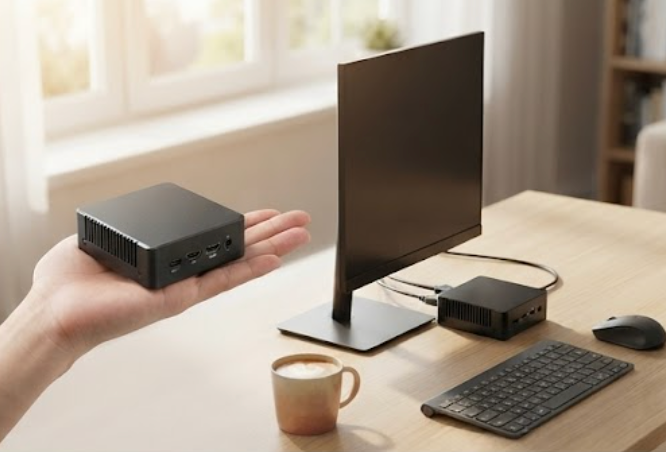
Initial Setup: Power, Connect, and Verify. Begin by unboxing every unit and completing initial charging cycles. The Palm-sized miniPC should take priority—connect it to the primary monitor and network first since it will function as the central workstation. Its minimal cabling requirement (just power and HDMI) makes initial setup achievable for any employee, even those with limited technical experience. Following that, configure the HCAR5000 MI as the default audio device for Zoom, Teams, or any other conferencing platform, and run a quick sound check to ensure balanced input and output levels.
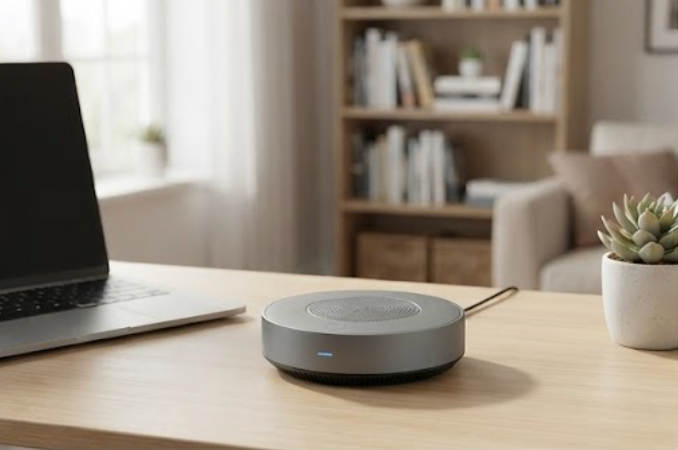
Day Two: Spatial Planning and Device Positioning. Walk through each home workspace to determine optimal equipment placement. The HCAR5000 MI works best when positioned centrally, allowing its microphone array to capture voices from any direction. For the ST9-J, assess how it will be used in practice—as a supplementary display for reference materials, a portable workstation for moving between rooms, or a data capture tool for field visits. The 8 windows(ST9-J)Rugged Industrial Tablet proves especially valuable for employees who frequently relocate within their home during the workday or prefer taking handwritten notes alongside digital collaboration.
Day Three: Hands-On Training and Process Familiarization. Guide employees through their daily routines: launching video conferences, presenting screens, and toggling between applications. Because the ST9-J runs the familiar Windows operating system and the miniPC requires no special drivers, most users adapt within hours rather than days. The plug-and-play nature of both devices dramatically shortens the typical training curve associated with proprietary hardware.
First Week: Gather Input and Refine Configurations. Solicit feedback from all users and make targeted adjustments. Individual preferences will naturally emerge—some employees may prefer the ST9-J as their primary display, while others will want it as a secondary reference screen. Small tweaks to device positioning or audio settings during this period often deliver outsized productivity returns.
First Month: Evaluate Metrics and Optimize. Review system uptime, support ticket volumes, and employee satisfaction scores to identify any lingering issues. This structured review cycle ensures the hardware transition remains smooth, predictable, and free from operational disruptions as the new equipment becomes fully integrated into daily workflows.
Addressing Persistent Remote Work Frustrations
Feedback gathered from remote work professionals consistently identifies three pain points: disruptive background noise during calls, the challenge of maintaining audio clarity in open or multi-person households, and the steep learning curve associated with complex legacy equipment. The HCAR5000 MI tackles the audio problem head-on with sophisticated noise suppression and echo cancellation technologies, making it suitable even for busy family environments. The Palm-sized miniPC's fanless design ensures completely silent operation, eliminating the ambient hum that plagues traditional desktops in quiet home settings.
The ST9-J rugged tablet removes the training bottleneck that slows adoption of specialized hardware. Its Windows-based interface feels immediately familiar to virtually every user, compressing onboarding from days to just hours. For organizations seeking to standardize their remote infrastructure, these rugged mini PC solutions provide a unified platform that streamlines purchasing, deployment, and ongoing maintenance. The miniPC's compact footprint also solves the space constraints common in home offices, where every square inch of desk surface matters.
Side-by-Side Hardware Comparison for Deployment Planning
Evaluating equipment options requires understanding how each device fits into the broader remote work picture. The following comparison highlights the distinct roles of each model in this solution family.
| Model | Position | Weight | Reference |
|---|---|---|---|
| HCAR5000 MI | Audio hub for conferencing | Lightweight desktop unit | Product details |
| Palm-sized miniPC | Primary compute workstation | Ultra-compact, under 500g | Product details |
| ST9-J | Portable rugged tablet | Standard tablet weight | Product details |
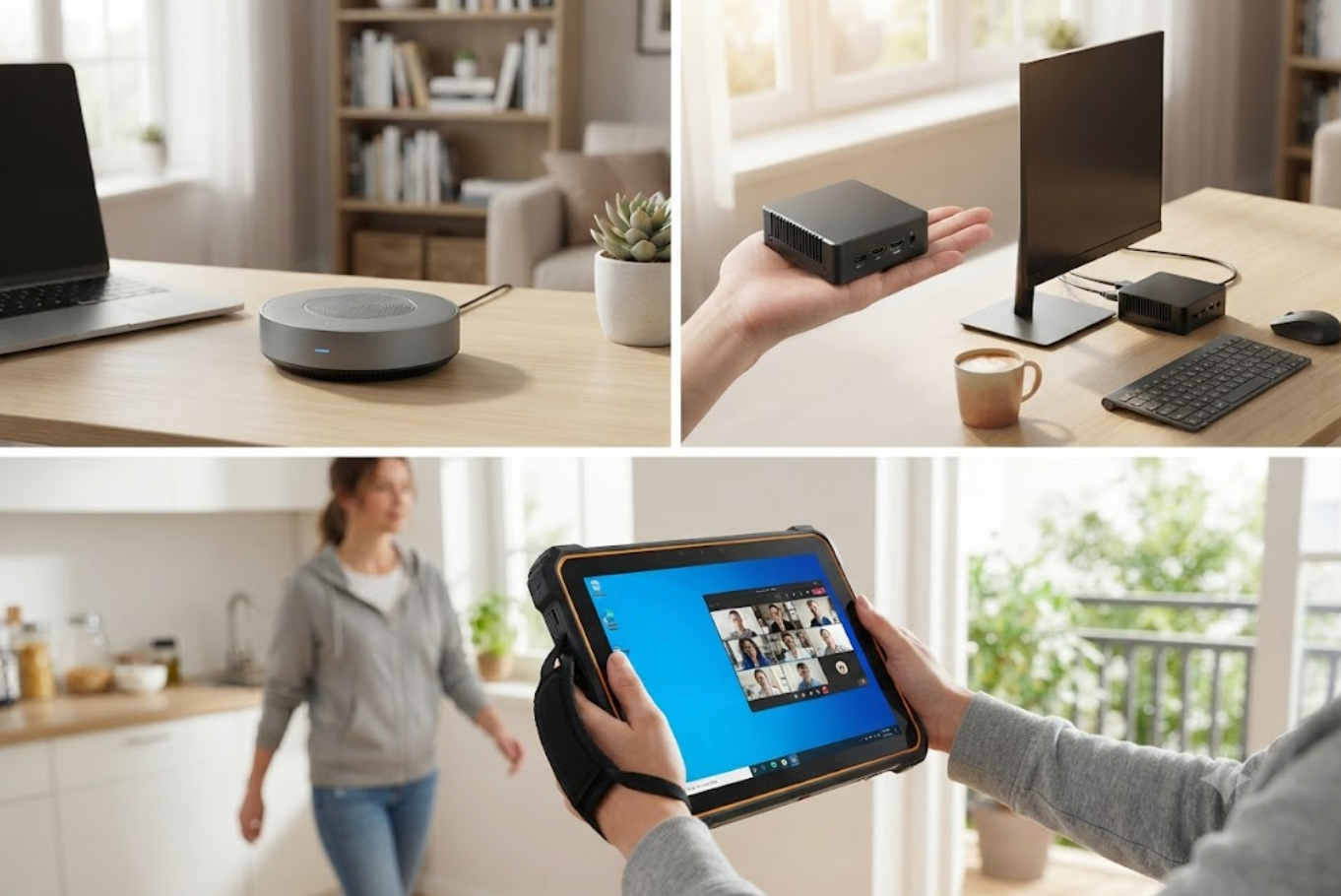
Each component fulfills a specific function within the remote work ecosystem. The HCAR5000 MI guarantees professional-grade communication quality, the Palm-sized miniPC delivers full desktop performance in a package smaller than a paperback novel, and the ST9-J offers the mobility required for employees who work from multiple locations throughout the day. This clear separation of responsibilities prevents workload bottlenecks and ensures every task runs on the optimal hardware.
Scaling and Sustaining Performance Over Time
As remote work initiatives expand, scalability becomes a decisive factor. The modular design of this hardware family means adding new team members requires nothing more than deploying additional units—no infrastructure upgrades or compatibility concerns. Multiple miniPCs can share a single HCAR5000 MI in households with two remote workers, and the ST9-J can serve as a supplementary device for employees who occasionally work from secondary locations.
Long-term cost efficiency is reinforced by the durability of these products. The ST9-J withstands drops, spills, and the general wear-and-tear of daily home use, while the Palm-sized miniPC's solid-state construction eliminates mechanical failure points. For organizations already invested in this ecosystem, future growth remains straightforward. To explore how these components integrate into a broader hardware strategy, review our mini PC solutions for additional configuration options and peripherals that further enhance the remote working experience. With the correct hardware foundation in place, remote work evolves from merely functional to genuinely productive and sustainable for the long haul.
Field-Proven Advice: When installing the HCAR5000 MI, set it on a vibration-absorbing surface—a mousepad or small foam pad works well—to dampen any residual mechanical noise. For the miniPC, maintain clear airflow around its passive cooling vents; avoid enclosing it in a drawer or tight cabinet. These straightforward precautions meaningfully improve both acoustic performance and hardware longevity.