- Select Language
RS50 5G Rugged Handheld Terminal | 6.3" FHD+ ...
R860-S 5.5-inch Industrial PDA with Thermal Printe...
R366-S Thin 5.5-inch Industrial PDA | Qualcomm Oct...
R350C 4-inch Industrial Handheld PDA | Qualcom...
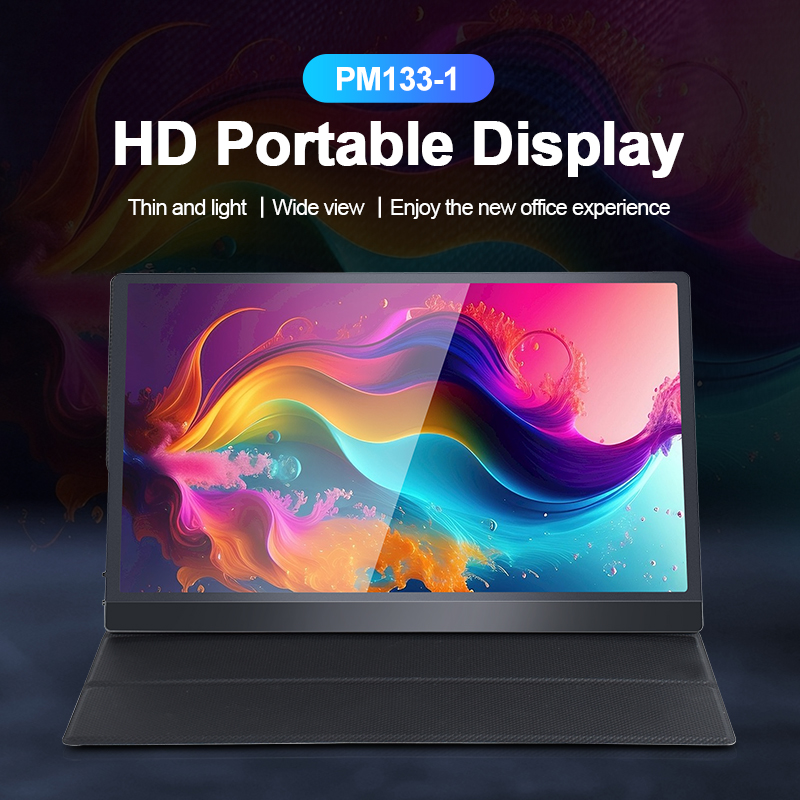
The PM133-2 is a 13.3-inch portable monitor featur...
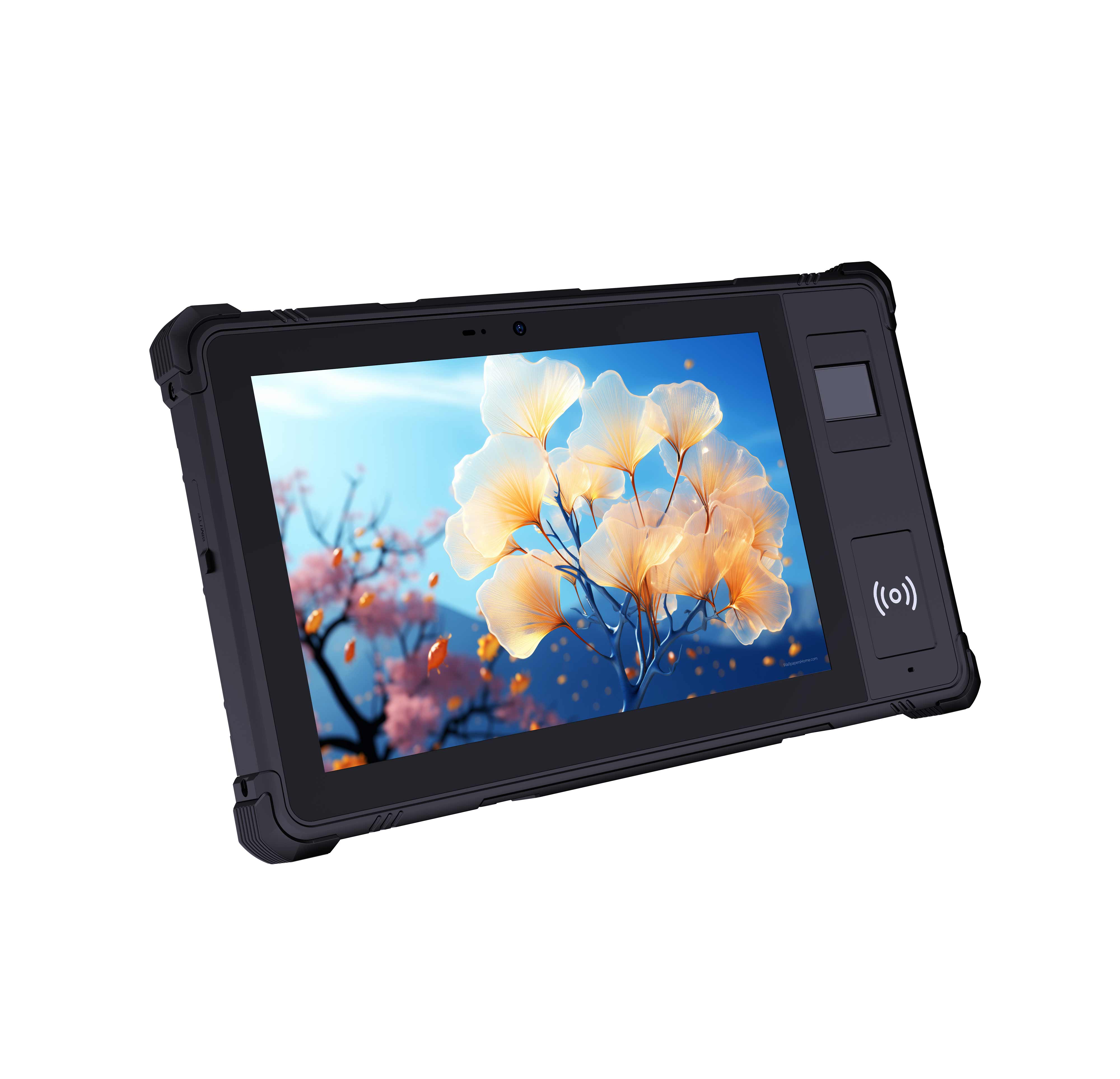
Explore an innovative Personal Digital Assistant f...
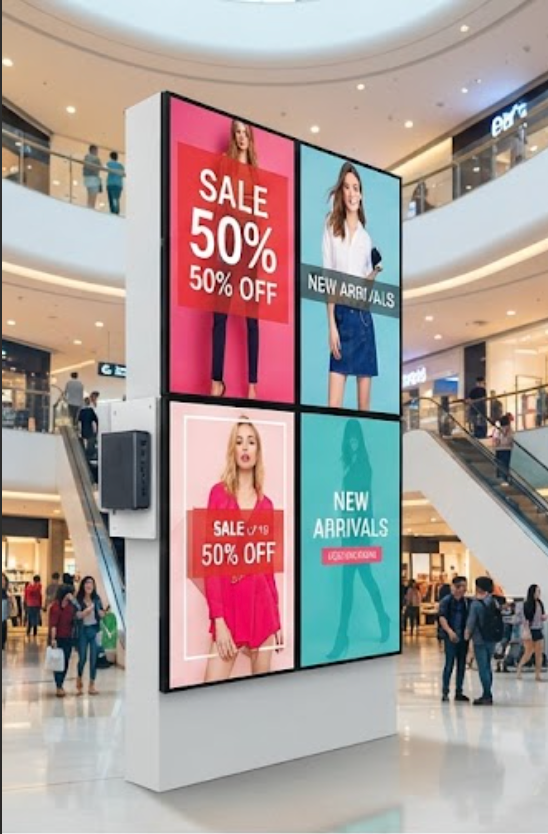
For years, most Digital Signage Kiosk deployments have been built on consumer-grade displays and full-size desktop towers pressed into round-the-clock service. The results are predictable. Screens suffer burn-in within months, fans choke on dust, and power supplies give out under continuous load. Facility teams soon find themselves spending more time swapping failed components than measuring whether their content is actually working. The Palm-sized miniPC, the HTQ10A Android Rugged Tablet, and the SH6 offer a different path: purpose-built computing engineered for the realities of public spaces, where downtime is measured in lost revenue, not just lost screen time.
Every Digital Signage Kiosk needs a dependable engine that keeps content flowing to the screen without calling attention to itself. That is precisely where an industrial solution for Digital Signage Kiosk earns its place. Instead of mounting a full desktop tower behind the panel, integrators can now tuck a hand-sized device inside the enclosure, eliminating the cable sprawl, the heat load, and the service access problems that come with conventional hardware. Installations become lighter, quieter, and far less obtrusive, which matters in lobbies and retail spaces where every square centimeter counts. The payoff is a cleaner installation, fewer points of failure, and far less heat to manage inside a sealed cabinet.
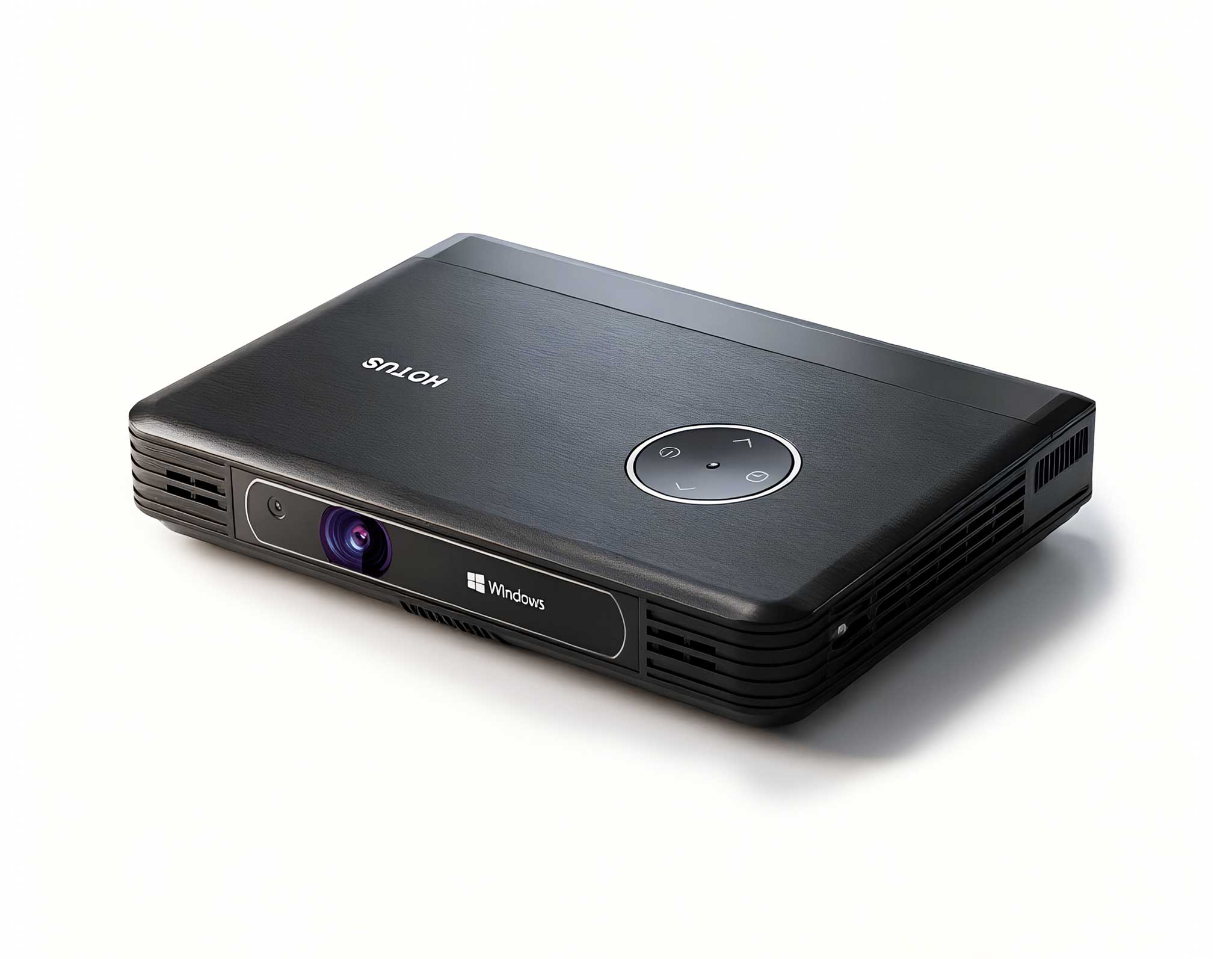
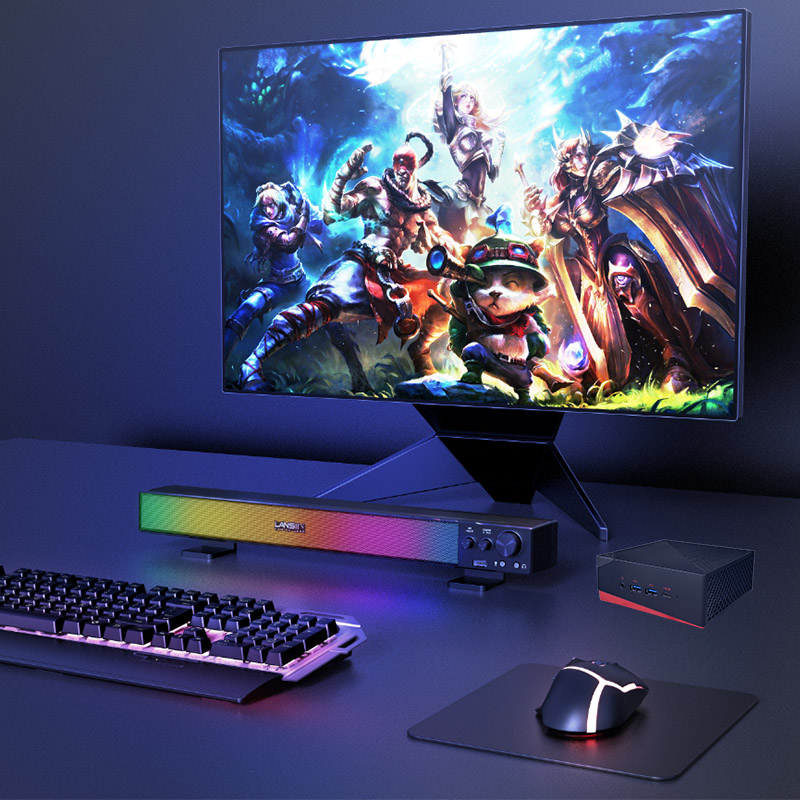
At the heart of this approach sits the Palm-sized miniPC, a fanless box computer engineered for always-on operation. It draws a fraction of the power a conventional PC needs, drives panels up to 4K over a single cable, and fastens directly to the rear of a display with a standard VESA bracket. With no moving parts at all, the mechanical failure points that plague consumer hardware simply cease to exist.
Organizations that make the switch report measurable, repeatable gains. Visitor satisfaction improves because messages stay on screen instead of freezing mid-campaign. Staff overtime shrinks as troubleshooting calls dry up, and total cost of ownership settles below what legacy systems demanded. Remote monitoring and scheduled reboots further reduce the maintenance burden, so the network essentially runs itself between planned service windows. The platform also scales cleanly: every additional kiosk costs a fraction of the original investment and can be commissioned in a single afternoon.
Most organizations wrestle with the same three challenges before they adopt modern equipment. The first is reliability. Consumer televisions and office PCs were never engineered for sixteen-hour operating days, and they fail accordingly. The second is total cost of ownership: every failure triggers a service visit, a replacement part, and hours of staff time. The third is scalability, because traditional AV setups grow more tangled with each additional screen and each new location. What starts as a manageable pilot quickly becomes a patchwork of incompatible components that no single team fully understands.
Field data from kiosk operators confirms the pattern. Deployments that migrate from consumer-grade hardware to rugged, purpose-built platforms typically cut hardware-related downtime by more than 40 percent and reduce energy consumption by up to 60 percent. Against generic media players and off-the-shelf tablets never designed for unattended operation, dedicated kiosk hardware pays back its modest premium within the first year of service, and those savings keep compounding as the network grows. Uptime, once treated as a gamble, becomes a predictable operating metric that finance and operations teams can plan around.
Kiosk technology has followed the same arc of digitization that reshaped the wider industry. Early installations depended on bulky set-top boxes, analog signal distribution, and ventilated cabinets that swallowed valuable floor space. Each generation fixed the shortcomings of the one before it, and today's systems are more capable, more reliable, and easier to deploy than anything the previous era could produce. Content that once required a dedicated technician can now be updated from anywhere, over the air, in minutes.
Modern Digital Signage Kiosk hardware has grown far more specialized in the process. Instead of a single generic computer straining to cover every use case, manufacturers now field dedicated platforms: palm-sized media engines for content playback, rugged Android tablets for interactive self-service, and handheld industrial terminals for staff assistance. Each device is tuned for a specific role, which is exactly why cross-brand comparisons matter more than ever when a new deployment is on the drawing board. A budget media stick may win on price, but it loses decisively on reliability, serviceability, and long-term support.
Choosing between the three comes down to the role each device will play inside the kiosk. A content engine, an interactive touchpoint, and a staff terminal place very different demands on the hardware, and the comparison below reflects those differences. The table covers the specifications that matter most in public-facing deployments.
| Specification | Palm-sized MiniPC | HTQ10A Android Rugged Tablet | SH6 |
|---|---|---|---|
| Form Factor | Palm-sized fanless box | 10.1-inch rugged tablet | 6.5-inch rugged handheld |
| Operating System | Windows / Linux (configurable) | Android | Windows |
| Typical Weight | Under 0.5 kg | Around 0.7 kg | Under 0.4 kg |
| Display Output | External panels up to 4K | Built-in 10.1-inch sunlight-readable touchscreen | Built-in 6.5-inch industrial touchscreen |
| Durability | Fanless, low-power, long-life | IP65-rated, drop-resistant | IP65-rated, industrial-grade |
| Best Fit in a Kiosk | Content engine behind any screen | Interactive self-service and wayfinding | Handheld companion for staff and field data |
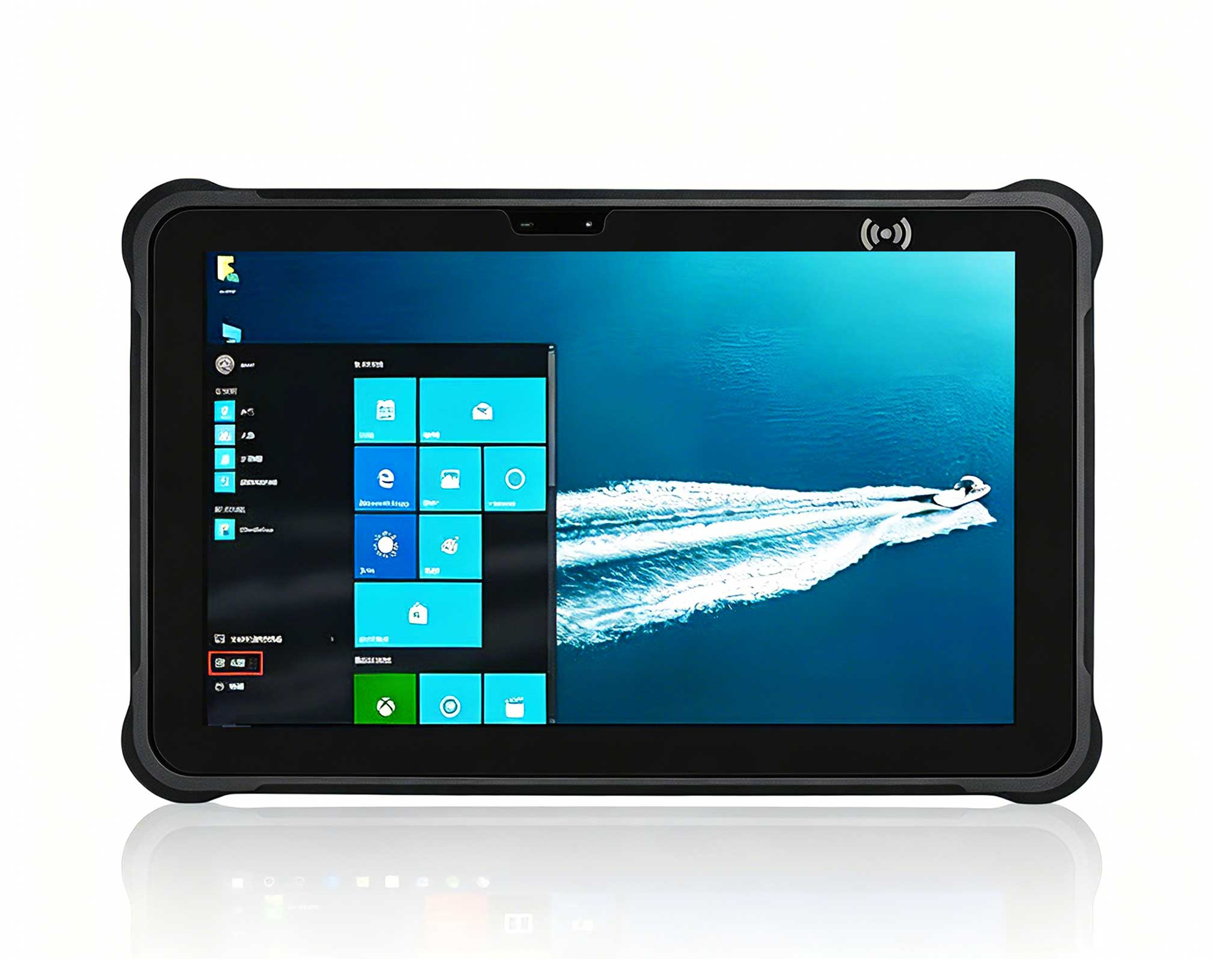
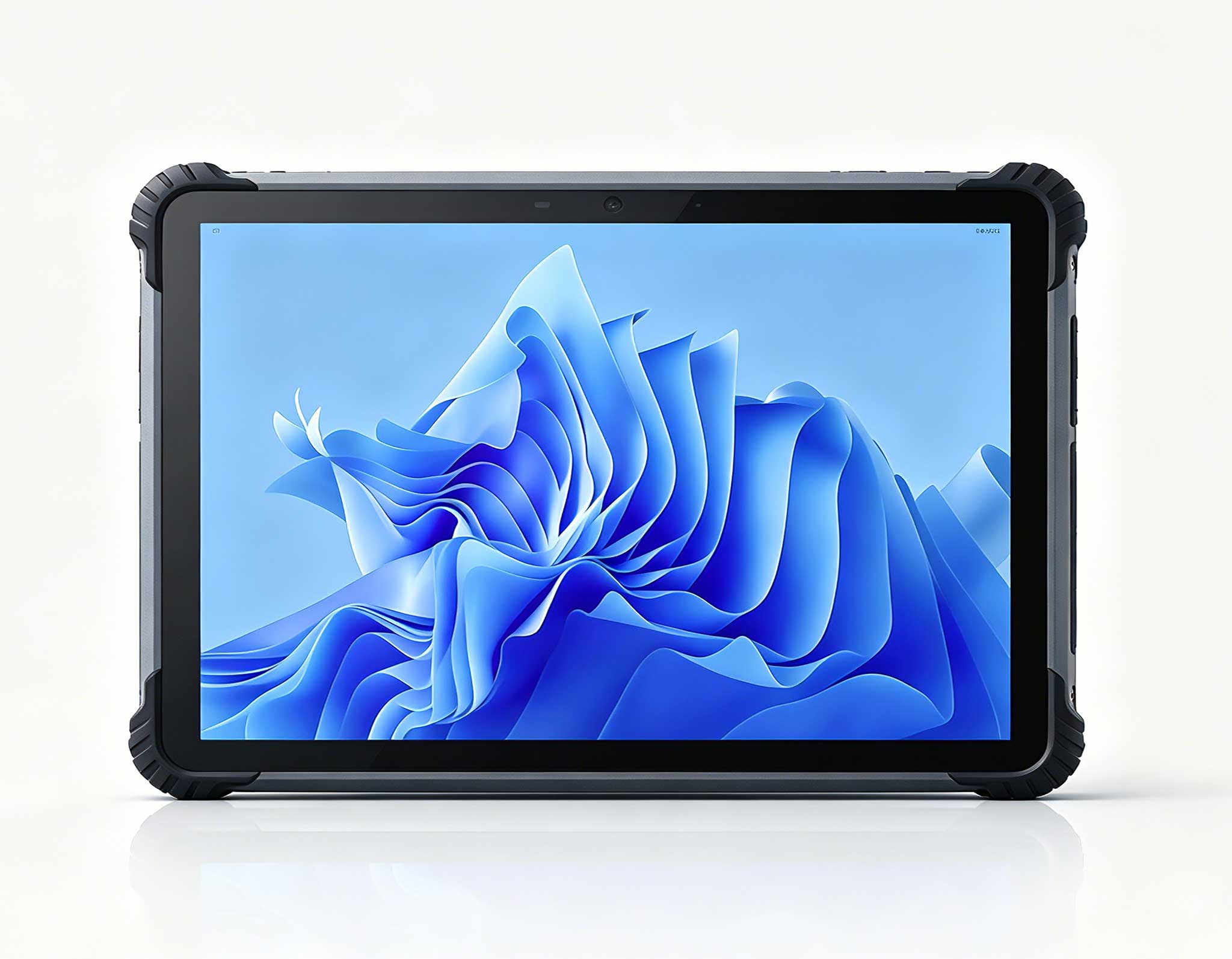
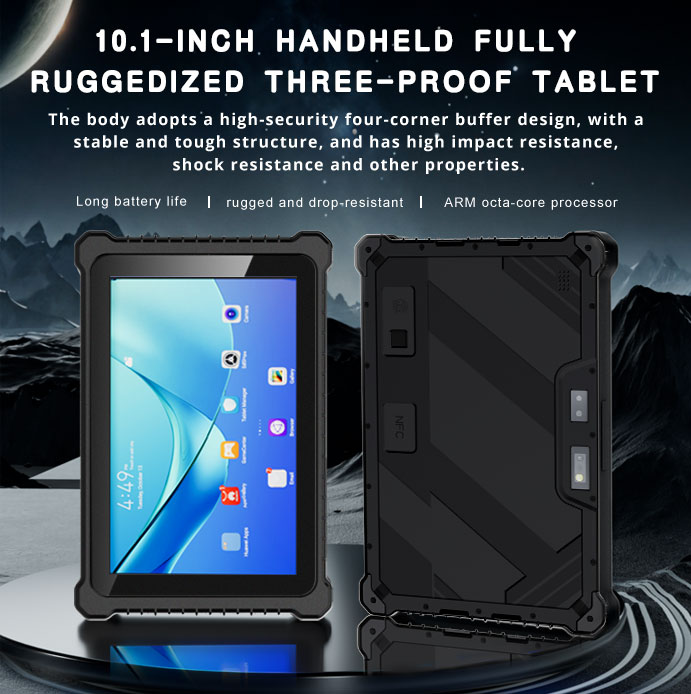
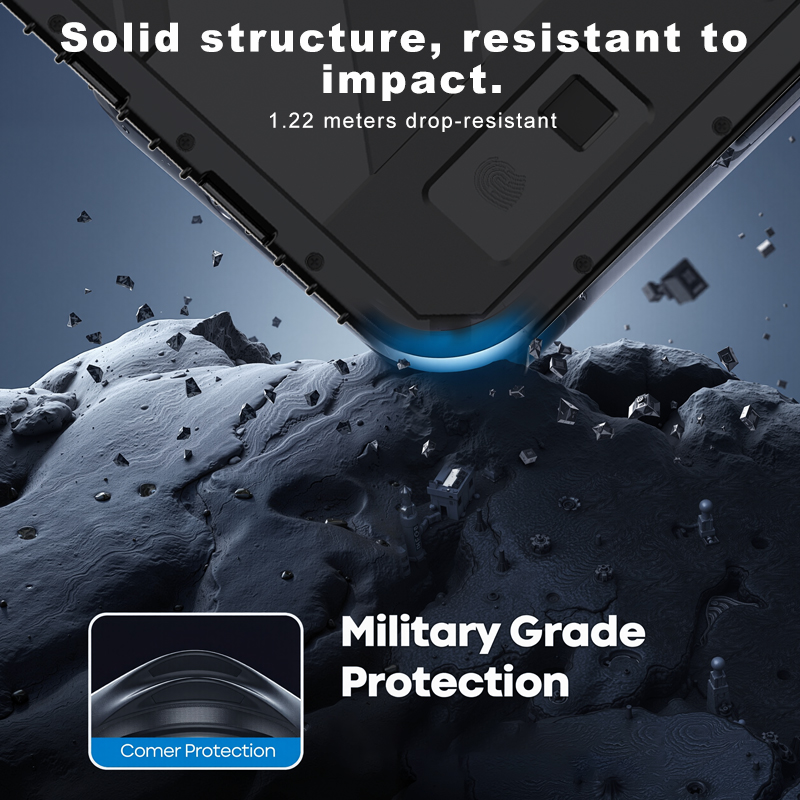
For interactive self-service scenarios — wayfinding, ticketing, product lookup — the HTQ10A Android Rugged Tablet is the standout choice. Its 10.1-inch panel remains readable even under bright lobby lighting, the capacitive touchscreen responds equally well to gloved and bare fingers, and the IP65-rated enclosure shrugs off spills, dust, and the occasional knock. Where consumer tablets overheat or crack within weeks of public use, the HTQ10A is engineered to stay mounted, stay responsive, and stay online.
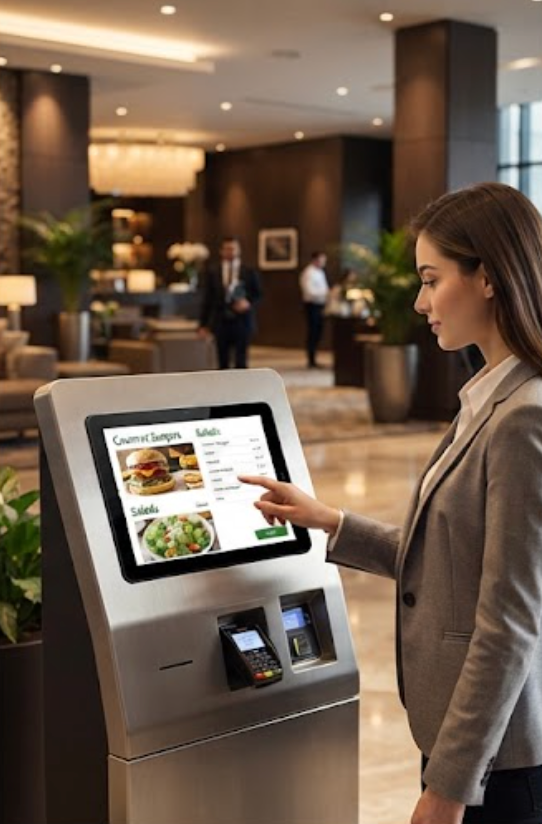
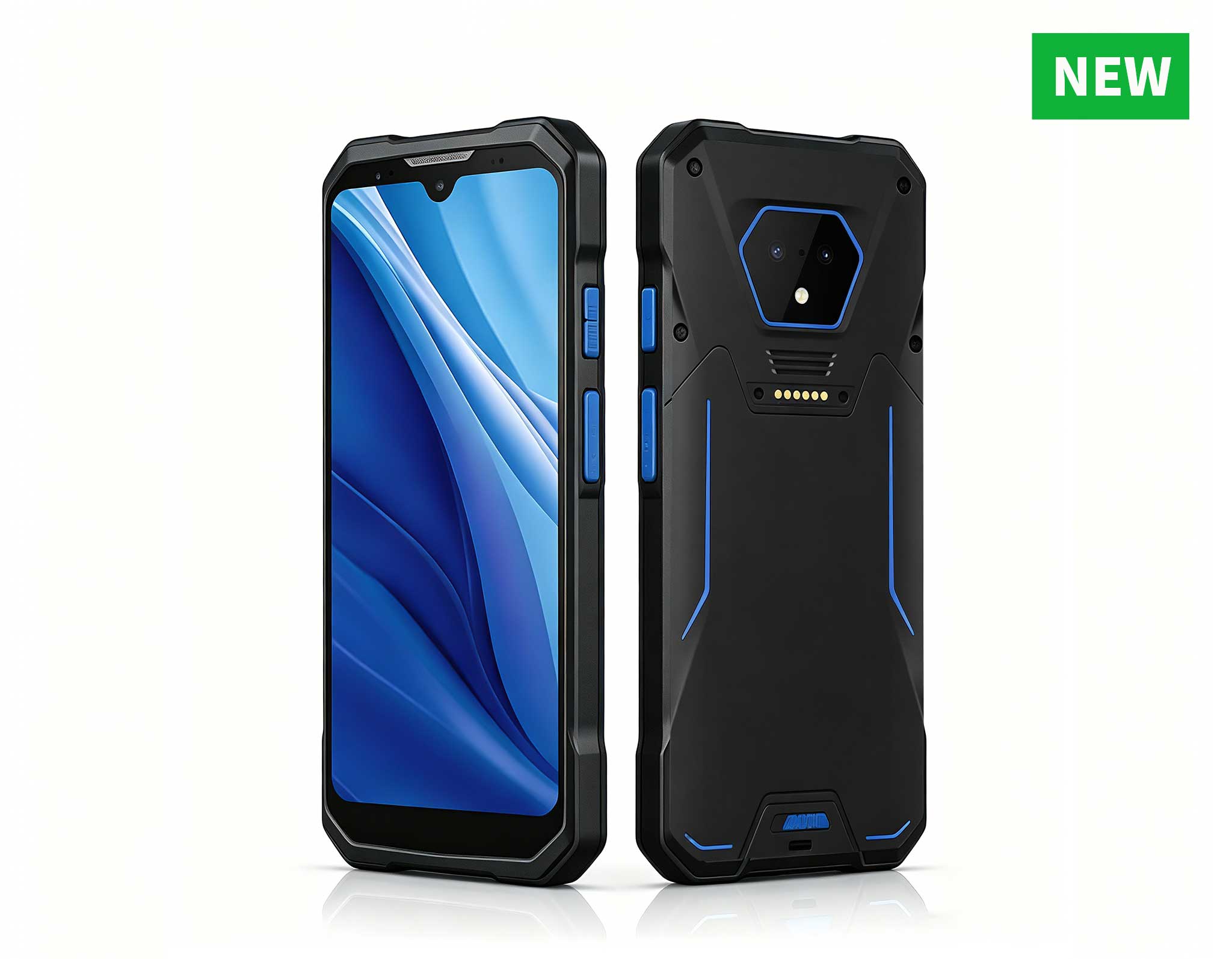
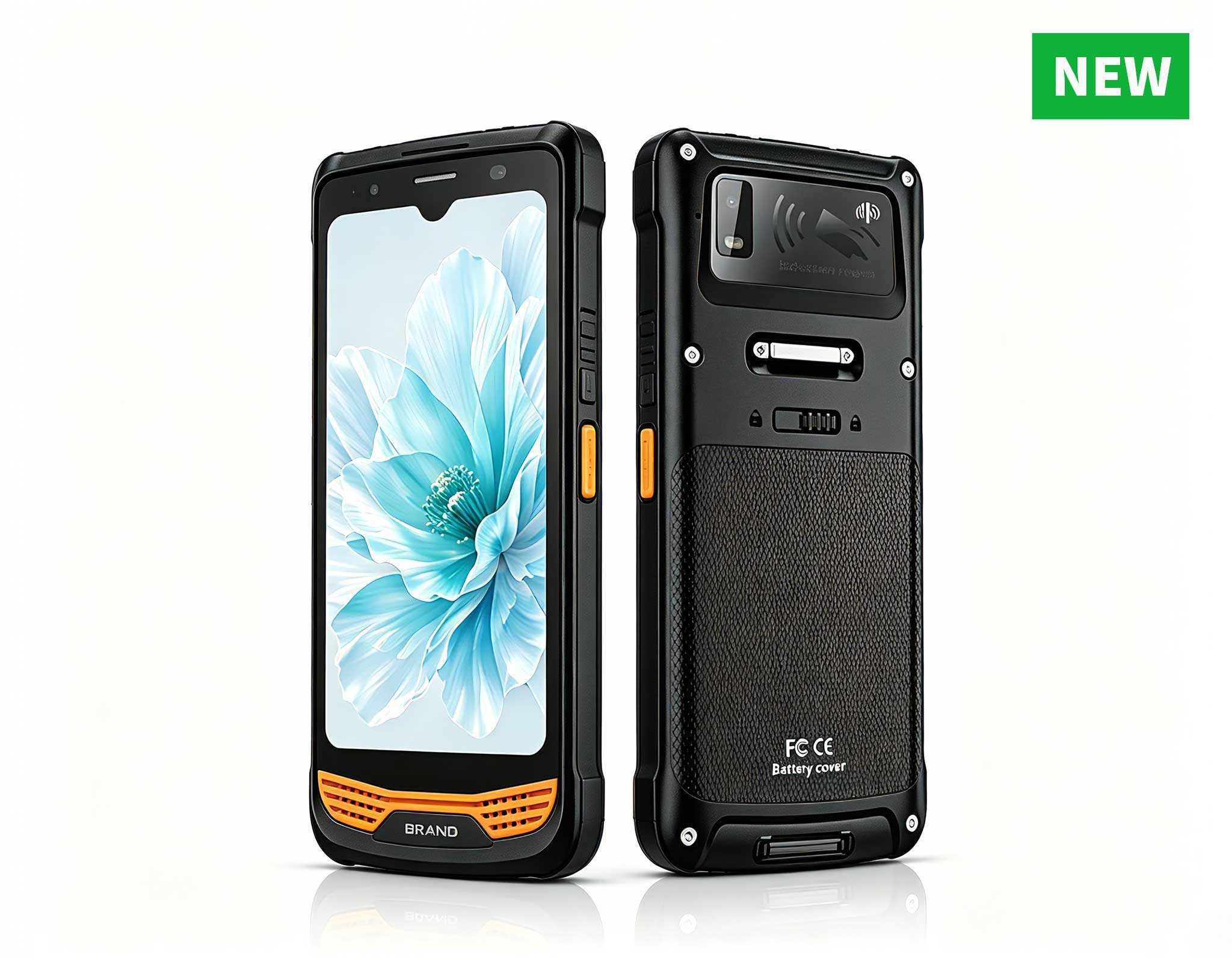
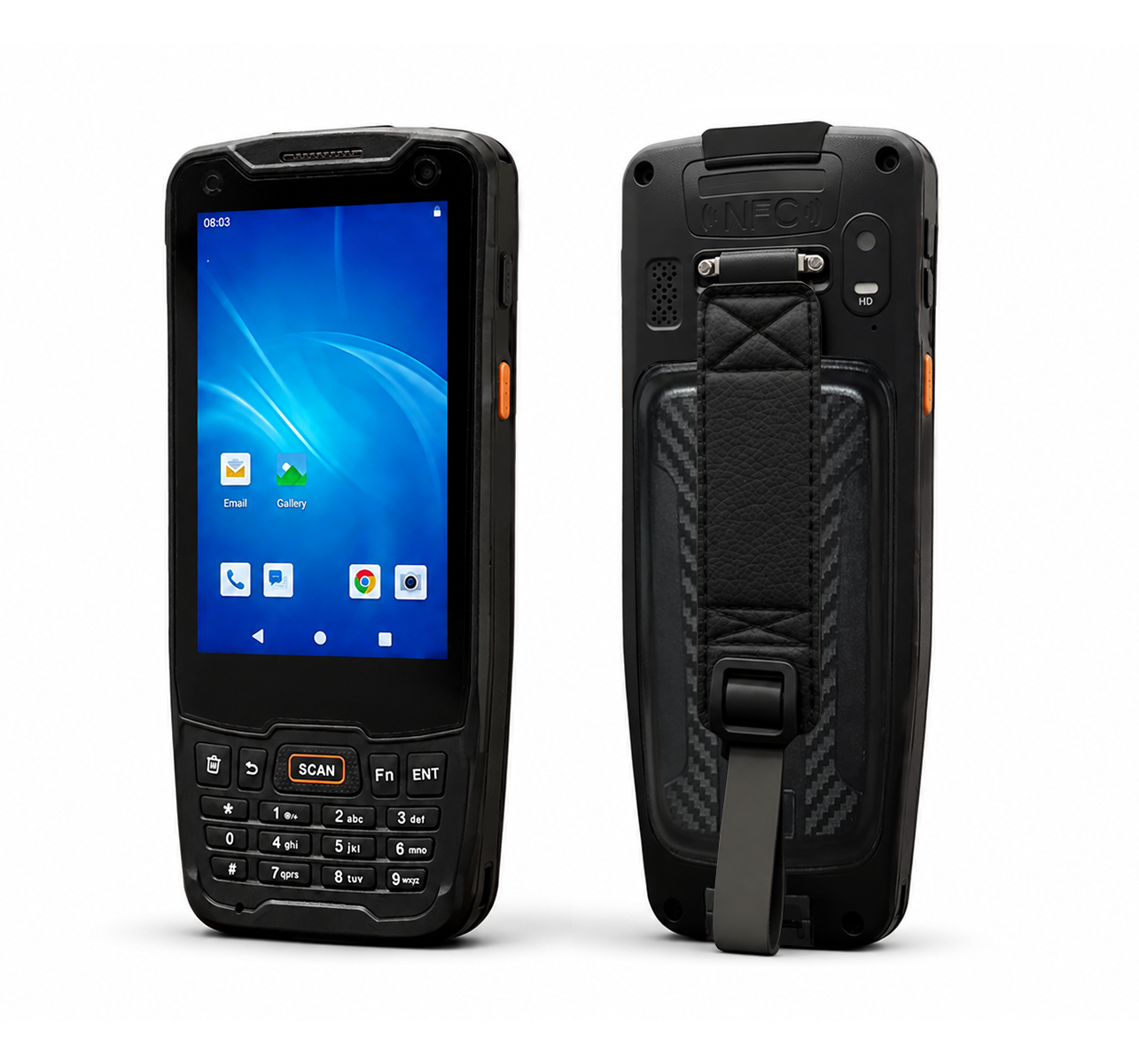
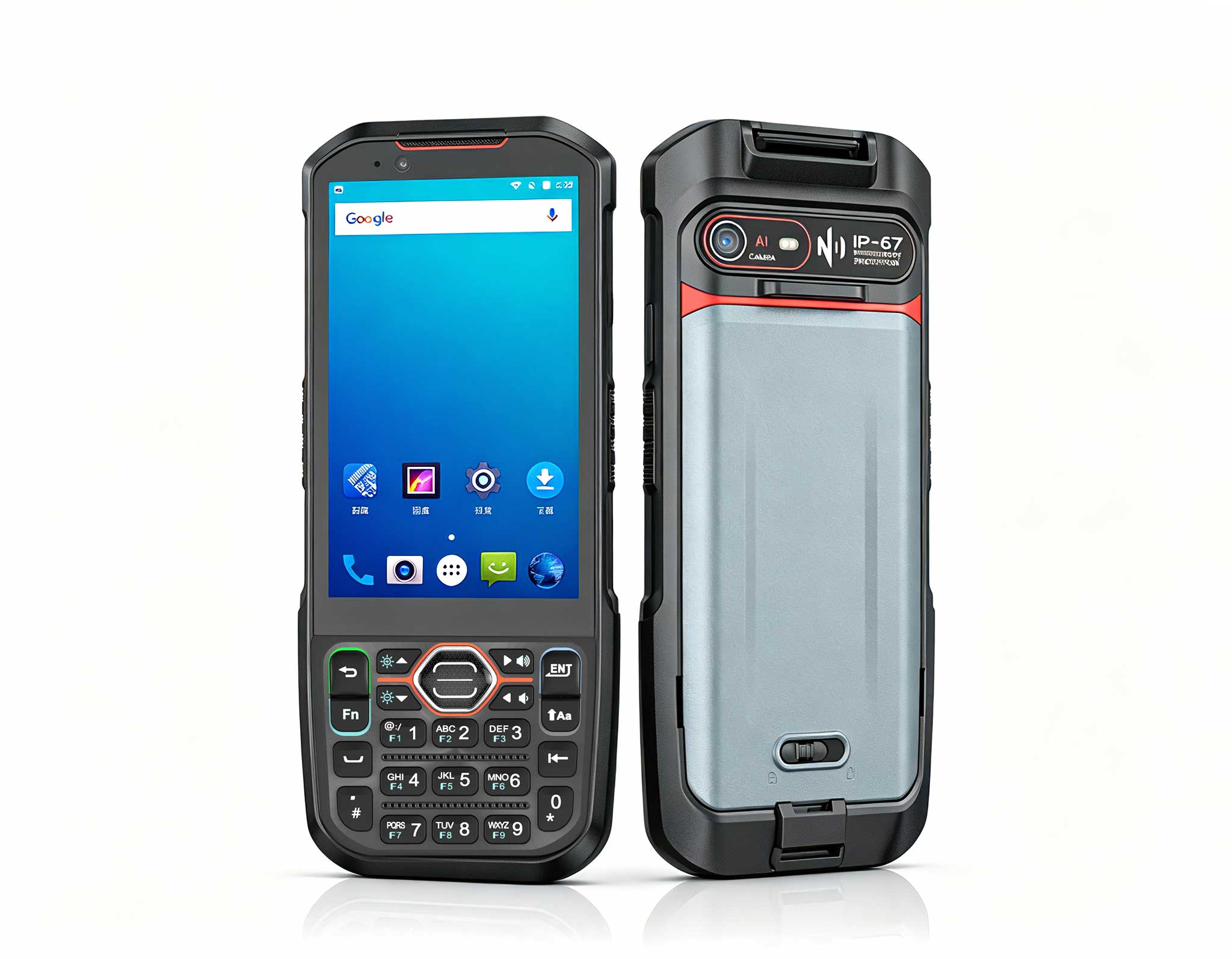
When the requirement is a staff companion or a field data terminal, the 6.5 windowsSH6)Rugged Industrial Tablet fills an entirely different role. It brings full Windows capability to a handheld form factor, supports 1D/2D barcode scanning for asset tracking and inventory checks, and syncs with the kiosk network in real time. In settings where a fixed screen simply is not enough, the SH6 extends the kiosk experience beyond the cabinet and into the hands of the staff who serve visitors.
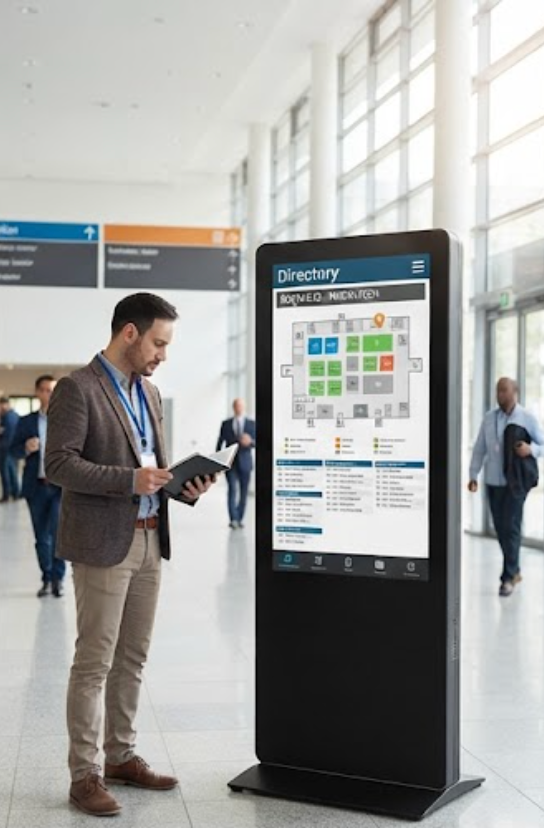
No single platform wins a cross-brand comparison, because the right choice always depends on the task at hand. A palm-sized media engine is the obvious answer when the goal is reliable content playback on a large display. An Android rugged tablet fits interactive self-service, and a Windows handheld suits staff-side workflows. Teams that deliberately match hardware to its role consistently report the fewest failures, the shortest deployment timelines, and the fastest return on investment. Running a small pilot in each category before committing a full network is a low-cost way to validate the fit.
The common thread is that all three devices belong to the same family of rugged mini PC solutions, engineered for environments where consumer-grade gear simply cannot survive. Start by auditing your current pain points, then let the comparison steer your decision. The outcome is a Digital Signage Kiosk network that runs longer, serves visitors better, and costs less to operate year after year.