Most home cinema advice starts with the projector, and that is exactly where a lot of rooms go wrong. I have helped enough friends and customers build a game and movie room to know the first decision is the wall you are going to throw the image onto, and the second is where people actually sit. Get those two right and almost any projector looks good. Get them wrong and even an expensive one looks washed out. This guide walks through a room built around three devices we sell: a fixed 4K projector for the main seat, a portable unit for everything else, and a rugged tablet that runs the whole thing.
Start with the Wall, Not the Box
Before unboxing anything, decide which wall gets the image and what is on it. A smooth, light-coloured wall works better than people expect, but a proper screen is worth it if the room gets any daylight at all. The important measurement is the throw distance — how far the projector has to sit from the wall to fill the width you want. Measure it before you buy a mount, because the mount position follows from the throw, not from the middle of the ceiling.
The second measurement is ambient light. A room with a big window facing the screen will fight any projector, and the fix is cheap: a blackout blind on that one window. Light control is the highest-return spend in a cinema room, ahead of both the projector and the sound system, and it is the one people skip because it is not a gadget.
Planning the Main Viewing Position
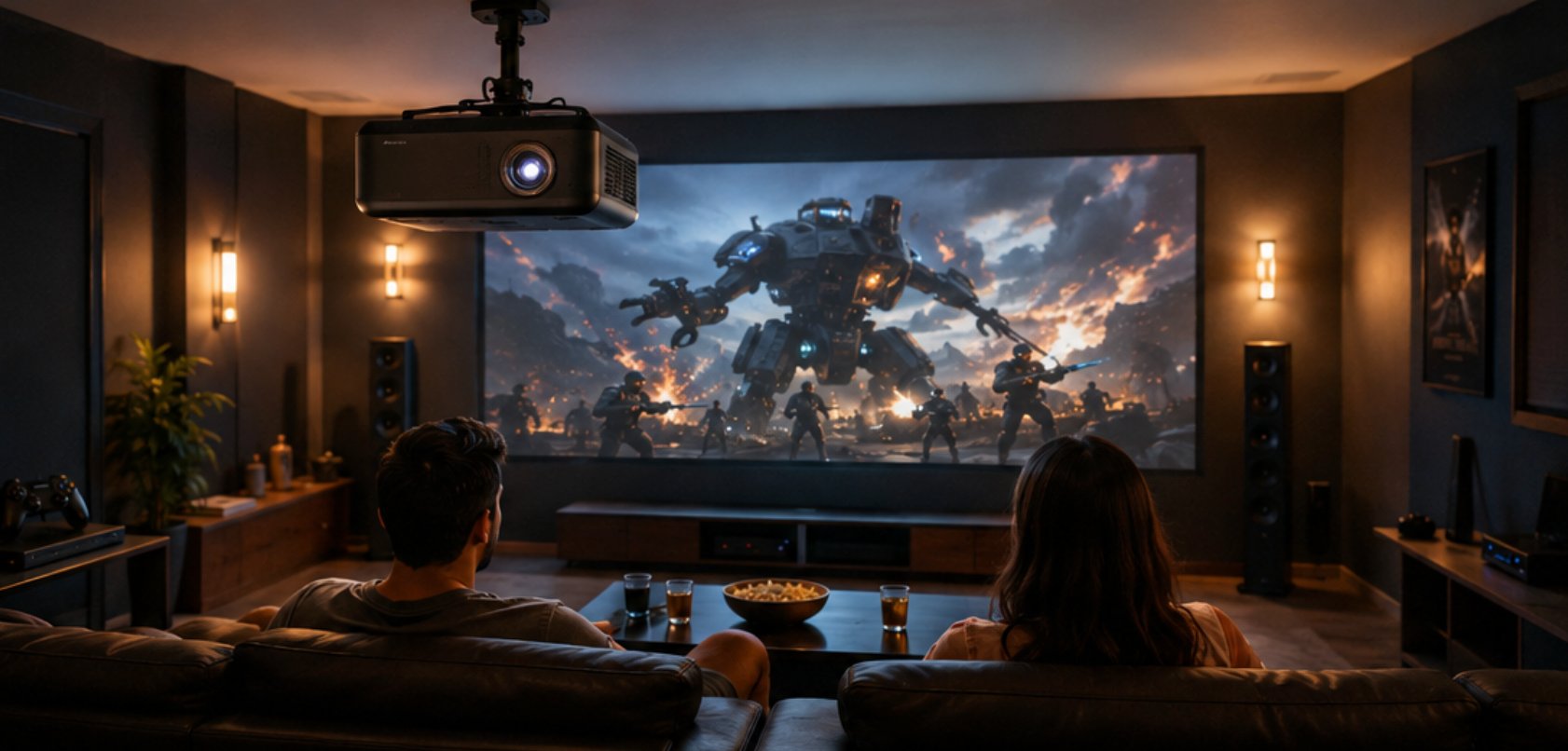
For the main seat, the 4K Home Projector is the unit that earns a permanent mount. Ceiling-mount it at the throw distance the specification gives for your screen width, level with the top edge of the image, and make sure the mount can be nudged — a projector that is off by two degrees shows as a trapezoid you will correct in software and lose resolution to.
Seating distance comes next, and the rule that works in practice is roughly one and a half times the screen diagonal for film and a bit closer for games. In a room that hosts both, that usually means the sofa lands in a compromise spot and a gaming chair sits slightly forward of it. Once the seats are fixed, the speaker and console positions follow, and the room stops being rearranged every weekend.
📱 Where a Small Unit Actually Belongs
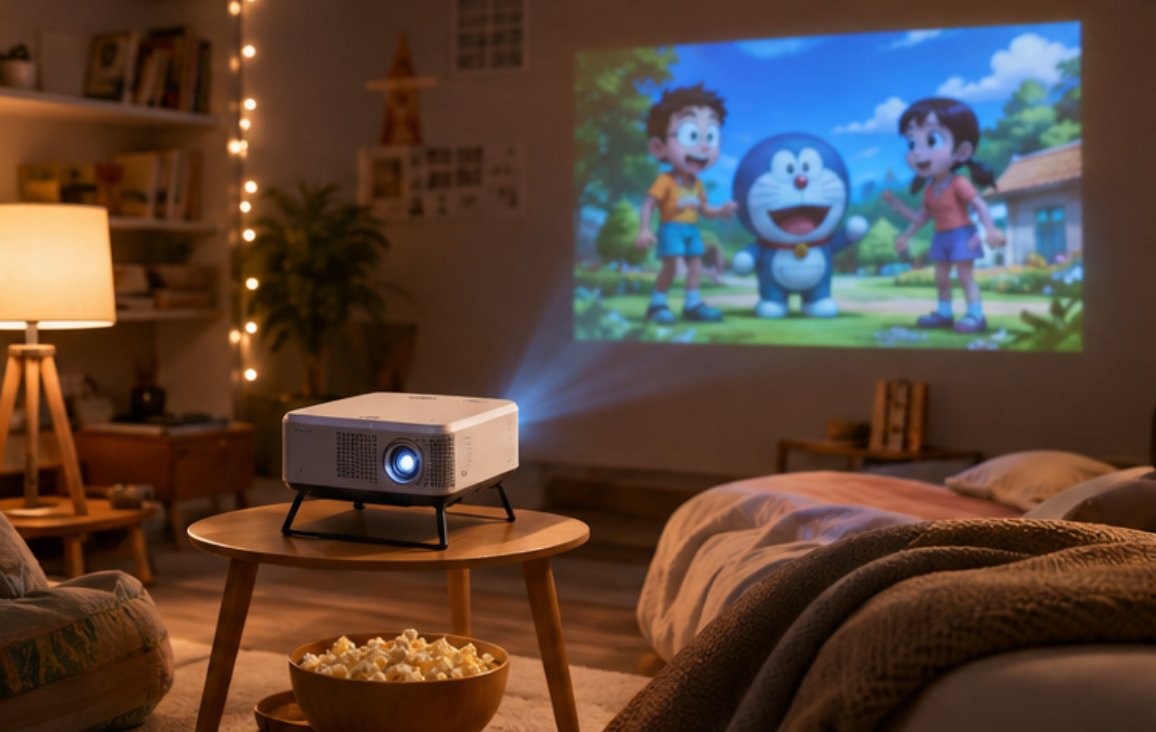
The second device solves a different problem: the film night that is not in the cinema room. A portable projector earns its place by going where the fixed unit cannot — a bedroom ceiling, a garden wall on a summer evening, a holiday rental, a child's sleepover. The H2 Mini Portable Projector is small enough to keep in a drawer and bright enough to fill a wall in a darkened room, and it sets up in about two minutes.
The setup detail that makes a portable unit a habit rather than a nuisance is a dedicated surface. Keep a small side table or a shelf at the right height for the rooms you use it in, so you are not stacking books to hit the lens height every time. Point it at a wall you have already decided on, keep the power lead where it reaches, and the portable setup becomes a thirty-second job instead of a small project.
🔋 Cabling, Power, and the Things People Forget
Run cable before you close anything up. In a dedicated room that means one HDMI from the console or media player to the projector, one power feed at the mount, and — this is the one people forget — a second power outlet near the seating for the people who will inevitably want to charge a controller or a phone. A room with a single socket behind the sofa is a room with an extension lead across the floor within a week.
Ventilation is the other commonly missed item. Projectors move a surprising amount of air, and a unit mounted in a tight cabinet or hard against a shelf will run hot and throttle. Leave clear space around the intake and exhaust, and if the mount is inside any enclosure, make sure that enclosure has a vent rather than a decorative door.
☁️ A Tablet as the Remote Nobody Loses
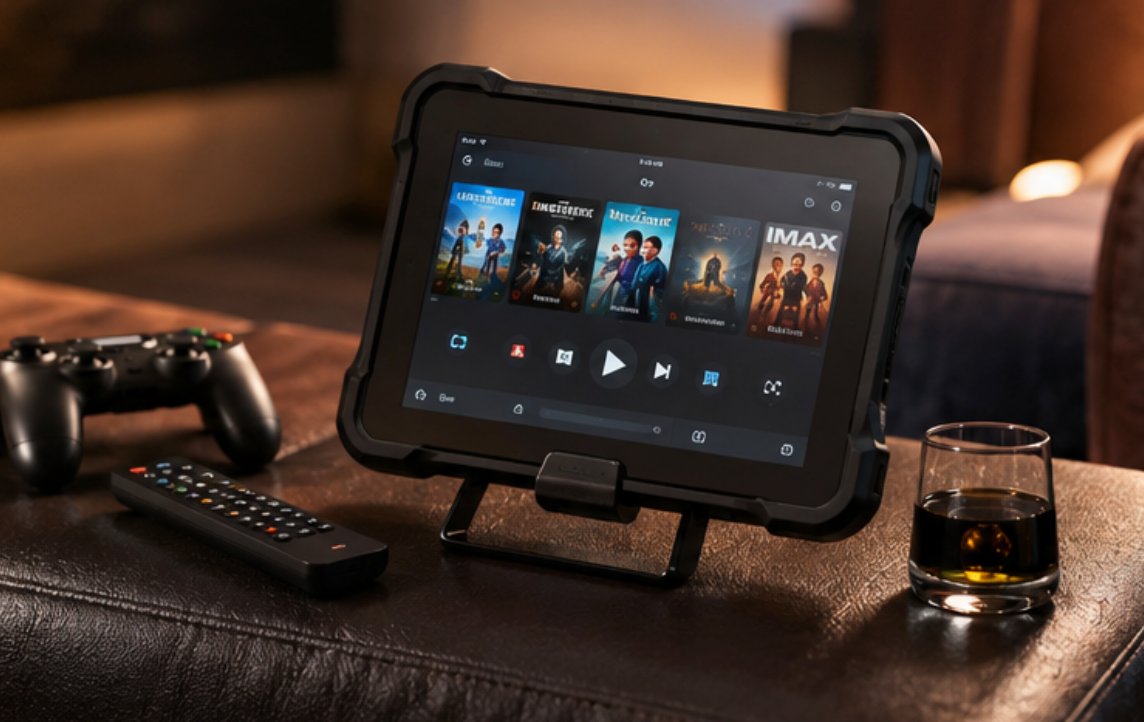
The last piece is the one that changes how the room gets used. Dedicated remotes get lost, and a phone is a poor controller because it is also a phone — it rings, it runs out of battery, and someone takes it to work. A cheap rugged tablet that lives in the room is a better answer. The ST11-J is a 10.1-inch Windows tablet, and in a cinema room it becomes the control panel: media library, streaming apps, console remote sessions, and the room's lighting if you have gone that far.
The reason a rugged unit is worth it here rather than a consumer tablet is survival. This is a device that will be dropped on a floor, sat on, and left face-down on a sofa for a week. A sealed, reinforced body survives that in a way a glass tablet does not, and because it runs full Windows it handles any streaming service or remote-desktop app the room needs without an app-store compromise.
⚙️ A One-Hour Setup Checklist
| Step | Check |
|---|---|
| 1 | Confirm throw distance and mount position before drilling |
| 2 | Black out the window facing the screen |
| 3 | Run HDMI and power to the mount; add a socket near the seating |
| 4 | Leave clear ventilation space around the projector |
| 5 | Set the portable unit's shelf at the right lens height in its usual room |
| 6 | Pair the tablet as the room controller and dock it in reach of the sofa |
An hour is enough for all six if the mount position was measured beforehand. The step that most often blows the schedule is step one — drilling a mount, finding the throw is wrong, and re-drilling. Measure twice and the rest follows.
Where to Start
If you are planning a game and movie room, start with the wall and the seating, then work outward to the hardware. Our gaming and home theater solutions page covers the full range, and the product pages for the 4K Home Projector, the H2 Mini Portable Projector, and the ST11-J carry the specifications you need to measure with.