The meeting room did not come back from the hybrid work shift unchanged. Before the shift, a company bought one conference system and fitted every room with it. After the shift, the rooms themselves changed: some became larger because they host the weekly all-hands that used to be a video call, some became much smaller because they now serve one or two people taking a call away from their desk, and a third category appeared that barely existed before — the meeting that happens somewhere other than a meeting room. I have watched several customers rebuild their room inventory on exactly this split, and the hardware pattern that keeps working is three devices rather than one.
What Changed After the Return to the Office
Three pressures reshaped the room inventory. First, the rooms that survived got used harder: the weekly team meeting that used to be a fifteen-minute video call is now an hour in a room with a camera on everyone. Second, a large number of small spaces got repurposed — a phone booth, a two-person alcove, an unused office — because hybrid schedules mean people need a quiet place to join a call at short notice. Third, some meetings stopped happening in rooms altogether: a walkthrough on the factory floor, a site visit, a quick huddle at a standing desk.
That split is why a single device specification stopped working. A machine specified for the all-hands room is oversized and overpriced for a phone booth, and a machine small enough for the booth cannot drive three cameras and a display wall. For companies rebuilding around this, our video conferencing solutions page covers the full range; the split below is what most deployments land on.
The Large Room: Compute for Many Cameras and Screens
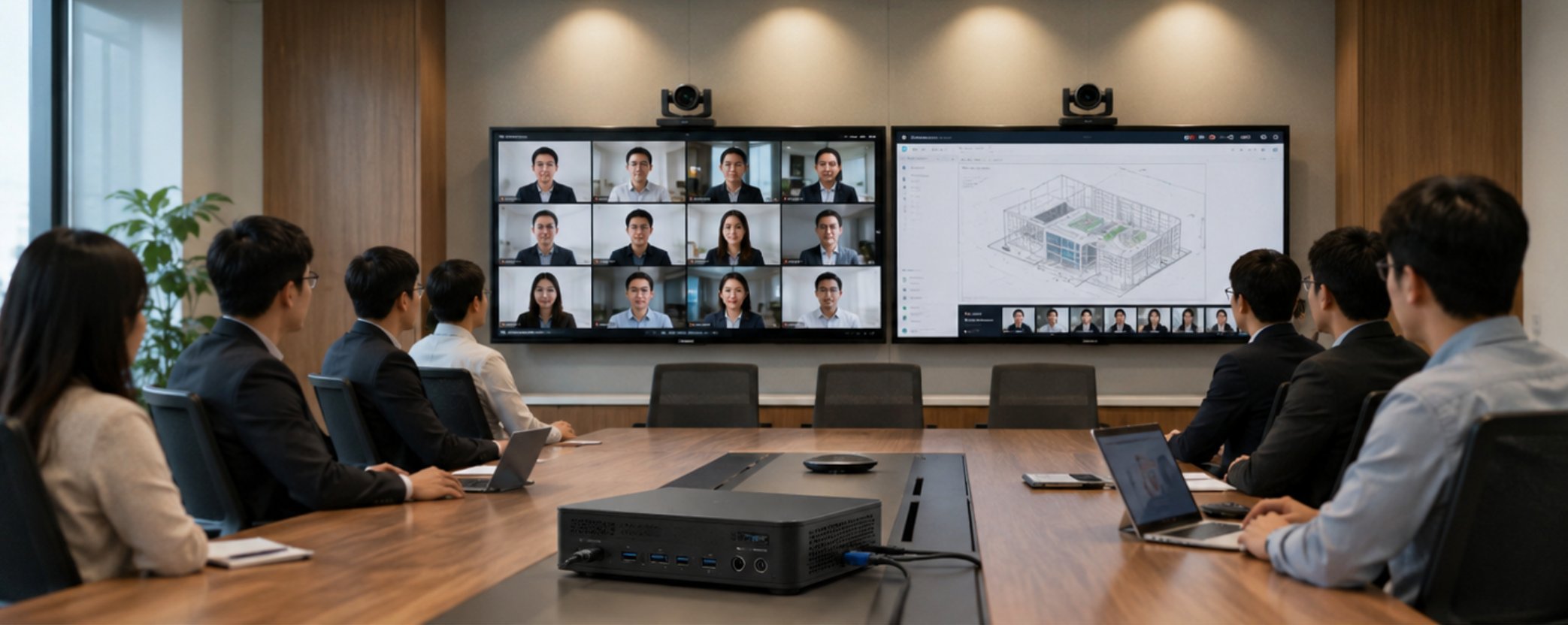
The all-hands room is the one place where compute still matters more than size. It runs a wide-angle camera plus a second camera on the speaker, it drives a large display and often a second screen for shared content, and it encodes two streams at once — one outbound, one for the in-room recording. The HCAR5000 MI, built on the AMD Ryzen 5000H series, is the unit we specify for this room because the extra cores are what keep encoding and screen sharing smooth at the same time.
The practical test in a large room is not the specification sheet; it is whether the machine stays quiet and responsive through a ninety-minute session. The HCAR5000 MI mounts behind the display or under the table, leaves the room visually clean, and has the display outputs needed for a primary screen plus a content monitor. In the deployments where a customer tried to save money by putting a small host in the large room, the result was always the same: dropped frames on the shared content and a fan the room could hear.
📱 The Small Room: A Pocket-Sized Host for Huddle Spaces
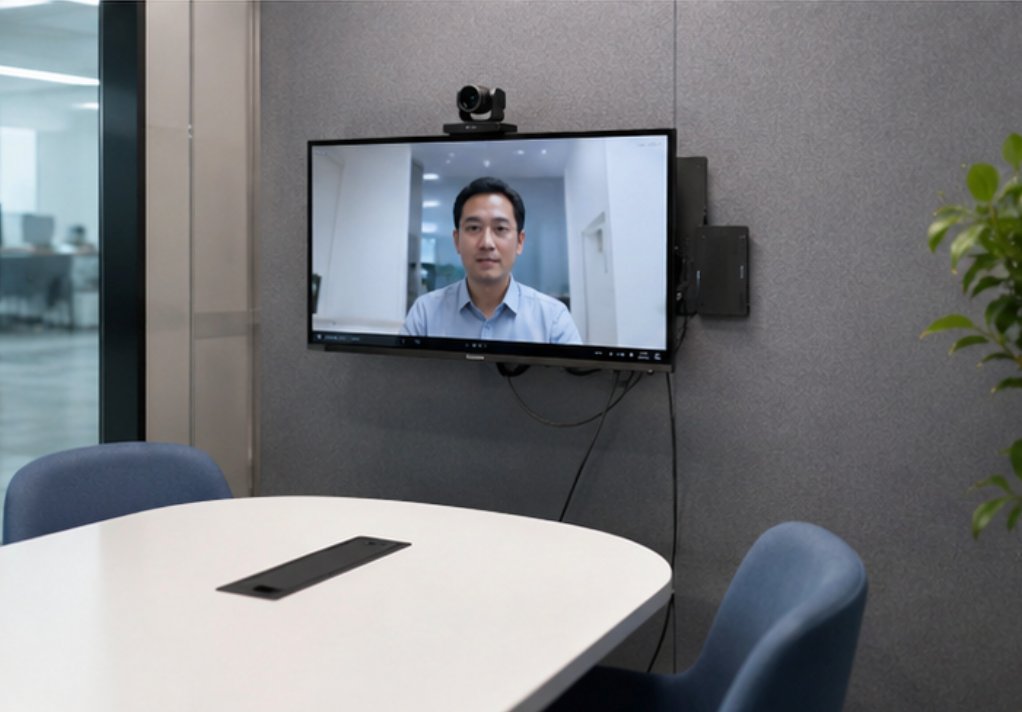
The phone booth and the two-person alcove need the opposite of the large room: something that disappears. The Palm-sized Mini PC mounts to the back of a small display or sits under a shelf, runs a single camera and a single screen, and costs a fraction of a large-room host. Because these spaces are counted in dozens rather than units, the per-room saving is what makes a company-wide huddle-space rollout affordable at all.
The detail that matters in a small room is noise and heat. A booth is a sealed, small volume, and a host that spins up a loud fan is immediately annoying in a way that would go unnoticed in a large room. The Palm-sized unit's low power draw means it stays quiet in exactly the space where noise is most obvious, which is why it has become the default for huddle deployments rather than a scaled-down version of the large-room host.
🛡️ The Moving Meeting: A Rugged Tablet as the Control Point
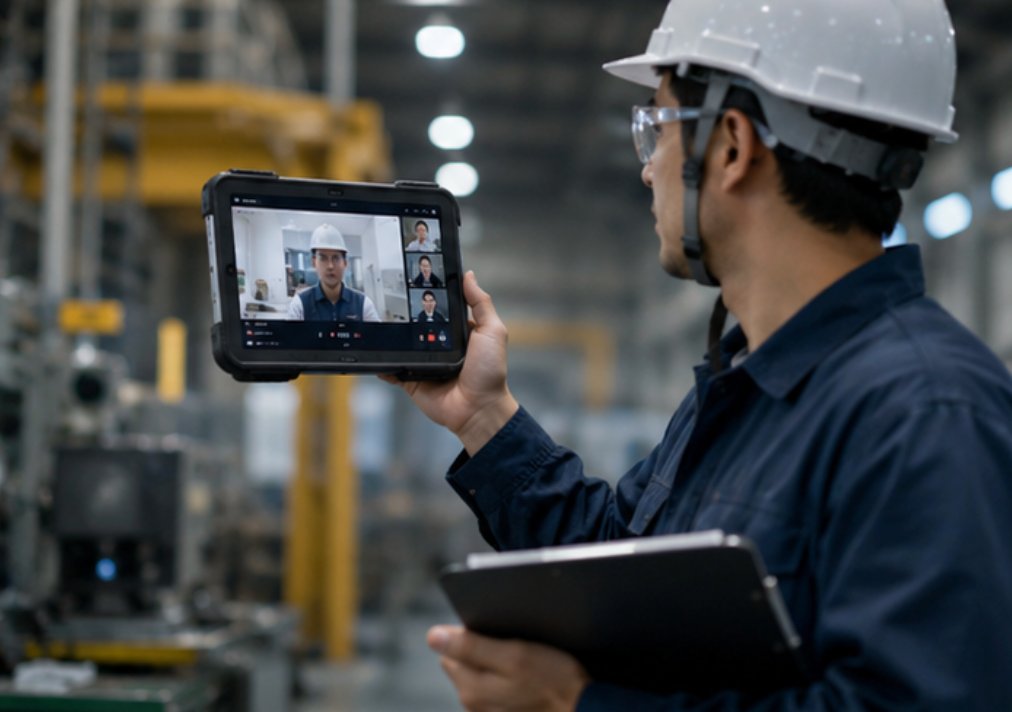
The third category — the meeting that happens outside a meeting room — is the one most room inventories ignore. A supervisor walking a plant floor, a site engineer at a construction trailer, a clinician moving between rooms: these are real meetings with remote participants, and they need a device that is not bolted to a wall. The SH6, a rugged 6.5-inch Windows tablet, fills that role: it runs the same conferencing client as the rooms, it is sealed against dust and knocks, and it can be carried one-handed while the other hand holds a clipboard or opens a door.
The trend we see accelerating is that these mobile participants are no longer an exception to be tolerated on a phone. They are being planned for: given a device that can hold a stable connection, show the shared content legibly, and survive being carried all shift. A rugged Windows tablet behaves like a room system that happens to move, which is a very different experience from joining on a handset.
Matching Hardware to Room Type
| Room type | Device | Why it fits |
|---|---|---|
| All-hands / large room | HCAR5000 MI | Compute for multiple cameras, dual screens, dual encoding |
| Huddle space / phone booth | Palm-sized Mini PC | Disappears behind the screen, quiet, affordable at volume |
| Mobile / floor meetings | SH6 rugged tablet | Carries the conferencing client anywhere, sealed and one-handed |
| Reception / booking display | SH6 rugged tablet | Doubles as a room booking panel when not in a call |
Reading the table as a fleet rather than as three separate purchases is the shift we recommend. All three run Windows, so they share the same management tooling, the same conferencing client, and the same account provisioning. A company that buys them together gets a room inventory that behaves consistently even though the rooms are very different.
What to Standardise and What to Flex
Standardise the software, the accounts, and the management: one conferencing platform, one device profile, one way to provision a new room. Flex the hardware: let the room decide whether it needs the HCAR5000 MI, the Palm-sized unit, or the SH6. The most common mistake in the rebuilds we see is the reverse — one hardware specification for every room, and then a different workaround in each room to compensate.
One more pattern worth planning for: rooms change category. A medium room that hosts a growing team becomes an all-hands room, and a large room that nobody books gets split into two huddles. Because all three devices mount and provision the same way, recategorising a room is a hardware swap and a profile change, not a reinstallation.
Where to Start
If you are rebuilding your meeting rooms after a hybrid shift, start by sorting the rooms into three buckets by how they are actually used, not by square metres. Then check whether your current hardware matches the bucket. Our rugged mini PC solutions overview covers the two host options, and the product pages for the HCAR5000 MI, the Palm-sized Mini PC, and the SH6 carry the full specifications. For a worked example from a similar deployment, the industrial hardware solutions page shows how other customers structured their fleet. We help companies map their room inventory to the right device before the order goes in, so the second rebuild is not needed six months later.