Most rollout plans for a factory floor start with the same questions: where does the unit go, how does it get power, and how does it reach the network. All three matter, yet none decides whether a reading is still worth acting on. A figure taken beside a machine has a short life. Land it while the part is still in the cell and somebody can correct the run. Land it an hour later and it has become history.
That gap is not closed by software. It is closed by where the hardware sits, how it is powered, and how a worker hands the figure over. What follows looks at three places where quality is read on a production floor, and at one Hotus unit for each.
Delay Is the Part Nobody Installs For
Inspection and maintenance look similar on paper and behave differently in practice. A maintenance round can be walked first and written up afterwards, because the information is still true when it arrives. Quality is not like that. A measurement at a cell is useful only while the parts it describes are still moving through it. Once the batch has advanced, the figure stops being a correction and becomes a report.
Installation lists rarely carry a line for that delay, yet the delay is made on the floor. A unit bolted to a bench produces a figure that reaches the record in seconds. A unit carried between halls produces one that arrives whenever the worker next reaches a desk or a signal. Both are workable, but only if the position was chosen rather than inherited from wherever a socket sat.
What the Point of Measurement Settles
Before deciding what to mount, name the point of measurement. It is not a device location but the place where a person stands, the surface they look at, and the queue the result is handed to. On a typical line there are three, and they are not interchangeable: the receiving area where incoming material is checked, the cell where the part is worked, and the route between halls where finished goods move.
Choosing the point first settles most of the rest. It decides whether the unit needs mains power or a battery, whether a cable is realistic, whether the panel will be read under the same ceiling lights every time, and whether the worker needs a free hand. Teams that start from those constraints find the rollout straightforward. Teams that start from a device shortlist rebuild benches later.
The Incoming End Is Where a Desk Cannot Move
The receiving area has the shortest window of the three. Material is checked as it is unloaded, then put away, and once it is on a rack the chance to reject or re-route it has passed. That is why the incoming point is normally a fixed desk rather than a carried unit, and why a permanent mains feed is worth the effort here.
The HTNJ10B Rugged Tablet suits that desk. Its 10in panel runs at 1200 by 1920 with 560 nits, legible under high-bay lighting that washes out cheaper screens, and its 10-point capacitive surface carries a 7H rating, so gloves and clipboard corners are not a concern. An Intel Pentium quad-core at 3.3GHz handles forms, images and a browser-based system, with no fan to clog. Wiring is covered too: DC input takes 100 to 240V and outputs 19V, RJ45 carries a wired return path, mini HDMI drives a larger screen for a bill of materials, and Type A, Type C, TF, SIM and 12-pin pogo ports are present. Optional modules add 4G, NFC, a scanner, a fingerprint reader and a charging dock. The body is sealed to IP67 and survives a 1.22m drop.

Inside the Cell, the Panel Belongs to the Operator
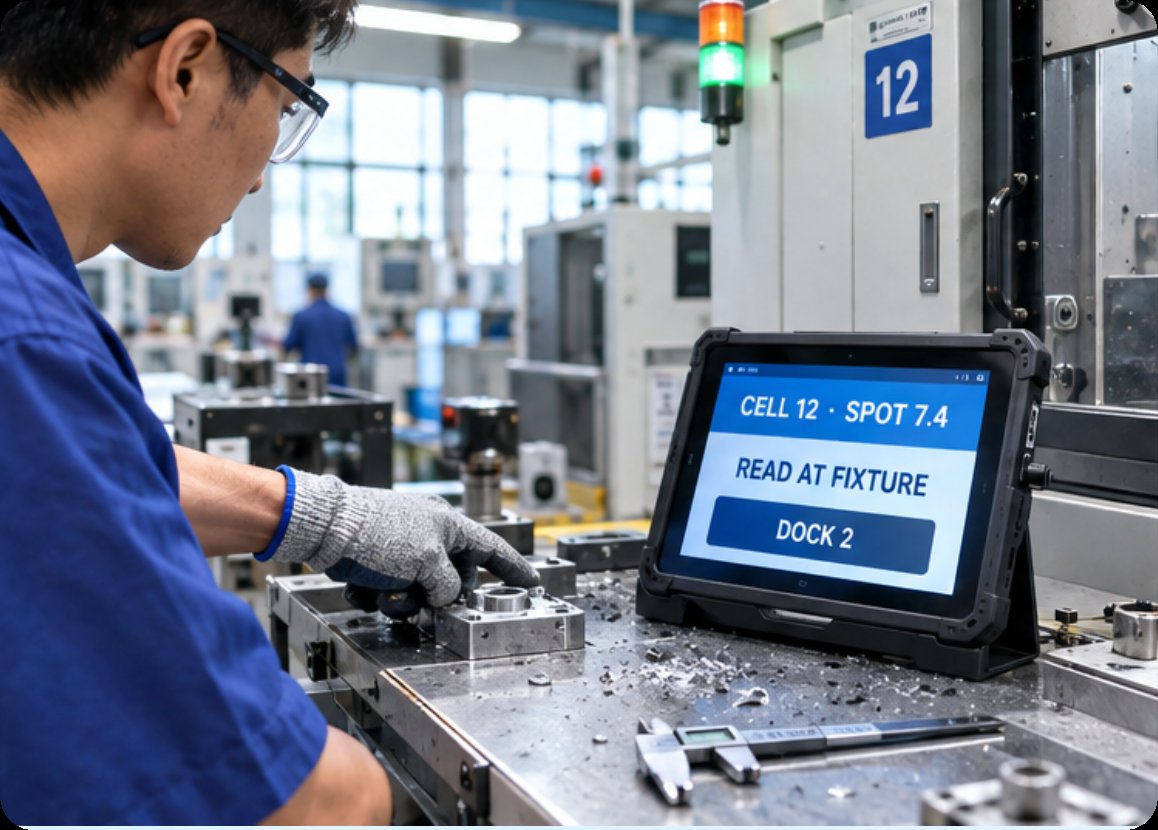
The second point of measurement has a window measured in single parts, not shifts. A reading has to be produced before the part leaves the cell, because the correction only makes sense while the fixture is still set up. That rules out a walk back to a terminal, and anything the operator has to hold rather than place.
The HTYJ08A Rugged Tablet is built for that boundary. Its 8in panel is small enough to sit on the edge of a work surface while keeping the same 1200 by 1920 resolution, 560 nits and 7H coating as its larger sibling, so a reading stays visible without the operator stepping away. A 10th generation Intel Core i5 or i7 handles image capture and local form work over Wi-Fi 6 and Bluetooth 5. The same IP67 seal and 1.22m drop rating apply, and the port set is identical, including the 12-pin pogo connector and the optional scanner, NFC, fingerprint and docking modules.
The cell unit is fixed twice: it rests in a dock, and the dock sits in a marked position on the bench. Lifting the panel off to show a colleague is fine, because putting it back restores the same viewing angle and distance from the part. That repeatability is why a smaller screen is acceptable here.
⚖️ Between Halls, One Unit Keeps Moving
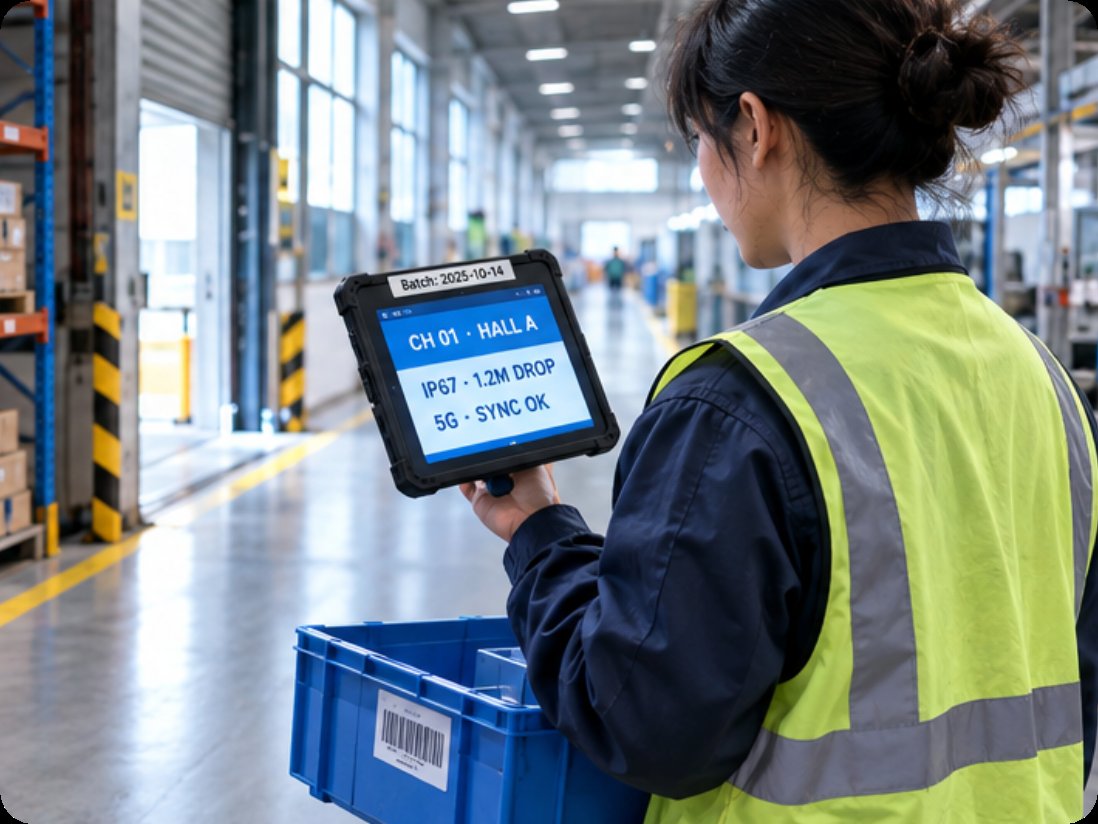
The third point has no address at all. Final checks at a dispatch door, spot audits on a temporary bench, and verification walks between halls happen in places never designed to hold a terminal. Here the trade runs the other way: coverage matters more than repeatability, and the unit has to survive being carried, rained on and dropped with no bench to protect it.
The RT82 Rugged Tablet covers that territory. It pairs a 10.1in IPS FHD display at 1200 by 1920 and 400 nits with a glass-on-glass 10-point layer, and an octa-core 2.9GHz 5G IoT platform on Android 13, with 8GB of memory, 128GB of storage and TF expansion to 256GB. Wireless is the point: dual-mode 5G with 4x4 MIMO downlink, tri-band Wi-Fi 6E across 2.4, 5 and 6GHz, plus Bluetooth 5.2. Optional modules add a 2D scanner rated to 3 mil, NFC, and an independent Beidou module for centimetre-level RTK. Cameras sit at 20MP rear autofocus and 8MP front. Its environmental range beats the other two: IP67, a 1.2m drop, minus 10 to 50 degrees Celsius in operation, minus 40 to 70 in storage, humidity to 95 percent. The tablet is 252 by 170mm, 14.6mm thick and under 650g, running from a 10000mAh battery or a Type-C and pogo dock.
Putting the Published Figures Together
The table below collects what the three pages publish, in the order the positions appear above.
| Item | HTNJ10B | HTYJ08A | RT82 |
|---|---|---|---|
| Panel | 10in LCD, 1200 by 1920, 560 nits | 8in LCD, 1200 by 1920, 560 nits | 10.1in IPS FHD, 1200 by 1920, 400 nits |
| Touch | 10-point capacitive, 7H | 10-point capacitive, 7H | Glass-on-glass, 10-point |
| Processor class | Intel Pentium quad-core, 3.3GHz | 10th Gen Intel Core i5 or i7 | Octa-core 2.9GHz, 5G IoT platform |
| Memory and storage | Not published | Not published | 8GB plus 128GB, TF to 256GB |
| Battery | 7.6V, 3500mAh | 7.6V, 3500mAh | 10000mAh at 3.8V |
| Wireless | Wi-Fi 5, Bluetooth 4.2 | Wi-Fi 6, Bluetooth 5 | 5G, Wi-Fi 6E, Bluetooth 5.2 |
| Sealing and drops | IP67, 1.22m | IP67, 1.22m | IP67, 1.2m |
| Ports | Mini HDMI, Type A, Type C, DC in, RJ45, TF, SIM, 12-pin pogo | Same set as the HTNJ10B | Nano-SIM twice, TF, Type-C with OTG and PD, 12-pin pogo |
| Optional modules | 4G, NFC, scanner, fingerprint, dock | Same list as the HTNJ10B | 2D scanner to 3 mil, NFC, Beidou RTK |
Two rows were left out on purpose. The pages publish weight in two different senses: the smaller units quote a gross packed figure, the RT82 an unpacked one, so placing them together would invite a comparison that does not hold. Operating system appears only for the RT82, which ships with Android 13. Treat both as supplier questions rather than gaps to fill by assumption.
🏟️ Making One Pass Match the Last One
A quality figure has value only if a second person can reproduce it. Three installation choices carry that burden. The first is holding the panel, through a dock, a bracket or a pogo base, so the screen returns to a known angle each time. The second is light: a 560-nit panel tolerates ceiling glare a dimmer one cannot, which is why one position may work with one unit and not another. The third is distance, since an autofocus camera and a scanner rated to 3 mil assume a consistent working range.
Wired positions are easier to keep honest. Where an RJ45 run and a permanent supply already exist, the reading arrives without anyone deciding to send it. Portable positions need a habit instead: a named cradle where the unit sleeps, a set time to empty it, and a check that the day's readings left the device before the shift closes. Neither is better in general, but mixing them without deciding which one a position belongs to leaves a floor with figures nobody trusts.
Two Decisions That Outlast the Hardware
Almost everything on a production floor gets replaced eventually. Two decisions survive those replacements, and both are better settled before the first unit arrives. The first is the length of the window at each position, since that determines whether it gets mains power and a cable or a battery and a cradle. The second is where a reading goes the moment it exists: into the system over a wired link, across a wireless network, or into a local queue somebody has to clear.
Get those two right and the hardware list becomes a detail. A plant that has mapped its positions can move to rugged mobile computing solutions without re-deriving the plan each time a model changes, and can compare the market using the same product comparisons and competitor analysis any buyer would use. The three cases above are covered under factory inspection solutions. The order of work stays the same: name the point, size the window, then choose the unit that fits it.