I have sat through enough office compliance walkthroughs to notice a pattern: the meeting room itself is almost never where findings come from. The room is booked, tidy and equipped. What auditors keep probing is everything the room forgets on purpose — who logged into the shared computer, what happened to the files a visitor opened, whether the tablet by the door can say who entered, and where the projector went last Tuesday. A shared space keeps no memory unless someone builds the memory into the hardware. That is why a compliance conversation about enterprise collaboration is really a conversation about three quiet devices: the fixed room PC, the check-in tablet, and the projector that travels.
What the Compliance Email Actually Asked For
A ten-floor consultancy sent us their pre-certification checklist for shared spaces, and it read like a list of small habits rather than a technology wish. Named accounts for every person who touches a room computer. A screen that locks itself when a session goes idle. Some form of usage record that does not turn the corridor into a surveillance zone. Proof that guest files do not outlive the meeting. And a network path for visitors that never brushes against the gear. None of this is exotic, and all of it lands on hardware that most offices buy without a second thought. This is exactly the gap our enterprise collaboration solutions are laid out for: the room keeps running, and the paperwork stays boring.
One Room PC, Three Kinds of Login
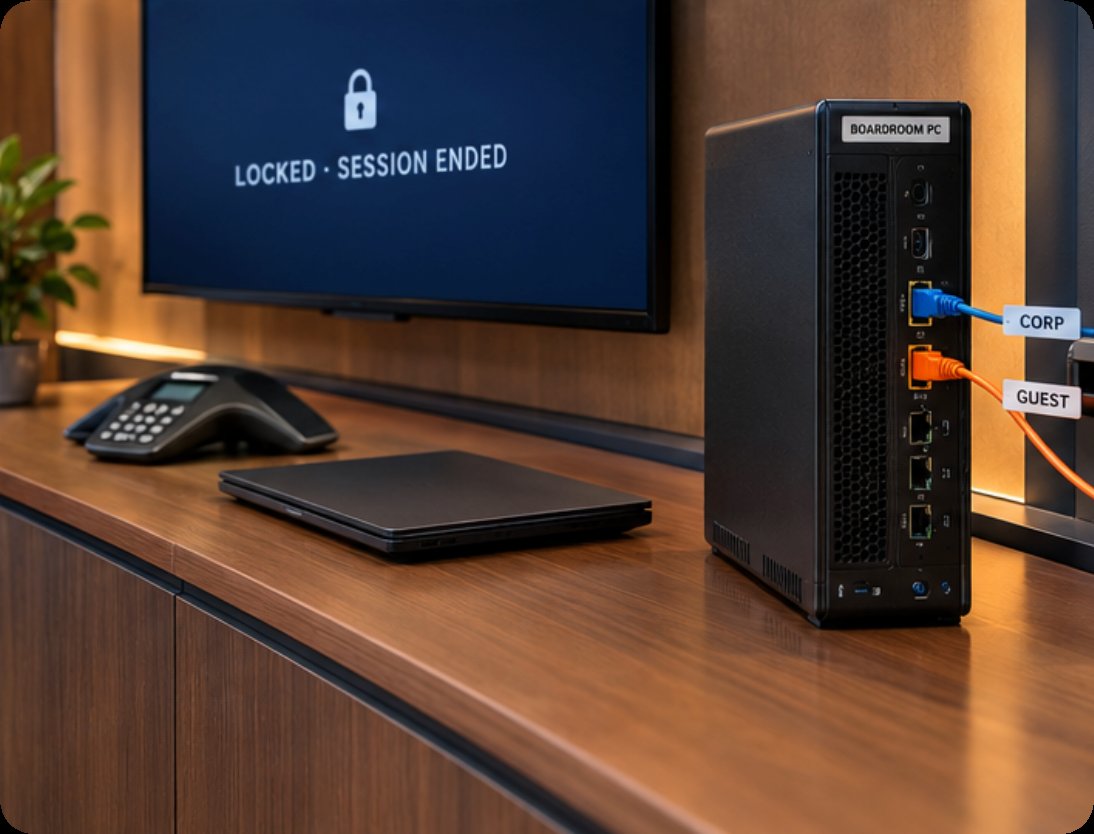
The WTR PRO AMD sits behind the display of the main boardroom, and its job description is written by the IT policy, not by marketing. Out of the box it runs Windows 11 on an AMD Ryzen 7 5825U, which means the room gets a full desktop rather than a locked-down appliance pretending to be one. That matters for compliance, because a full desktop accepts structure: an admin account held by IT and never used in daily work, a local account bound to the room itself, and a guest account that exists for the length of a visit and then stops working. A password policy applied at the machine level survives even the colleague who clicks "remember me" on everything. The dual 2.5G Ethernet ports earn their place here too, but I will come back to that. Storage is deliberately local: M.2 NVMe drives, with a four-bay SATA option for teams that keep room recordings or provisioning images inside the building, and a restore point taken after every approved change so the machine can step back from whatever a Friday afternoon did to it.
Size is a real constraint behind a wall display, and the WTR PRO AMD keeps its footprint at 22.8 × 15 × 18.5 cm. The five-kilogram metal body is not something an assistant reshuffles; it is installed, labelled and left alone, which is exactly the behaviour an inventory sheet wants from a fixed asset.
The Tablet at the Door Keeps Its Own Record
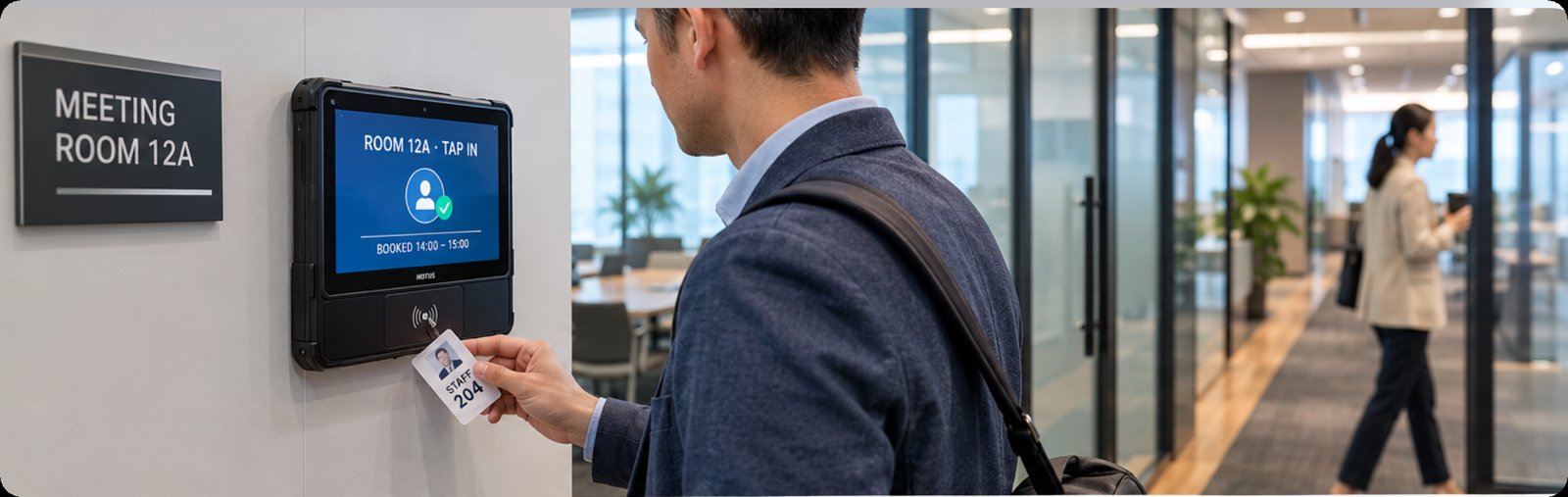
Every question about room usage has the same weakness: somebody has to remember to write it down. The ST11-J removes the somebody. Mounted by the entrance as a check-in pad, this 10.1-inch tablet runs Windows 10 or 11 Pro on an Intel Celeron N5100, and its NFC reader works at 13.56 MHz against ISO14443A badges — the same cards staff already carry. A tap opens the room and writes the usage log; nobody fills in a paper sheet, and nobody invents a memory under questioning. The 6000 mAh battery gives it roughly eight and a half hours, so it does not need a charger trailing across the reception desk. Because it is a full Windows device, IT keeps it on a single-purpose local account with nothing else installed, and if policy demands it, the unit can be re-imaged overnight and back on the wall by morning. The screen is bright enough for a corridor at 420 nits typical, the glass takes wet-hand and stylus input, and at 1150 grams it survives the knock of a cleaning trolley. It belongs to the same family as the rest of our rugged tablet range, which is why the mounting bracket from one floor fits the replacement on another.
A Projector Carrying Nothing Worth Copying
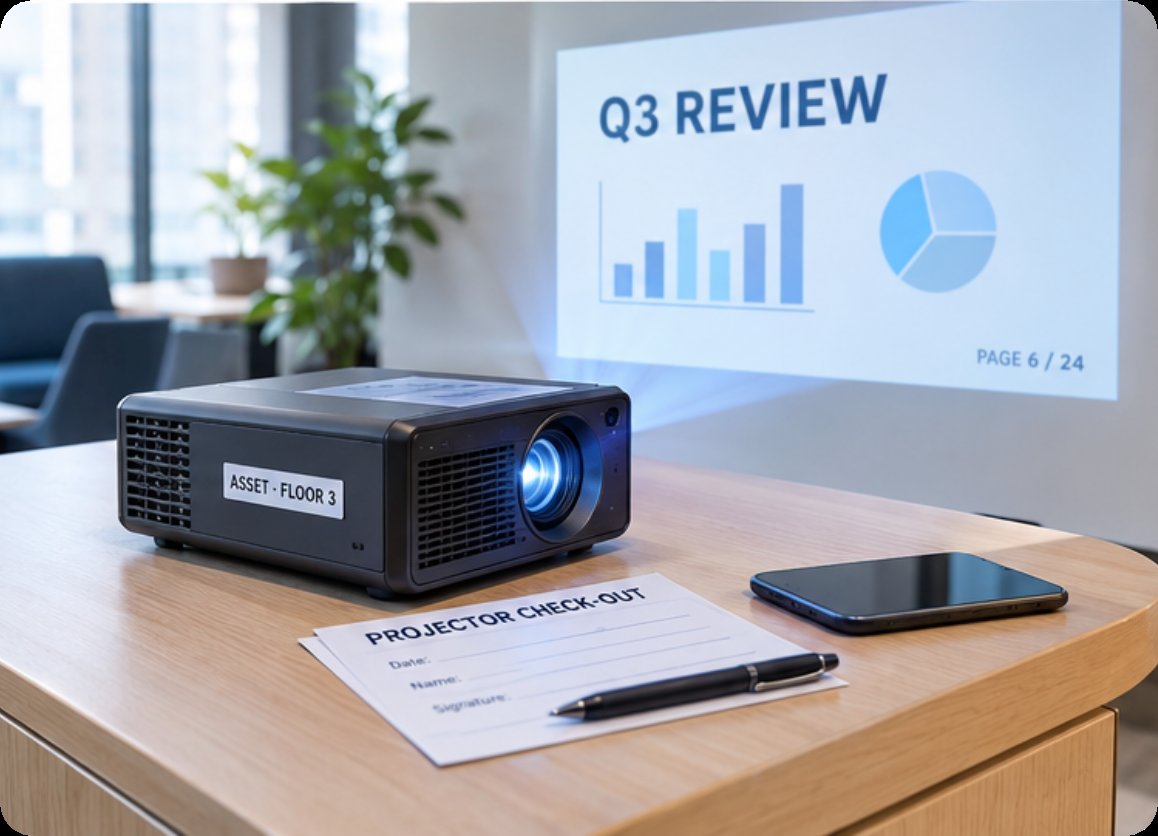
The Hotus HT500 is the piece of the puzzle auditors actually thank you for. It is a portable DLP projector with a German Osram 3LED light source, 183 × 164 × 61 mm in size and 1080 grams on the scale, and it moves between rooms on its 3700 mAh battery with 100 W fast charging. The compliance value comes from how it works: projection is wireless, so the deck stays on the presenter's own device and never copies itself into the room. There is no account to misuse and no archive to subpoena; the machine renders an image and remembers nothing. Front, rear and ceiling projection modes mean the same unit serves the boardroom, the training corner and the client suite, so one inventory sticker and one check-out card cover a whole floor. Fewer stored copies of confidential slides is not a policy slogan — it is simply what happens when the display has no storage to hold them.
Field by Field: What Each Unit Answers For
| Item | ST11-J | Hotus HT500 | WTR PRO AMD |
|---|---|---|---|
| Role in the room | Door-side check-in tablet | Portable DLP projector | Fixed room mini PC |
| OS | Windows 10/11 Pro | Not published | Windows 11 |
| Compute | Intel Celeron N5100, quad-core, up to 2.8 GHz | Not published | AMD Ryzen 7 5825U |
| Memory / storage | 8GB RAM, 256GB (128/512GB optional) | — | DDR4, M.2 NVMe 2280, 4-bay SATA option |
| Display | 10.1" IPS 1920×1200, 420 nits typ. | DLP, Osram 3LED | HDMI + DP + USB-C, triple-screen 4K |
| Radio / network | 802.11ac, BT 4.2, 4G LTE | Wireless projection | Wi-Fi 6, dual 2.5GbE |
| Power | 6000 mAh, about 8.5 h | 3700 mAh, 100 W fast charge | DC 19 V, 120 W adapter |
| Size / weight | 268.9 × 176.8 × 18 mm, 1150 g | 183 × 164 × 61 mm, 1080 g | 228 × 150 × 185 mm, 5 kg |
| Compliance duty | Tap-in record, single-purpose account | No stored files, one asset to track | Accounts, patching, local retention |
🔮 Resetting the Room Before the Next Team Walks In
Between bookings is where shared devices quietly accumulate other people's work, so the consultancy gave the gap a procedure. Sessions end with a sign out, not a screen dim; the room PC returns to its locked local account, and anything a guest parked in a profile folder is swept by the evening routine — a data wipe scoped to the account, not a dramatic full-machine purge. Monthly, IT takes the machine through its os patch cycle against the restore point taken beforehand, so a bad update rolls back in minutes rather than costing a boardroom a day. The ST11-J gets the lighter version of the same treatment, since its job is one app and a log; the HT500 needs none of it, which is the point of a display that stores nothing.
🏨 Guest Traffic Stays Off the Gear
The checklist line that took the longest to satisfy was separation. Visitors arrive with laptops and expect Wi-Fi; policy says their traffic must not share a path with room systems. The WTR PRO AMD's second 2.5G Ethernet port settles it physically: one port faces the corporate segment, the other feeds an isolated guest network that terminates at the edge, and no switch misconfiguration can quietly rejoin them. The ST11-J goes one better in its own way — its 4G LTE module on SLM770A gives the check-in tablet an uplink that never touches office Wi-Fi at all, which removes an entire category of question from the walkthrough. Segregation you can point at on a diagram persuades auditors faster than a paragraph in a policy binder.
How the Walkthrough Ended
The consultancy's certification visit closed with the shared-space section passed on the first pass, and nobody in the rooms changed how they work. That is the quiet test of a compliance setup: the booking flow, the presentation and the visitor welcome all feel identical, while the evidence side — accounts, logs, wipes, separation — runs underneath on hardware chosen for the job. If you are mapping your own rooms against a similar checklist, the product page for the WTR PRO AMD, the ST11-J specification sheet and the HT500 overview are the three shortest reads that cover it, and our product comparisons and competitor analysis section tracks how these lines keep evolving against the rest of the market.