The first number a school gets for a lab renewal is never the last one. A supplier quotes thirty machines, the board approves it, and two years later the same room is back in the budget cycle asking for repairs, replacement batteries and a second round of what the first purchase was supposed to finish. I have sat through enough of those meetings to distrust any proposal that prices hardware without pricing the years after it. So this is the opposite kind of document: a renewal for one thirty-seat computer lab, split the way an accountant would see it — desk units, teacher station, student tablets, and the five-year tail of power and spare parts that actually decides whether the purchase was cheap.
A Budget That Starts with Thirty Seats
Before naming devices, set the shape of the bill. A lab renewal has three hardware blocks: one machine per student desk, one teaching station at the front, and a set of shared tablets that move between rooms. Each block carries a different cost behavior. Desk units are bought once and billed slowly, in electricity. Teaching stations are bought rarely and billed in replacement cycles. Shared tablets are bought in small multiples and billed in casualties — dropped, borrowed, lost. A renewal that treats all three blocks with one product line almost always overpays somewhere, because the duty profiles have nothing in common. The three devices below were chosen the way a finance officer would choose them: each one cheapest for its own block, not cheapest on a single spec sheet.
The Desk Unit That Runs All Day for Pocket Change
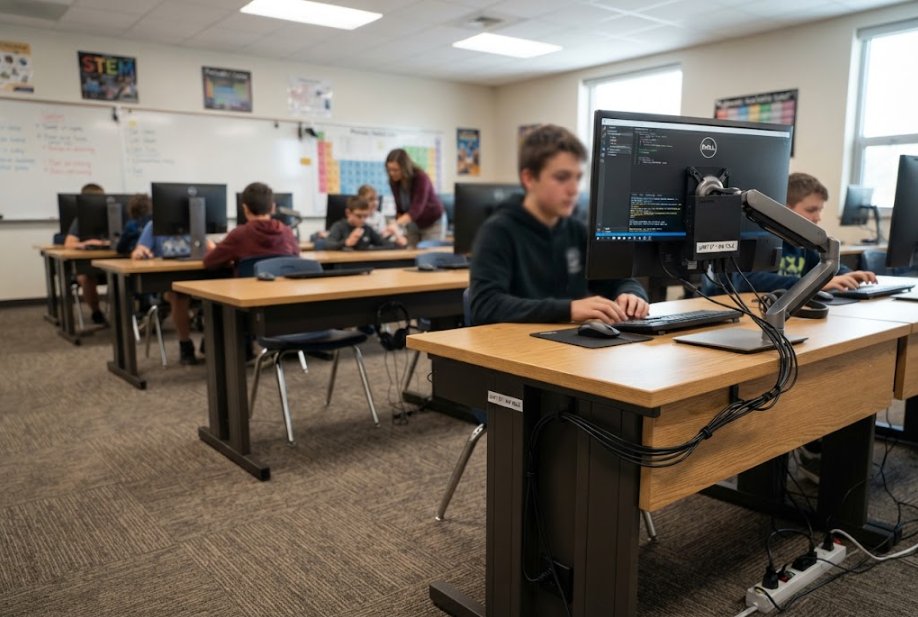
The desk block is thirty Palm-sized miniPC units, and the economics live in its silence — literal and electrical. The fanless enclosure has no moving parts to fail, which removes the most common desktop repair in a school: a clogged or dead cooling fan. Power draw at idle sits low enough that a lab left booted through a school day costs a fraction of what tower PCs billed a decade ago, and the savings compound across a 200-day academic year without anyone touching a setting. Mounting is VESA, so each unit disappears behind the monitor and the cleaning crew cannot unplug it by accident. On a per-desk basis the calculation is straightforward: modest purchase price, near-zero maintenance events, and an electricity line so small it disappears into the building's baseline. That is what "cheap" should mean for a machine that runs six hours a day, five days a week, for five years.
🖥️ A Big Screen and One Cable in the Teacher Station
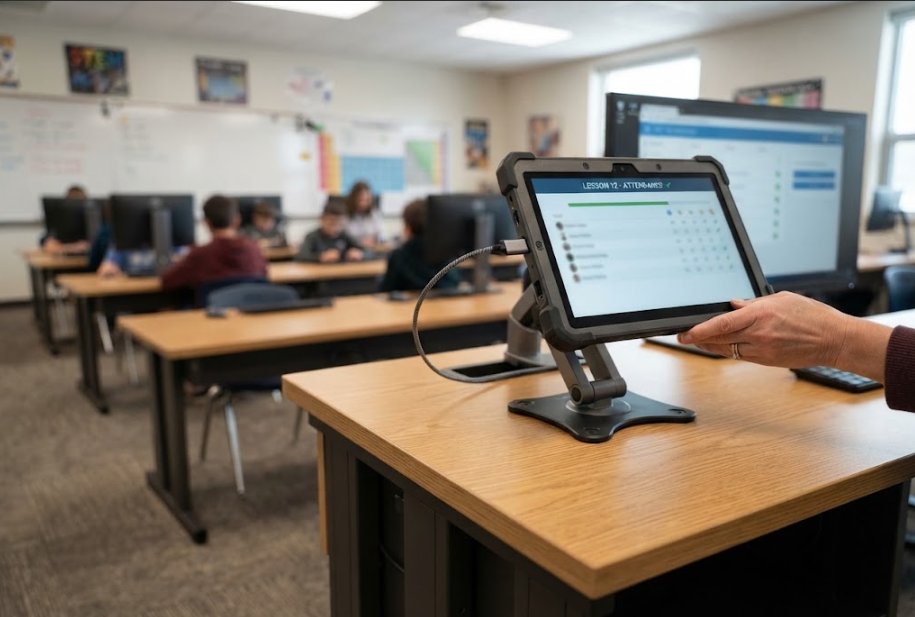
The teaching station is where the ST13-J earns its line. A 13.3-inch Windows rugged tablet replaces the old three-piece arrangement — desktop, monitor, interactive panel controller — with one device the teacher can dock at the desk in the morning and carry to a colleague's room at lunch. Windows keeps every existing lesson plan, exam software and attendance tool running without repurchase, which is a cost avoidance that never appears on a hardware quote but is often the largest line in a renewal: schools routinely discover their software budget, not their hardware budget, kills second-tier platforms. The rugged housing matters financially too. Teaching stations get the heaviest use and the most relocations in a school; a unit that survives moves and desk bumps is one that does not generate a mid-semester replacement request. One device, one cable, one software estate carried over intact — the station block bills once and then goes quiet.
The Tablet Priced for Young Hands
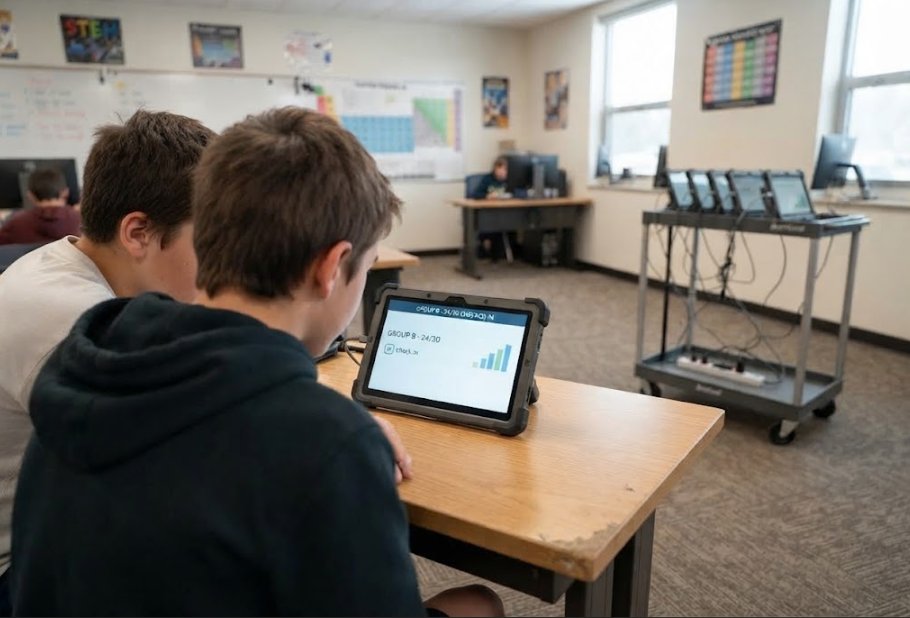
The shared block is a class set of HTNJ08B rugged tablets, and here the honest cost comparison is against consumer tablets, which look cheaper on the shelf and lose the argument by Christmas. The consumer device prices a perfect life; the HTNJ08B prices the actual one, with a housing built for drops, corners that absorb desk-edge impacts, and a touchscreen that keeps working after the treatment a class of ten-year-olds provides. Billing for this block is casualty-driven: ruggedized units generate fewer breakage claims per term, and each avoided claim is the difference between the purchase price of a rugged tablet and a consumer one — usually a gap the rugged device closes within the first school year. Charging carts, spare styluses and replacement units all shrink with it. For a set that moves between classrooms all day, the tablet priced for young hands is the one whose total stops growing after purchase.
🔋 Five Years of Power Bills and Spare Parts
The tail of the bill is where renewals are actually won, and it deserves its own arithmetic. Electricity first: thirty fanless desk units idling low through a 200-day year cost less to run than a single aging tower left on overnight, which many labs still pay for without noticing. Spare parts second: a fanless design has no fans to stock, rugged tablets need fewer screen and battery replacements than their consumer counterparts, and a single spare in the cabinet — one mini PC, one tablet — covers a fleet this size for years. Maintenance labor third, and least visible: every avoided repair ticket is a technician hour or a teacher's preparation period that stayed a lesson. None of these lines appear on the original quotation. All of them appear on the five-year ledger, and on that ledger the ranking of "affordable" devices often reverses.
Where the Money Actually Lands
| Cost Block | Device | Buy Once | Bills Over Time | Five-Year Behavior |
|---|---|---|---|---|
| 30 student desks | Palm-sized miniPC | Modest unit price, VESA mount | Low idle power draw; no fan failures | Electricity nearly invisible; repairs rare |
| Teacher station | ST13-J (13.3" Windows) | One device replaces PC + monitor + panel controller | Software estate carried over, no repurchase | Survives relocations; no mid-semester swaps |
| Shared tablets | HTNJ08B rugged tablet | Higher shelf price than consumer | Fewer breakage claims, fewer spares | Gap vs consumer closed in year one |
Buying for the Replacement Cycle, Not the Catalogue
The discipline this renewal asks for is small: match each block to the bill it will actually generate. Desk units should be judged on watts and moving parts, because that is what thirty of them accumulate. A teaching station should be judged on what it lets the school stop buying — the second monitor, the panel controller, the software migration. Shared tablets should be judged on breakage history, which is the only number that predicts their true cost. A catalogue ranks devices by specification; a budget ranks them by what survives five years of school life. Read the first before signing, but sign on the second.
Bring the Floor Plan, Leave with a Number
If this split matches the room you are planning, the next step is a quotation built the same way: three blocks, five years, no hidden tail. Send us the seat count, the teaching-station layout and how many rooms the tablets will rotate through, and we will return the bill in this exact shape — purchase, power, and spares side by side. You can compare the full mini PC range for the desk block and the rugged tablet line for the mobile blocks, or read our product comparisons and competitor analysis before the board meeting. The number you present should be the one the school will actually pay. We build quotes that way.