Three Shapes at the Login Screen
At 8:55 on a Monday, thirty terminals in one office try to sign in at once. The session broker queues them, the first wave of profiles loads slowly, and the helpdesk learns about it from a ticket rather than a plan. A thin-client rollout lives or dies on mornings like this one — and on the recovery work that follows when an image goes bad. The hardware at each desk decides how much of that pain you feel. This comparison puts three Hotus terminals up against the two boxes most often specified for the same job: the Shuttle XPC slim DH610 and the Lenovo ThinkCentre M75q Gen 5 Tiny.
⚖️ ⚖️ Hotus Palm-sized miniPC, ST13-J and ST13-U vs Shuttle DH610 and Lenovo M75q
The comparison is not box versus box. It is three shapes of endpoint against two: a palm-sized desktop miniPC that disappears behind a monitor arm, a 13.3-inch rugged tablet that can walk with a shift, and a second variant of the same panel tuned for a fixed desk. Shuttle and Lenovo both answer with conventional one-litre boxes. Every device here can hold the same virtual desktop. What differs is who touches the machine when something breaks, and how long the fleet spends recovering.

☁️ The Morning a VDI Fleet Boots Together
Any honest evaluation of thin clients starts with the boot storm. Thirty sessions arriving inside ninety seconds stress the broker, the profile store and the network in ways a single bench test never will. The second stress arrives weeks later: a master image update that has to reach every seat without a technician visiting each one. Terminals that can be rebuilt quickly — or that isolate a damaged profile without taking the desk offline — turn a bad Tuesday into a footnote. Terminals that cannot turn it into a week of tickets. Judge every device below against those two mornings, not against a spec sheet.
📱 🖥️ Palm-sized miniPC: The Terminal That Lives Behind the Badge Reader
Hotus's Palm-sized miniPC runs full Windows on an Intel Core processor, with dual-channel memory up to 64GB that the user can upgrade and two M.2 storage slots. Five USB 3.x ports and Wi-Fi 6 round out the package. Its virtue at a VDI desk is simple: it is a complete, repairable PC that happens to be tiny, so a seat that one day leaves the broker and becomes a local-workload machine loses nothing in the move. When a profile corrupts, an engineer can rebuild the endpoint locally from a USB stick in minutes, without pulling the desk out of service for a depot repair. The trade-off is that it behaves like a PC in every sense — which means endpoint hygiene, updates and lockdown policy are your job, not the vendor's.
🛡️ ST13-J: The Panel That Moves With the Shift
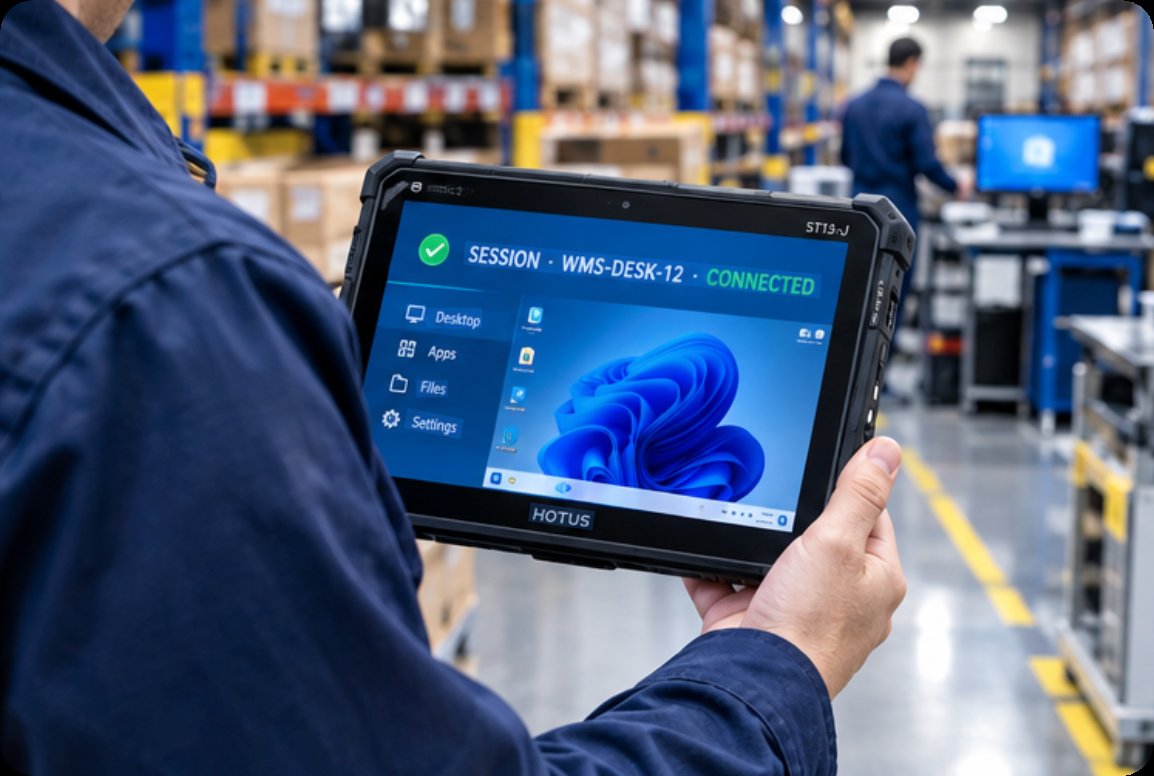
The ST13-J is a 13.3-inch rugged industrial tablet built on Intel's low-power N5100 quad-core platform, with an IP65-rated body intended for fixed and vehicle-mounted use. In a VDI role it suits desks that are not really desks: an intake counter, a workshop bench, a cart that moves between bays. The session follows the worker instead of the worker queuing at a fixed terminal. Because the panel, touch layer and compute live in one sealed unit, there is no separate monitor cable to fail and no tower to dust out. The N5100 will not win benchmarks, but virtual desktops are rendered at the server; the endpoint only has to carry pixels and peripherals, and this one does so at low power.
🛡️ ST13-U: The Same Panel, a Fixed Desk Home
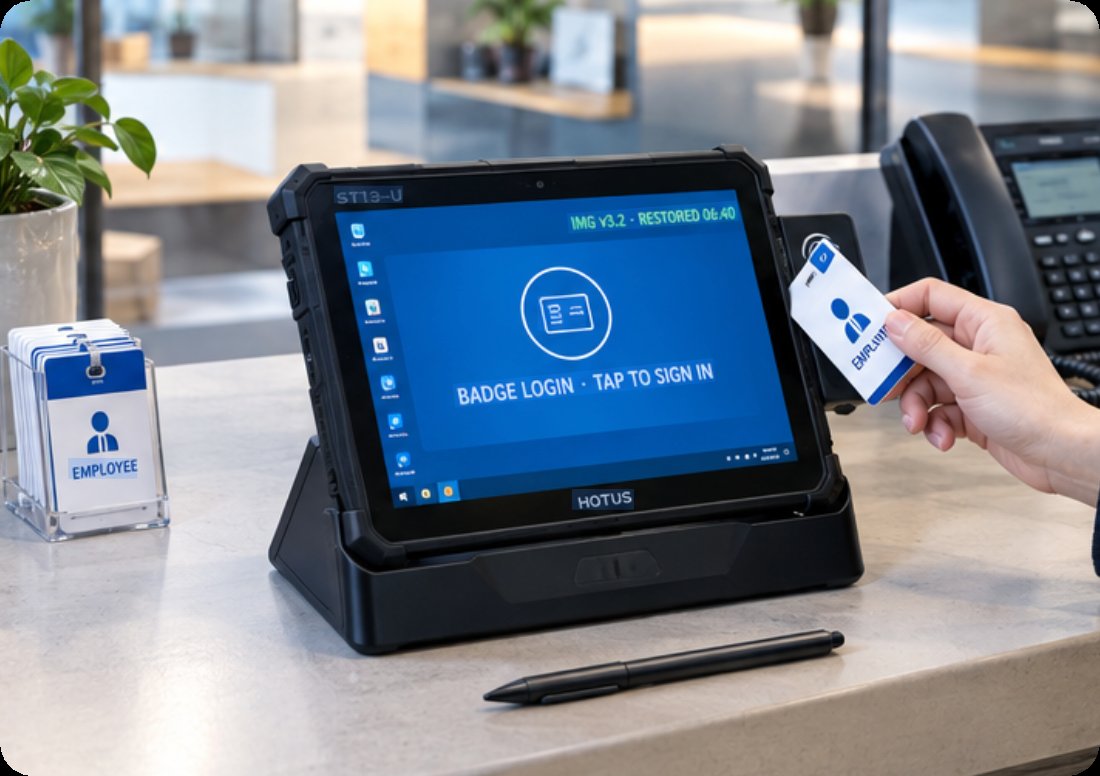
The ST13-U shares the 13.3-inch 1920×1080 IPS panel, ten-point touch, stylus and wet-hand support, front 5MP and rear 8MP cameras, and an 8000mAh battery with its J-series sibling, in a package tuned for a permanent seat. Docked at a desk it behaves like a slab-style terminal with a touch layer the other four devices here lack entirely. Badge login becomes a tap; the camera covers a quick scan of a paper form without a separate scanner. For a fleet that mixes fixed desks and roving staff, running one image across both Hotus panels keeps the master image count low — one profile family instead of two operating systems.
How Shuttle and Lenovo Stage the Same Morning
The Shuttle XPC slim DH610 takes a socketed LGA1700 board, which means an i3 can be lifted to an i7 years into the fleet's life — genuinely rare at this price. Dual M.2 slots plus a 2.5-inch SATA bay, up to 64GB of DDR4, a COM port and a 1.3-litre body make it a fixture of industrial deployments. Lenovo's ThinkCentre M75q Gen 5 Tiny counters with AMD's Ryzen PRO 8000GE series, DDR5, tool-free access, the Vantage management stack and a three-year Premier Support option — the most mature fleet-management story of the five. Both are honest, well-supported boxes. Their weakness is the inverse of their strength: they assume the worker comes to the desk, and neither offers any path to picking the session up and walking away with it.
One Table, Five Terminals, and What the Table Cannot Say
| Device | Shape | Compute Path | Memory / Storage | Fleet Recovery Story |
|---|---|---|---|---|
| Hotus Palm-sized miniPC | Palm-size Windows box | Intel Core (turbo), user serviceable | Up to 64GB dual-channel; 2× M.2 | Local rebuild from USB in minutes |
| Hotus ST13-J | 13.3″ IP65 tablet | Intel N5100 quad-core, low power | Sealed unit; panel and compute in one body | Swap the unit, keep the shift moving |
| Hotus ST13-U | 13.3″ IPS touch tablet, desk docked | Same panel family as ST13-J | 8000mAh battery; touch, stylus, cameras | One image across both Hotus panels |
| Shuttle XPC slim DH610 | 1.3L socketed box | LGA1700, i3→i7 upgrade in place | 64GB DDR4; 2× M.2 + 2.5″ SATA, COM | Re-image over LAN; parts widely stocked |
| Lenovo M75q Gen 5 Tiny | 1L enterprise box | AMD Ryzen PRO 8000GE | DDR5, tool-free access | Vantage stack + 3-year Premier Support |
Honesty first. Neither Hotus tablet offers anything like Lenovo's Vantage or a full out-of-band management stack, so a thousand-seat deployment that lives on remote console tooling will lean toward the M75q. The DH610's socketed board is a longevity argument no sealed tablet can answer. The Palm-sized miniPC carries Windows PC duties — patches, endpoint policy, licence housekeeping — that a locked-down terminal shields you from. And hot-desk touch workflows that badge in and out all day have no equivalent on either competitor box, which cuts the other way: the right answer depends on whether your desks are fixed or fluid. Buyers should also weigh service reach; Lenovo's support network is global in a way a smaller vendor's is not.
🪧 🪧 Matching the Terminal to the Desk
Fixed seats, corporate image discipline and a support contract you want someone else to own: the M75q Gen 5 earns its price, and the DH610 earns it where COM ports and in-place CPU upgrades matter. A floor where half the workstations move, where the same shift badges in at a bench and then walks the line: that is the Hotus argument. The Palm-sized miniPC holds the desk that must occasionally become a real PC; the ST13-J carries the session to where the work is; the ST13-U parks at the seat and adds touch, stylus and a camera to the login. One image family, three shapes, and a morning boot storm that finally stays boring. That is the whole case.
Comparing endpoint fleets desk by desk is easier with the numbers in front of you. Read more comparison articles, or browse the full rugged tablet line to match a terminal to the desks you actually run.