A digital signage network changes the shape of a maintenance list rather than its length. Content updates, restarts, log reads and firmware pushes all move to a desk somewhere else, and that half of the work becomes almost free. What stays behind is the half that needs a person standing in front of a screen with one hand free and the other holding a tool. Teams that move from a handful of standalone panels into a proper digital signage network usually notice this after the first quarter, when the remote half runs well and the on-site half has quietly become the expensive one.
That on-site half splits again at the level of the individual node, and three units cover it here. The Palm-sized miniPC is the layer that can be lifted out and replaced instead of repaired in position. The HTXUK10A-55 10" Rugged Tablet is the layer that walks to the panel and confirms what no agent can confirm from a desk. The HCAR5000 MI is the fixed layer, where a spare box on a shelf behaves less like stock and more like a written procedure.
What the Network Took Off the Visit List
Every function an operator used to drive to a site to perform is now a session on a laptop. A clip that fails to loop is replaced from an office. A player that has stopped answering is restarted without leaving a chair. A log that explains yesterday's freeze is downloaded and read at leisure. This is the real argument for a network, and it is usually sold on the wrong grounds: not the cost of the screens, but the cost of the journeys that stop happening. What the network cannot do is reach the panel itself. It can tell you a device is online, and being online is a much weaker statement than most operations teams assume. A screen can hold a heartbeat while showing a frozen frame, a torn cable can still negotiate a link, and a surface nobody has cleaned in four months answers every ping perfectly. The list did not get shorter. It got sorted, and only one of the two piles can be worked from a chair.
The Unit That Can Be Carried Out and Replaced
The Palm-sized miniPC is built around the assumption that some failures are not worth diagnosing where they happen. Intel 12th Gen Core options run from an i3-1215U up to an i9-12900HK, with up to 12 cores and 16 threads, memory to 64GB across DDR4 3200MT/s or DDR5 5200MT/s, and storage spread over two M.2 2280 NVMe slots plus two 2.5-inch SATA bays. Its display output reaches three screens at once through two HDMI 2.1 ports and one Type-C port. The feature that matters for a maintenance round is the one printed last on the sheet: a bare weight of 800g, in a PC+ABS case, on a single DC lead. That is a unit one person can lift off a shelf, unplug and carry to a bench, whether the task is a drive swap or a straight replacement from stock.
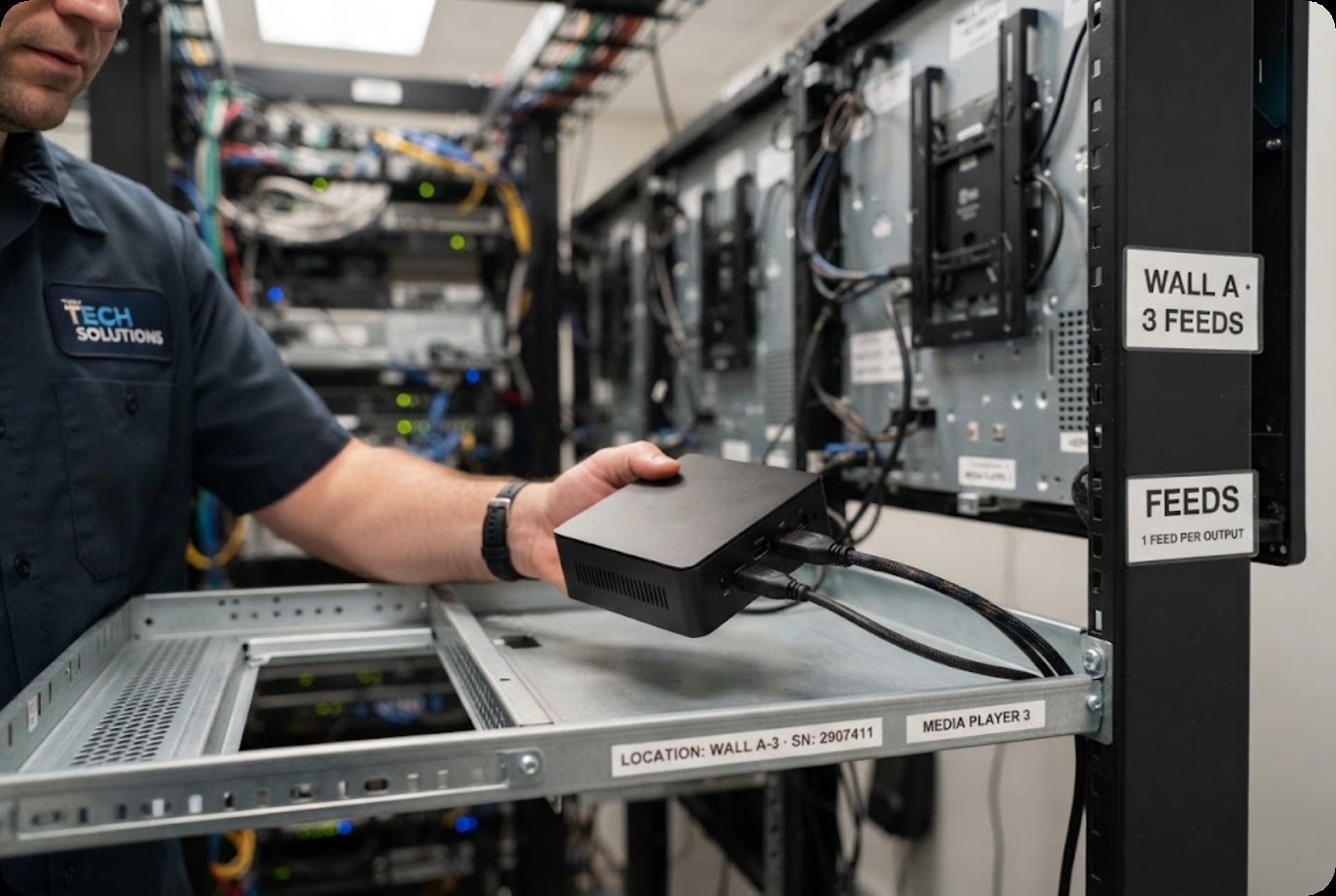
Treating it that way changes what a call-out has to achieve. The visit no longer ends with a working player but with a known-good unit seated and a suspect unit bagged, and the diagnosis moves to a desk where a spare power supply and a spare monitor are already available. The published deployments list a video wall controller role for this chassis, driving three displays independently, which is exactly the duty that makes removal easier than repair: one cabinet handles several screens, so the fastest path back to a full wall is a swap.
When the Panel Cannot Confirm What It Shows
The HTXUK10A-55 covers the check that no management platform performs, because the platform was never built to see it. Its sheet gives a 10-inch LCD at 1920 by 1200 and 550 nits, with a 700-nit option, a ten-point capacitive layer rated 7H, Windows 11, an Intel Core i7-1255U, 16GB of RAM, a 7.6V 11200mAh detachable battery rated at seven hours, IP65 sealing and an operating range of -20 to 60 degrees Celsius. Those numbers describe a device that can be carried into daylight and survive a wet, cold or dusty site without special handling.
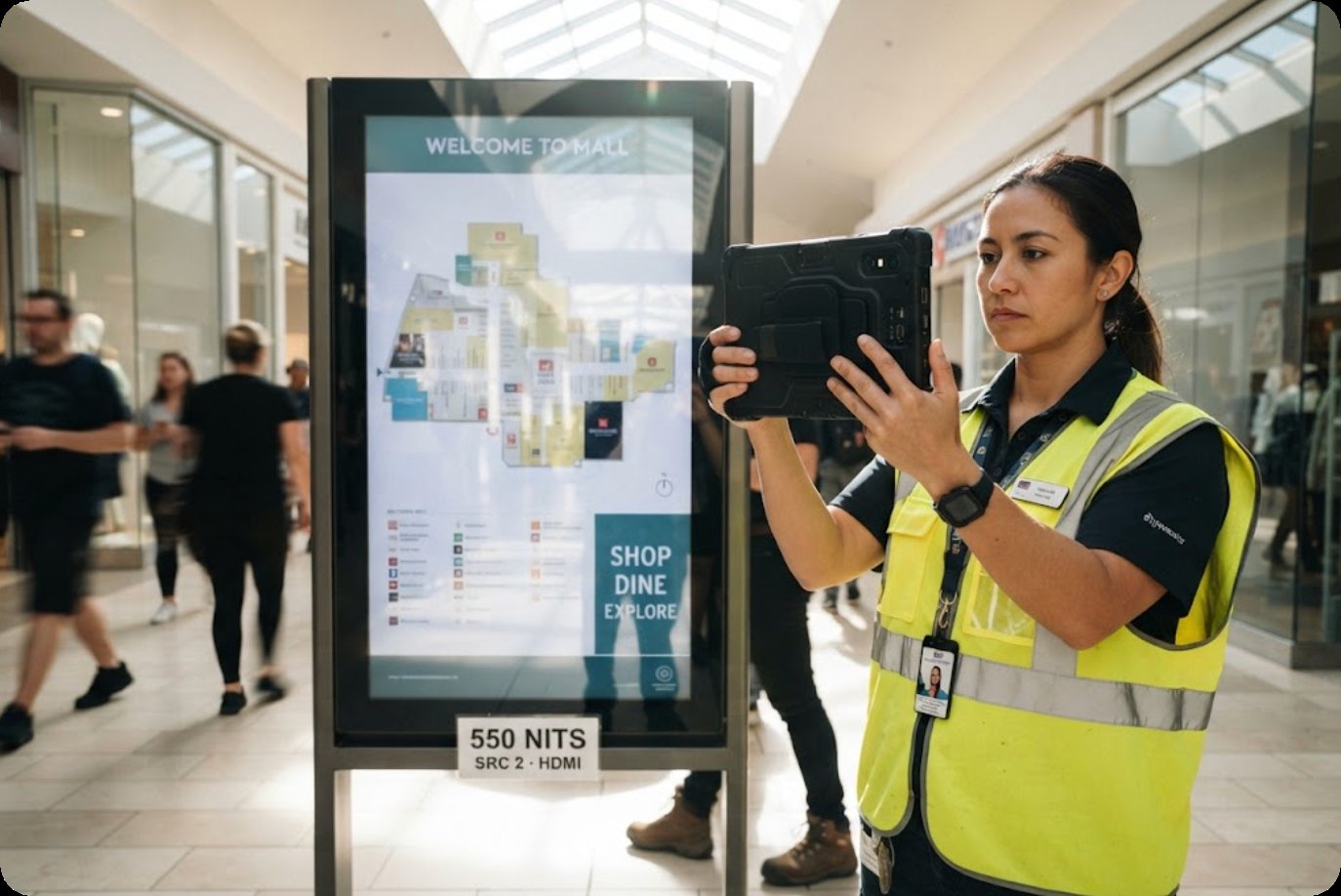
The value in a maintenance round is the comparison the device makes possible. A panel reported as online may still be showing the wrong source, a dimmed backlight or a surface scratched through its coating, and none of those conditions travels back over a network. Walking the row with a tablet that reads 550 nits in the same daylight the panel faces turns a vague complaint into a measurement. The detachable battery matters for the same reason: a check that depends on a charged unit is a check that gets skipped, and a spare cell removes the excuse.
When a Spare Unit Is the Procedure
The HCAR5000 MI sits at the other end of the same argument. It is the fixed node, built around AMD Ryzen 5000H processors with Radeon graphics, memory to 64GB of DDR4 3200MHz, and storage from a 128GB SSD up to 1TB, or a 7200rpm hard drive where capacity matters more than speed. At 202 by 212 by 65 millimetres and 2455g it is not a unit anyone carries out on a whim, and its port set, including RJ45, dual DisplayPort output on one connector and a Type-C port with video, points at a cabinet rather than a desk.
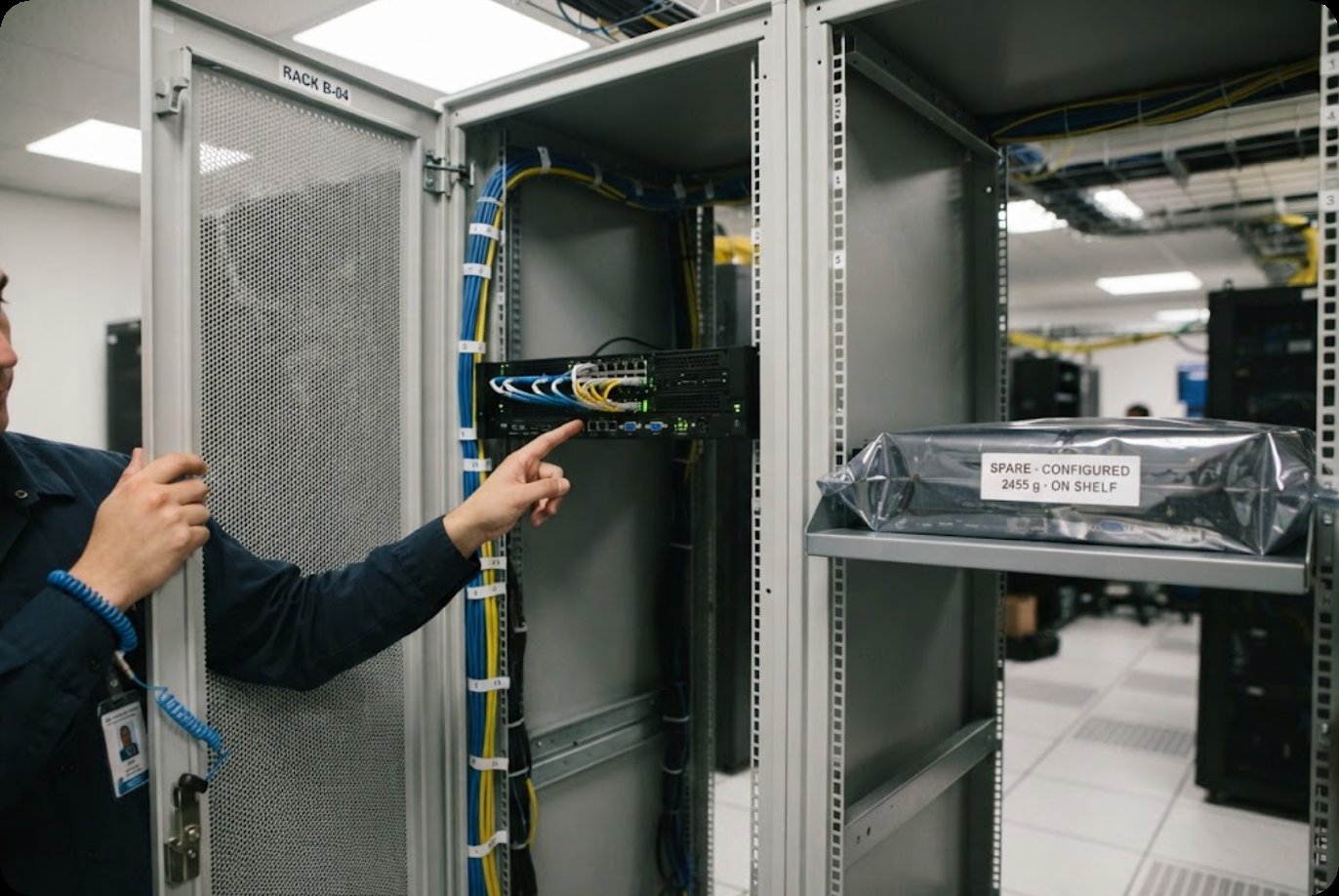
For a node like this, the maintenance plan and the spare parts list are the same document. Buying a second unit and leaving it configured on a shelf turns an open-ended repair into a defined window: disconnect, unbolt, seat the replacement, and take the failed chassis away. The alternative, diagnosing a fixed machine inside a cabinet while a screen stays dark, is the version of maintenance that runs long and costs the most.
What Still Needs a Body on Site
| Unit | Where its service face sits | Work that can be handled from elsewhere | Work that needs a person in front of it |
|---|---|---|---|
| Palm-sized miniPC | On a shelf or behind the panel, on one power lead and one display lead | Content, restarts, log reads, firmware | Lifting the unit out and seating the replacement |
| HTXUK10A-55 10" Rugged Tablet | In the hand, walking the row | Almost nothing that settles a complaint | Brightness, source selection, touch surface, seal condition |
| HCAR5000 MI | Fixed in a cabinet, on mains power | Content, reboots, remote sessions | Cable seating, airflow path, chassis exchange |
Read down the last column and the shape of a real visit appears. Three nodes, three different kinds of access, and only one of them is a job that can be finished with a laptop on a nearby table. The planning consequence is that the visit list should be assembled from the right-hand column first, and everything in the middle column should be cleared before anyone travels.
What Each Data Sheet Gives You
| Model | Published specifications |
|---|---|
| Palm-sized miniPC | Intel 12th Gen Core (i3-1215U to i9-12900HK), up to 12 cores and 16 threads; DDR4 3200MT/s or DDR5 5200MT/s to 64GB; two M.2 2280 NVMe slots plus two 2.5-inch SATA bays; Wi-Fi 6 and Bluetooth 5.2; two HDMI 2.1 and one Type-C for triple 8K output; Windows 11 or Linux; 800g |
| HTXUK10A-55 | Intel Core i7-1255U; 10-inch LCD, 1920 by 1200, 550 nits with a 700-nit option; ten-point capacitive at 7H; Windows 11; 16GB RAM; 128GB storage; 7.6V 11200mAh detachable battery rated 7 hours; IP65; -20 to 60 degrees Celsius; 284 by 189 by 32 millimetres |
| HCAR5000 MI | AMD Ryzen 5000H series; Radeon Vega10 graphics; DDR4 3200MHz to 64GB; SSD from 128GB to 1TB or HDD at 7200rpm; RJ45, three USB 3.0, two USB 2.0, DisplayPort 2.0b and Type-C with video; 202 by 212 by 65 millimetres; 2455g; Windows 10 or 11 |
The three sheets do not use the same weight convention, and that is worth noticing before anyone builds a comparison table from them. Two quote a bare figure for the unit itself, while the tablet page publishes a gross figure that includes its carton and packing. Lining those numbers up as if they measured the same thing would produce a comparison that looks tidy and means nothing.
Writing the Round by Reachability, Not by Interval
Most maintenance schedules are written on a calendar. A monthly clean, a quarterly check, an annual service, applied evenly across every node. On a networked site that evenness is the flaw, because two nodes on the same interval can sit at opposite ends of the cost scale. Reaching a panel fixed in a cabinet means arranging access, finding the right person with the right key, and often working around the hours the site is open. Reaching a handheld that lives on a shelf costs a walk and a spare battery.
Sorting by reachability produces a schedule that matches the site instead of the calendar. Nodes that are easy to reach take a short, frequent check, because the cost of doing it again is small. Nodes that are hard to reach take a longer, less frequent inspection, with more items folded into each visit so that nothing is left for the next one. The 800g unit on a shelf belongs in the first group. So does the tablet. A 2455g chassis bolted into a cabinet belongs in the second, and its entry should read less like a cleaning task and more like a planned exchange.
Two Lists Before the First Call-Out
The practical version of all this fits on two sheets. One lists everything that can be settled from a desk, with the route to do it beside each line. The other lists what has to be seen in person, with the access notes attached: which key, which hours, which pair of hands. Building those two lists takes an afternoon and changes what a maintenance contract has to cover.
For sites still working out which nodes belong in each column, our full hardware range covers the fixed and portable ends of the same deployment, and the product comparisons set the published figures side by side for anyone assembling a specification list.